Cuboid Variation
This sample illustrates how a systematic variation (DoE = Design of Experiments) can be set up.
Load Model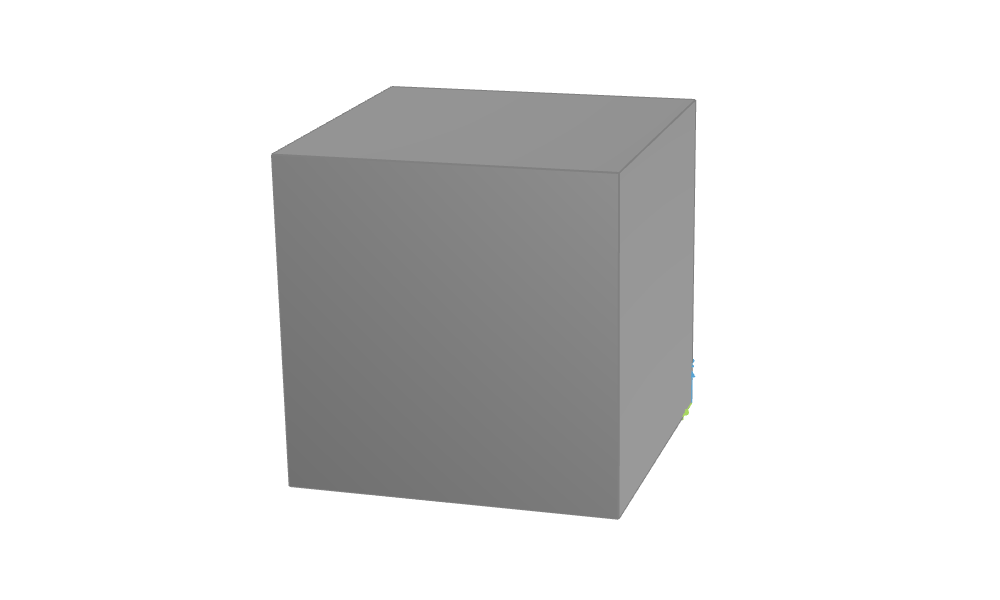
The cuboid can be varied by the design variables L, W and H. The presented setup is exemplary for optimization projects where, for instance, initially a variation is run in order to check out the design space and, secondly, an optimization is started from promising designs. For an optimization, just the design engine type changes - the setup looks similar to this example.
Also, an inequality constraint is given which shall simply monitor the volume in order to provide information in case it falls below a minimum value. It can be found in the object tree in the Optimize workspace, see the branch "Constraints".
For the variation a Sobol has been chosen. A user-defined set of numbers for the design variables is permuted and the corresponding designs will be created. Start the design engine 'Sobol' by selecting it (branch 'Design Engines'), then press the green triangle-like button in the upper toolbar (or via context menu, right mouse button). The resulting designs will be archived below the branch 'Designs' in the object tree: double-click on such a design makes it to the current design.
Note that only evaluations and constraints that are chosen in the design engines are listed in the result table after finishing the run. For instance, the table can be sorted by means of the lowest value for surface or volume (e.g objective sorting), diagrams can be interactively plotted and a comprehensive PDF-report can be automatically generated and stored: it plots each evaluation and constraint against each design variable.