CAESES Sample Models
Take a look at the sample models provided in CAESES and browse through ideas of how to set up your parametric model or use them as a starting point to kick-start your model setup.
Interactive Modeling
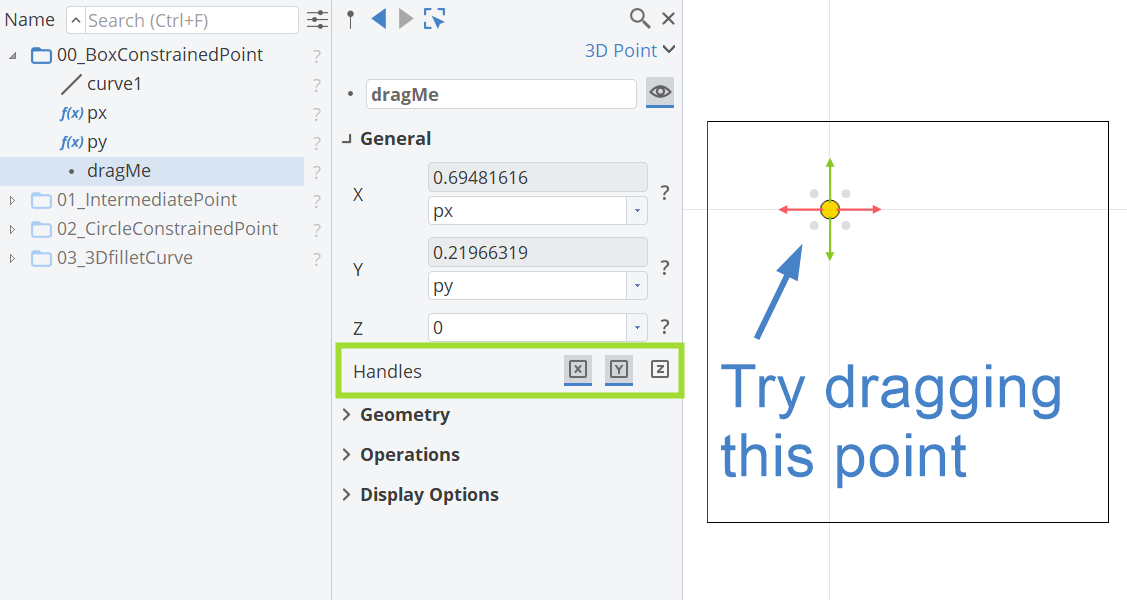
Interactive Modeling
Learn how to constrain a point in a box or a circle, create flexible intermediate points or 3D fillet curves.
Variation and Optimization
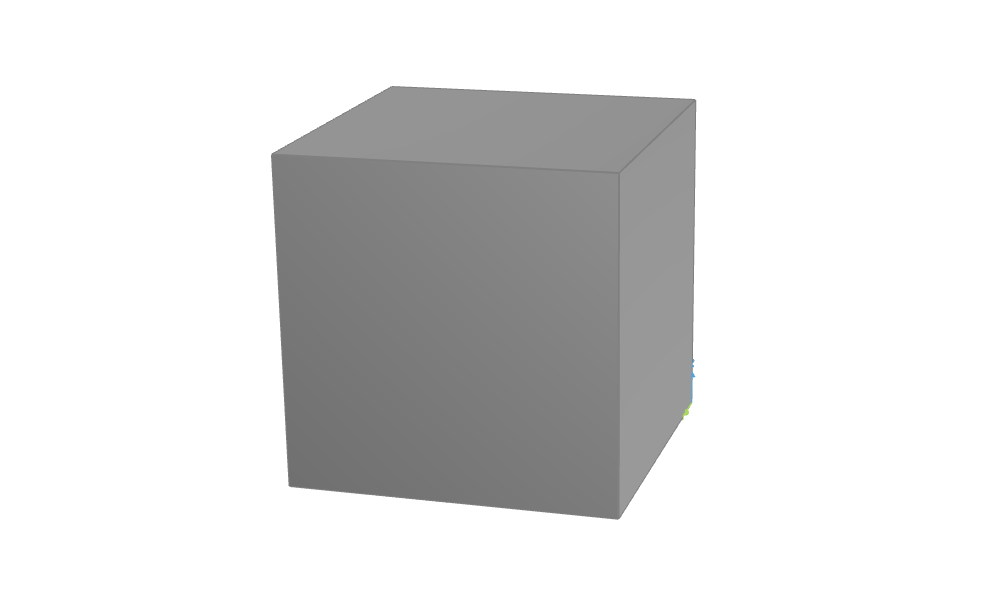
Cuboid Variation
Cuboid with systematic variation setup for length, width, height and inequality constraint monitoring the volume.
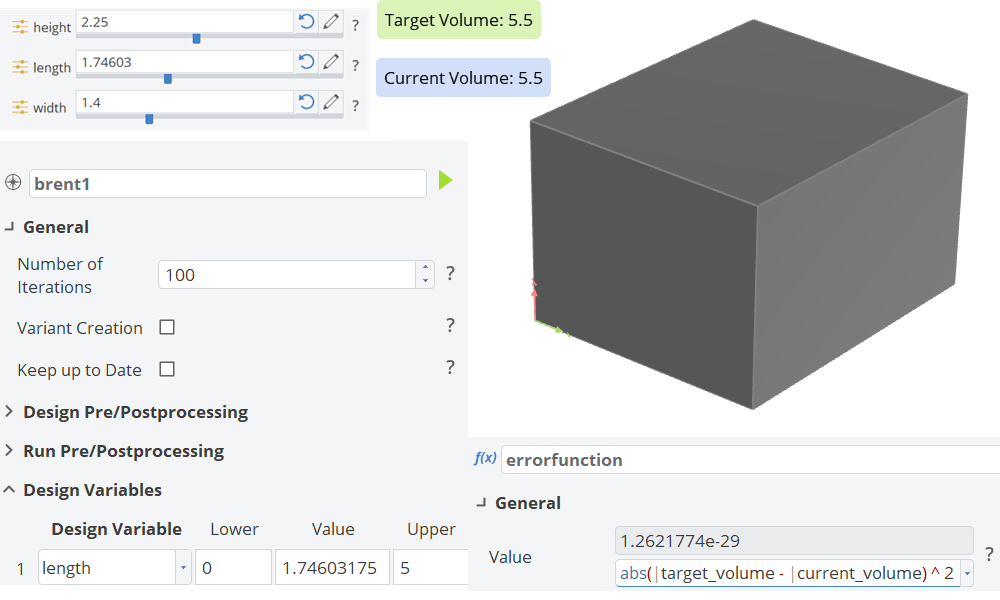
Fulfilling Geometry Constraints
Reach the volume target by automatically adjusting the length for each design variant.
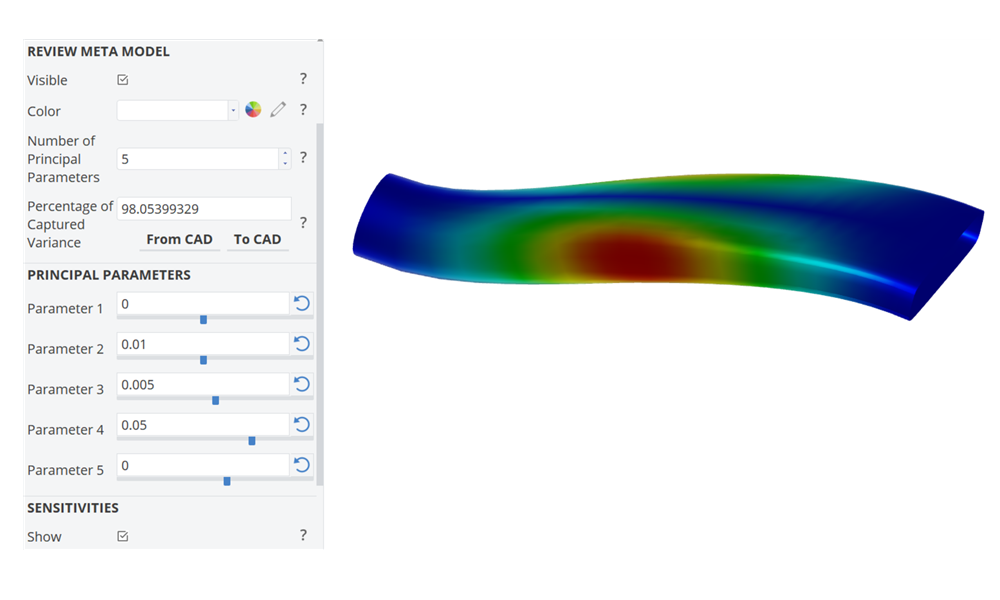
Dimensionality Reduction with PCA
S-duct variation based on a principal component analysis to reduce the number of free design variables.
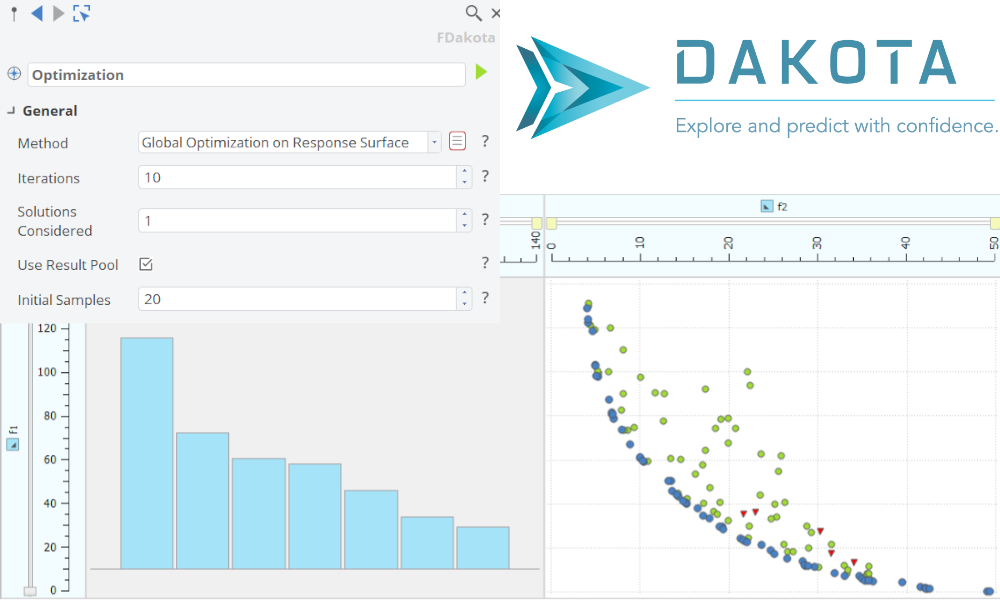
Dakota - Advanced Optimization Strategies
Best practice for sampling methods and response surface based optimization.
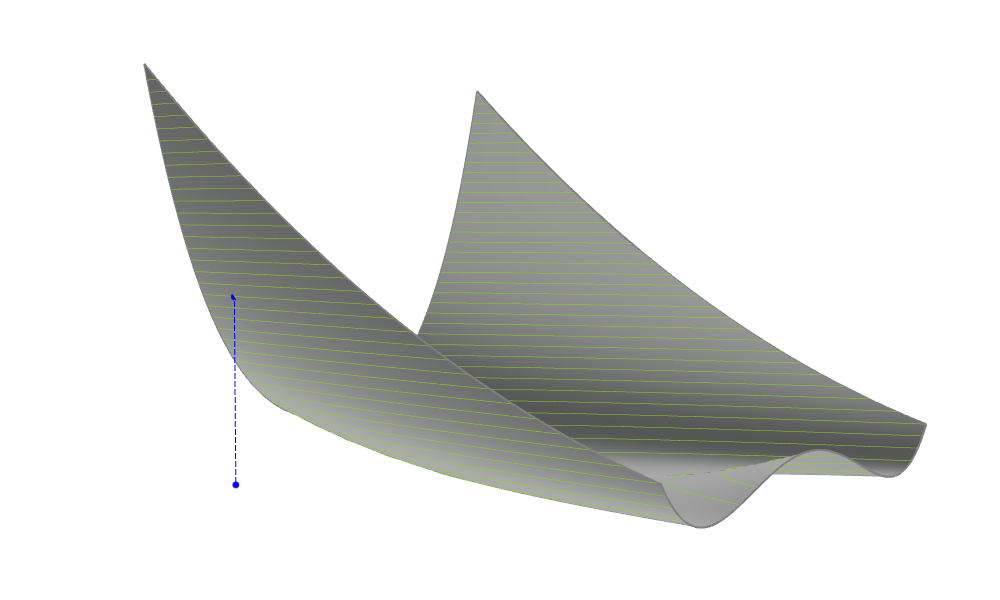
Rosenbrock Function
Rosenbrock surface to test single objective design engines.
Software Connection
General Connections
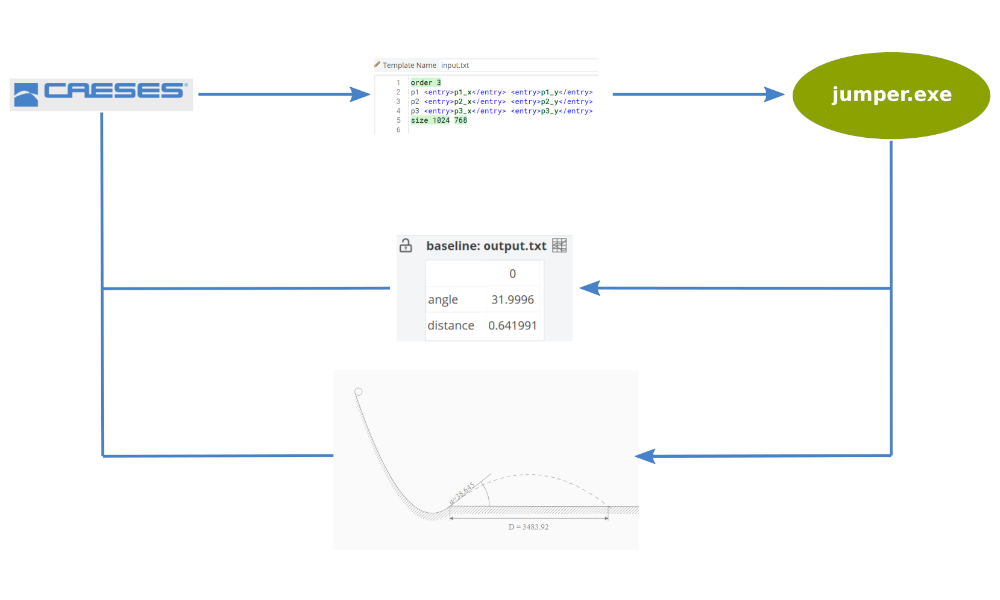
Basic Connection - Jumper
Starting point to learn the general setup of a software connection.
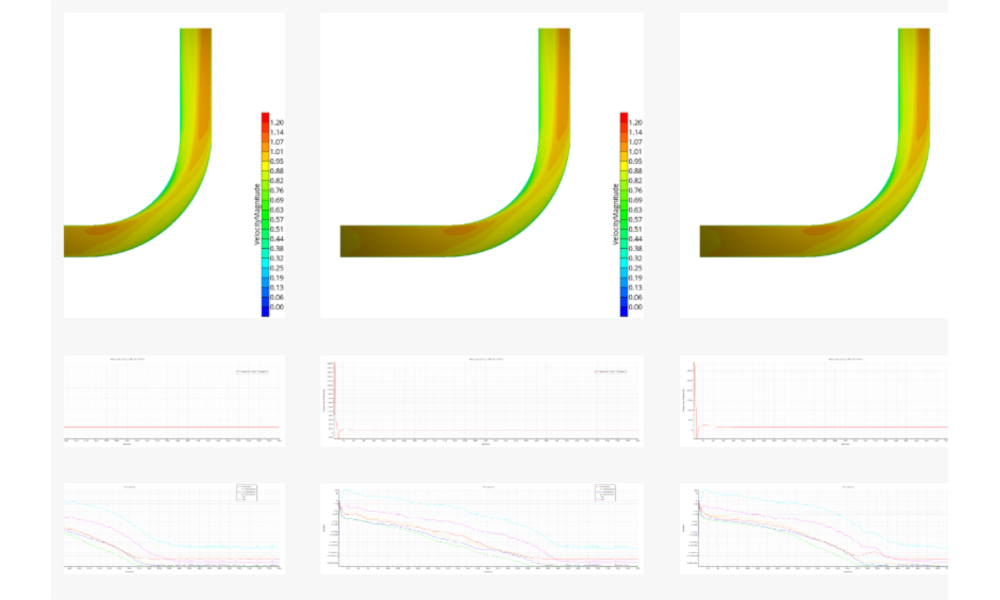
General StarCCM+ Connection
General StarCCM+ connector setup for a 90 degree duct.
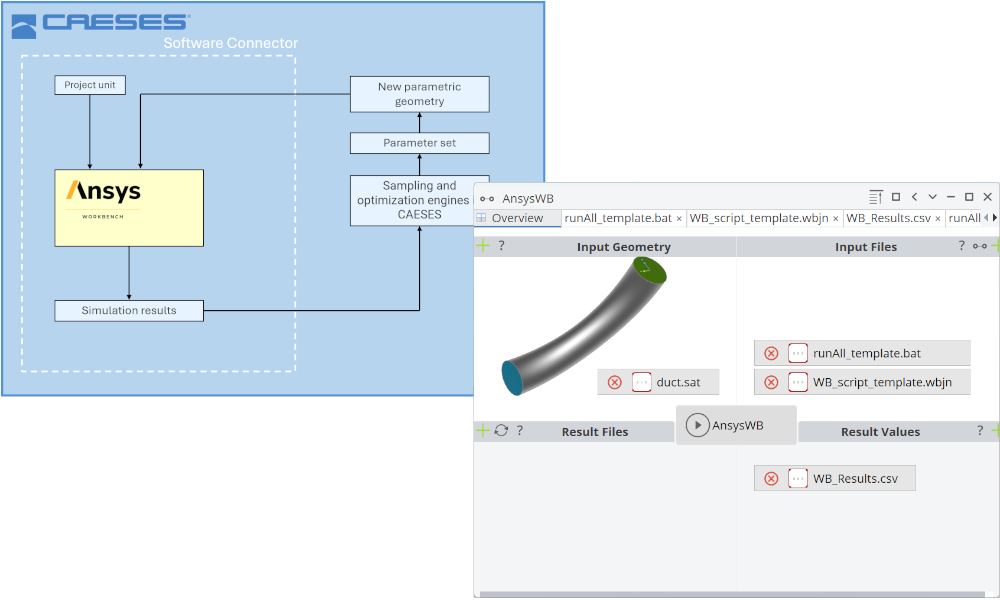
ANSYS Workbench Connection
ANSYS Workbench included inside CAESES using the Software Connector.
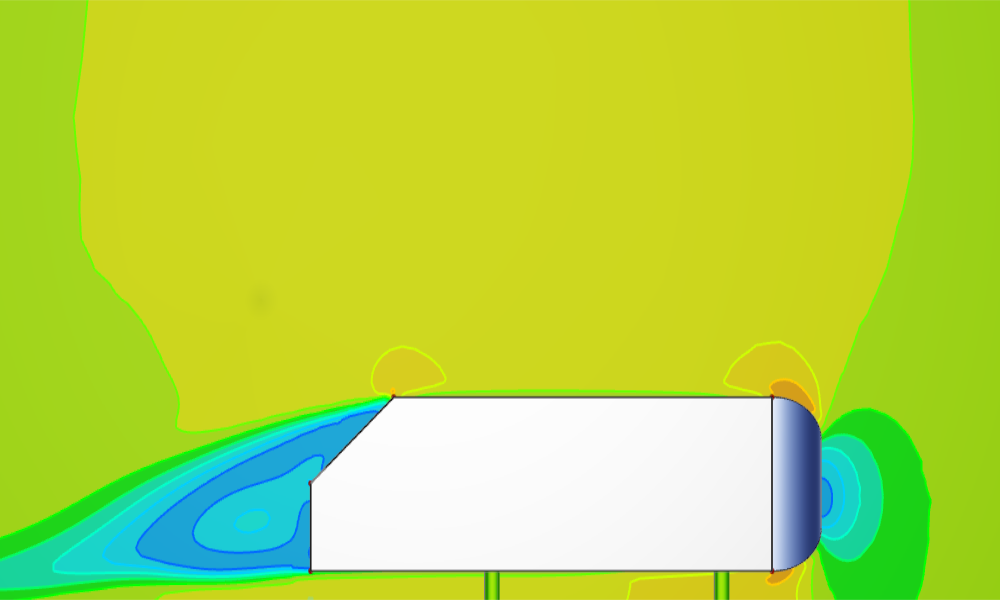
Ahmed Body with OpenFOAM
Modeling of an Ahmed Body and a OpenFOAM software connection setup.
Maritime Connections
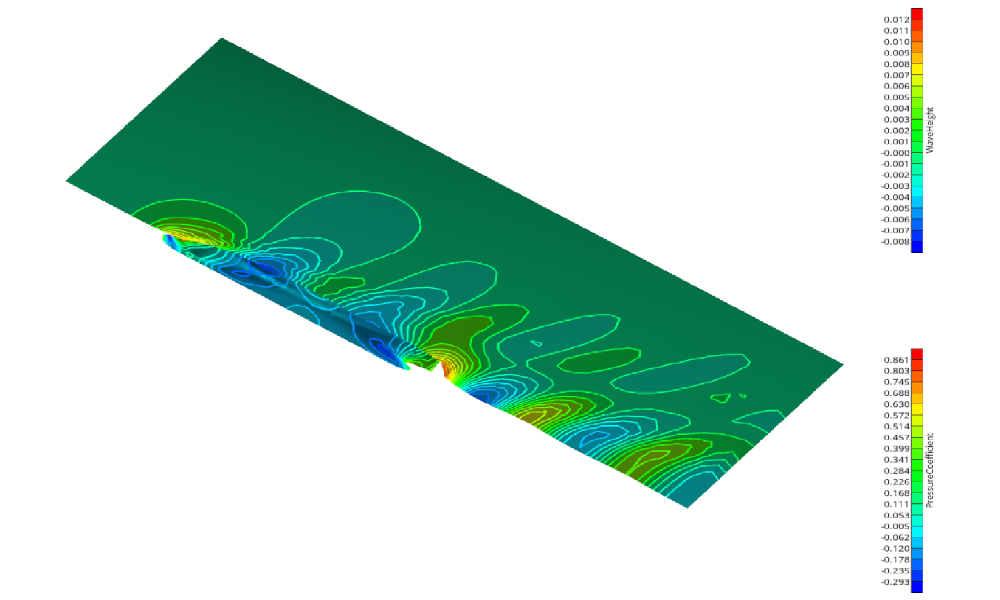
Shipflow Connection
A step-by-step shipflow connection setup.
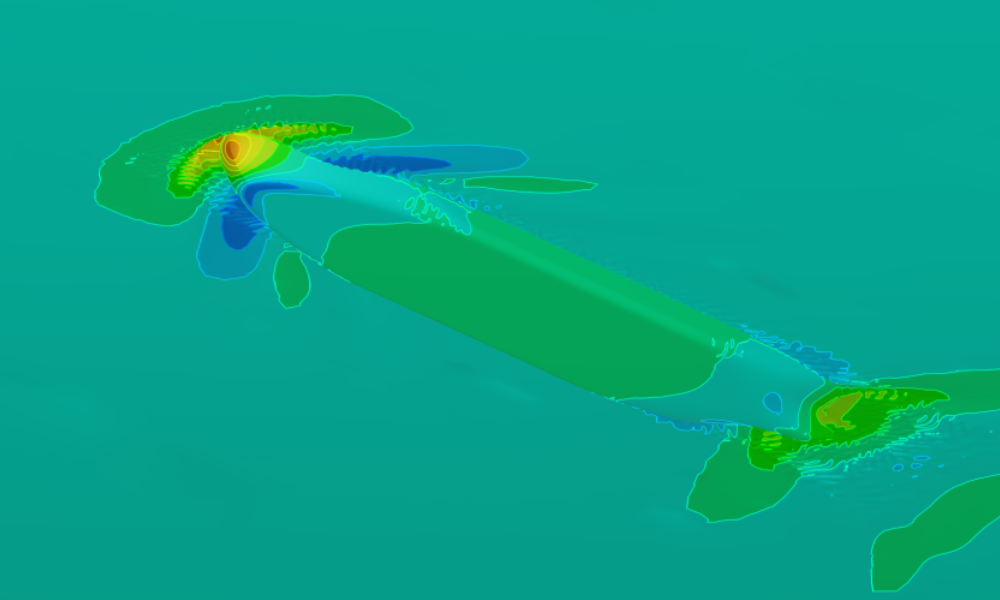
openFOAM Connection
Shows how to setup the pre-configured OpenFOAM connector for a ship based on the ship modeling workflow.
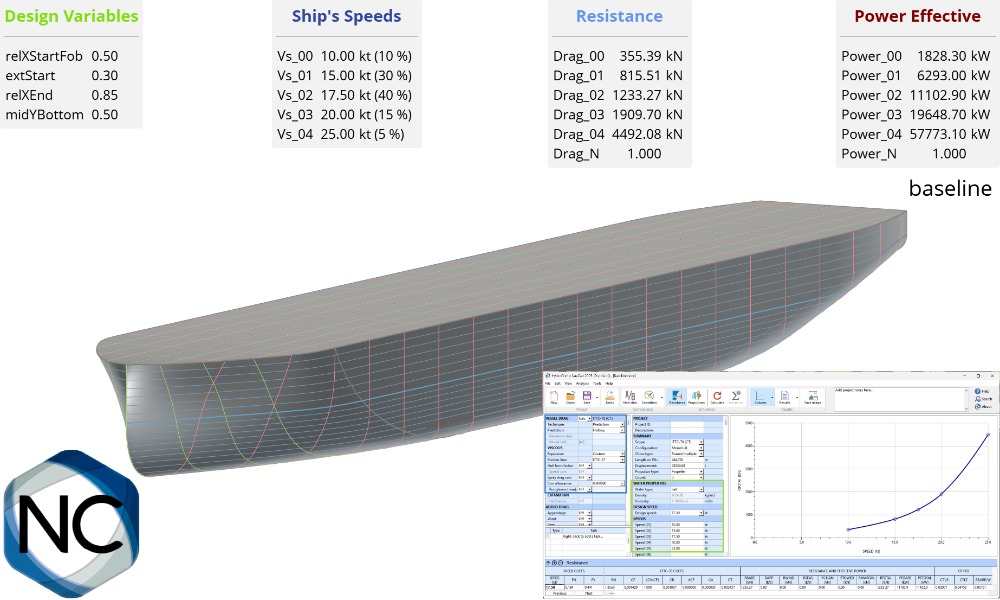
NavCad Connection
Learn how to connect NavCad with CAESES for hydrodynamic and propulsion system optimizations.
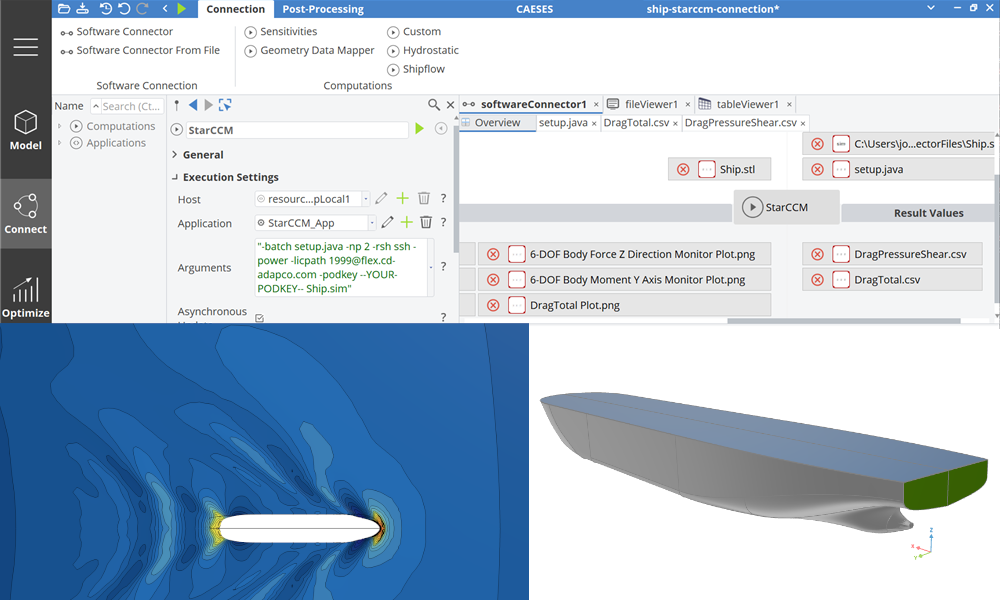
Maritime StarCCM+ Connection
Shows how to setup the pre-configured StarCCM+ connector for a ship based on the ship modeling workflow.
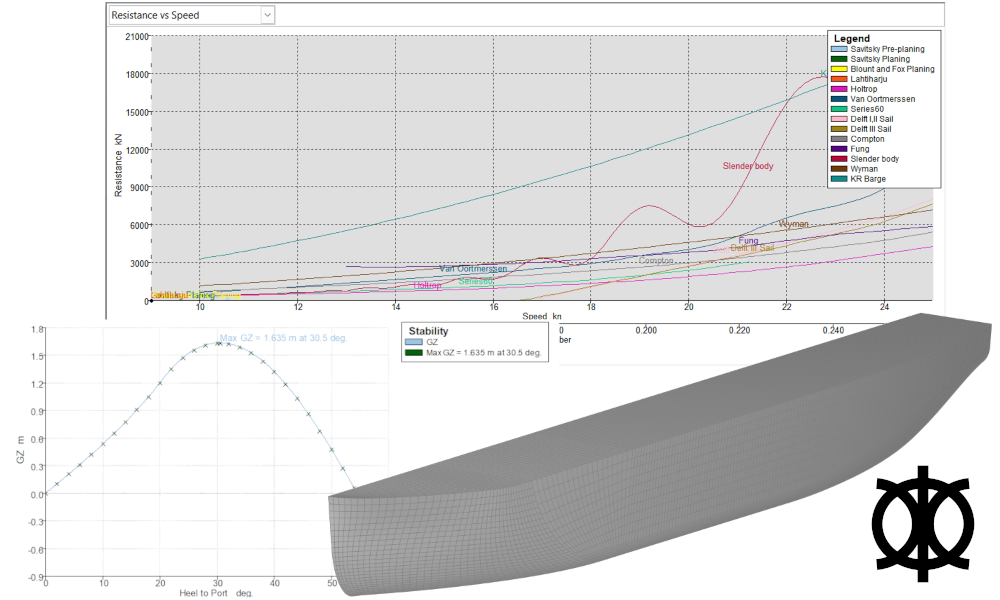
Maxsurf Connection
Connect Mawsurf for stability and resistance calculations.
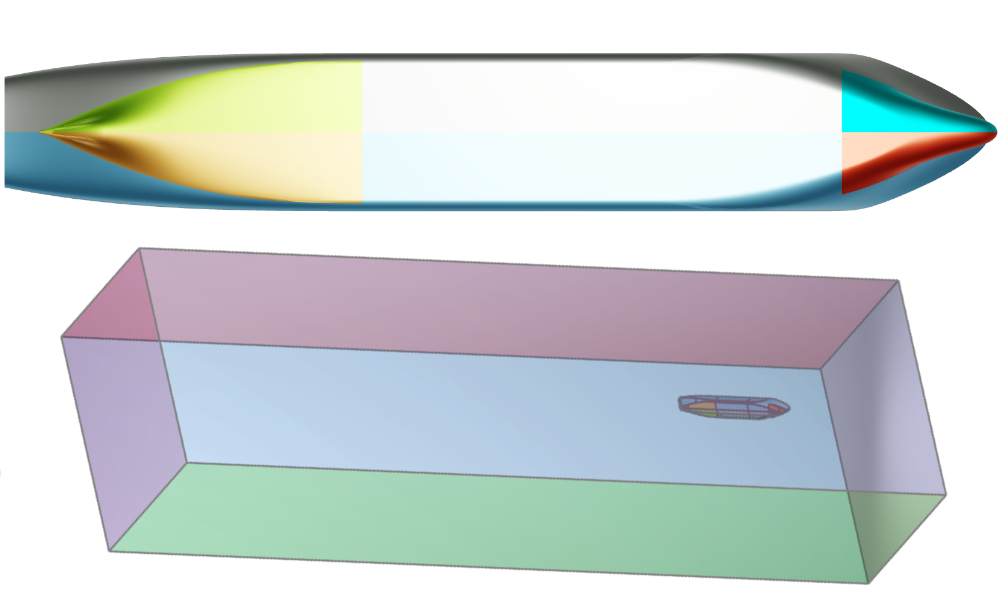
Fine Marine Pre-Processing
Boundary conditions setup by assigning colors in CAESES, for HEXPRESS mesh generation with a colored STL as export format.
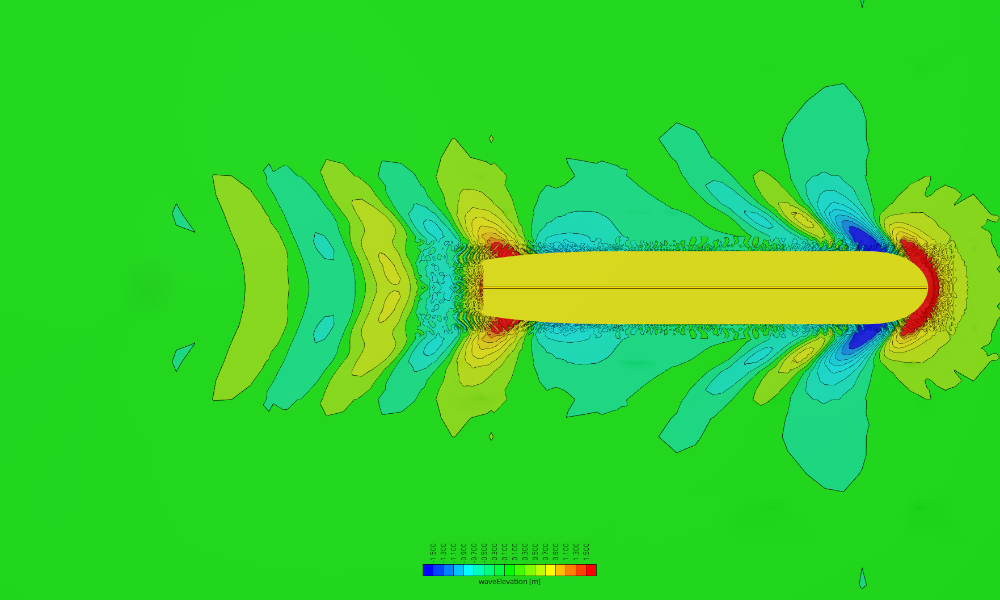
Naval CFD Post-Processing
Setup of a Reynolds-transformation of integral values as well as preparation of visualizations.
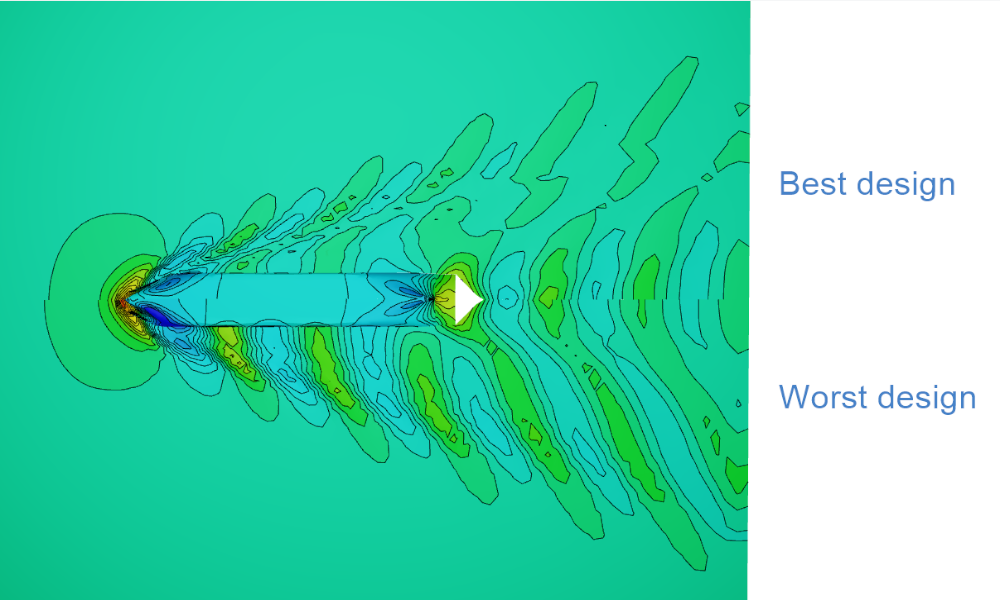
CFD Results Comparison
How to compare CFD results in the 3D view using the default ship from the Ship Modeling Workflow, evaluated using a simple SHIPFLOW setup.
Turbomachinery
Impeller
The following sample models are included in the Turbo Add-On.
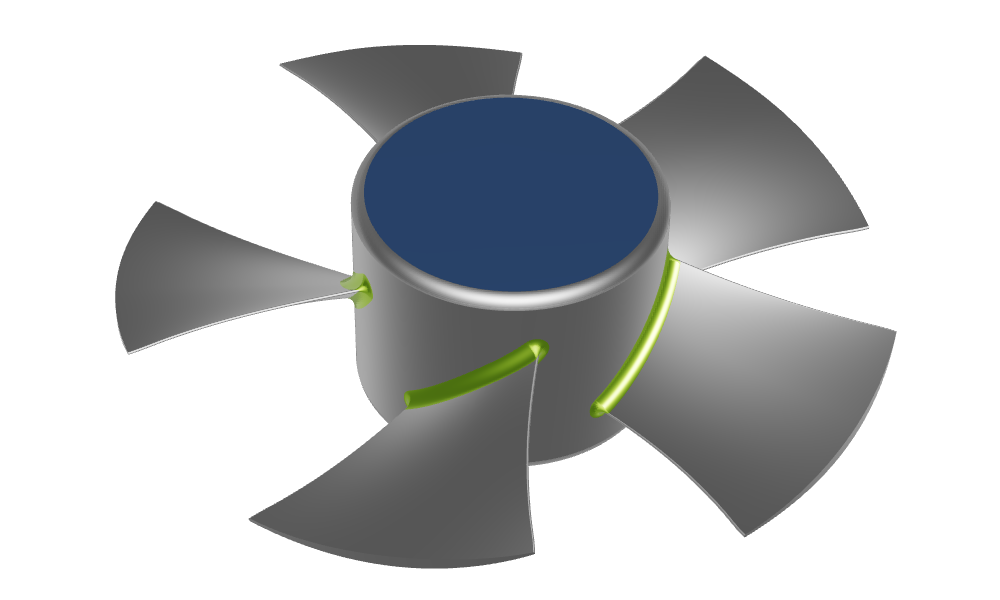
Axial Fan
A fully-parametric axial fan with a constant radius fillet
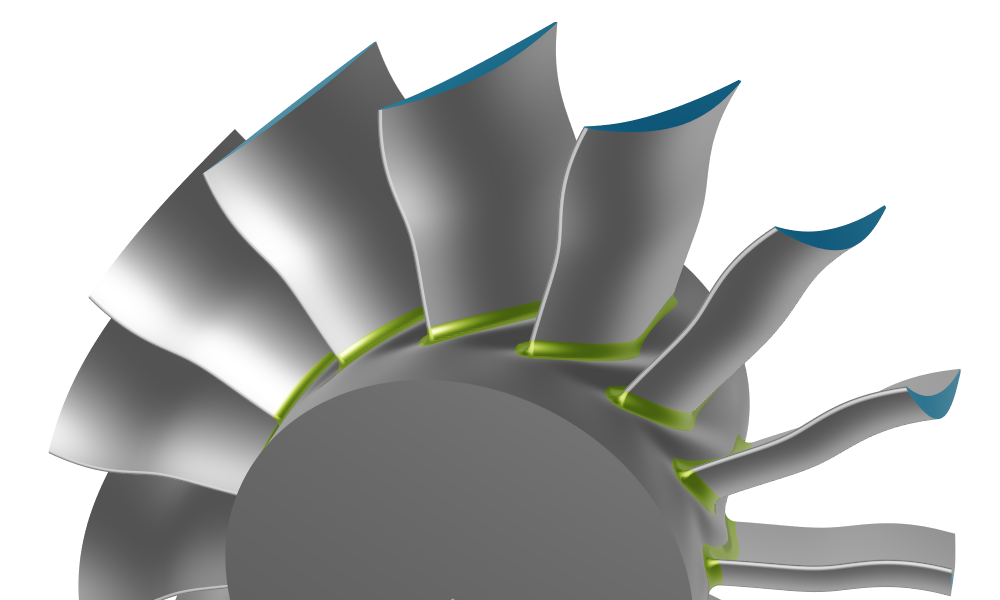
Axial Compressor Stator
An axial compressor stator with a constant radius fillet
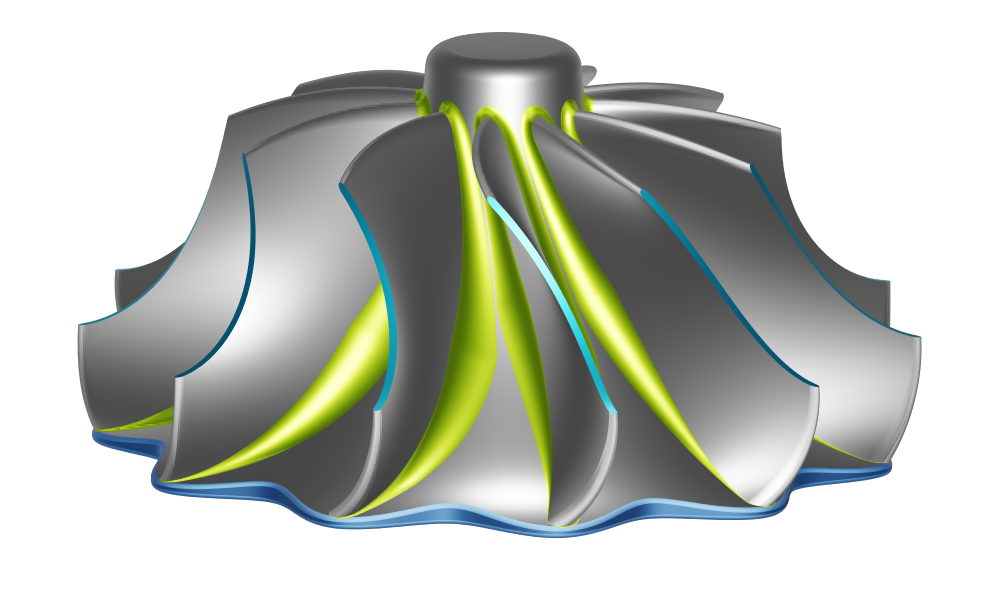
Radial Turbine
A radial turbine including solid generation with scallops and a variable fillet with fillet boundary optimization
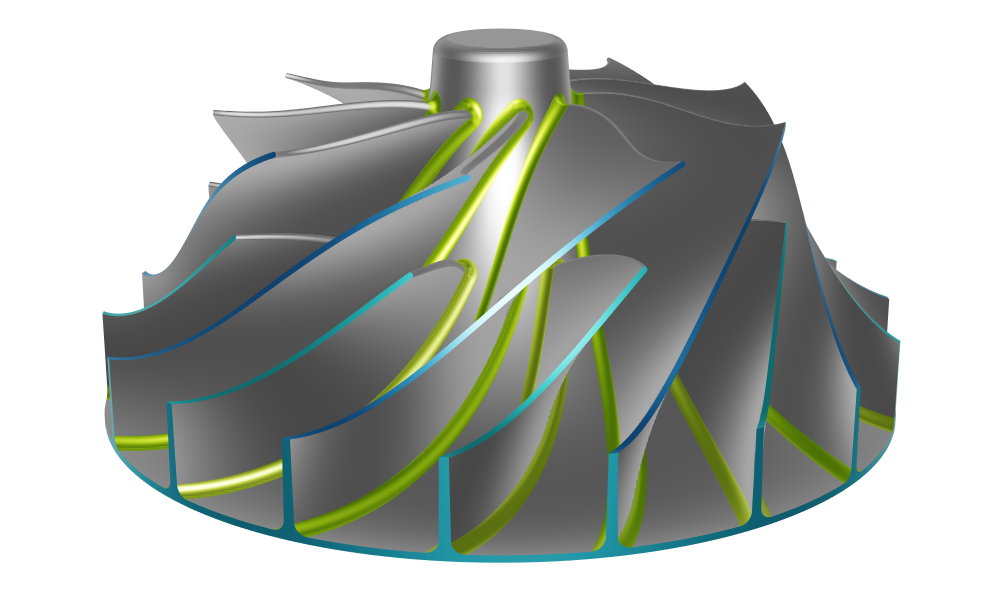
Centrifugal Compressor
A centrifugal compressor with main and splitter blades, a maximum feasible radius fillet, and a solid segment for structural analysis
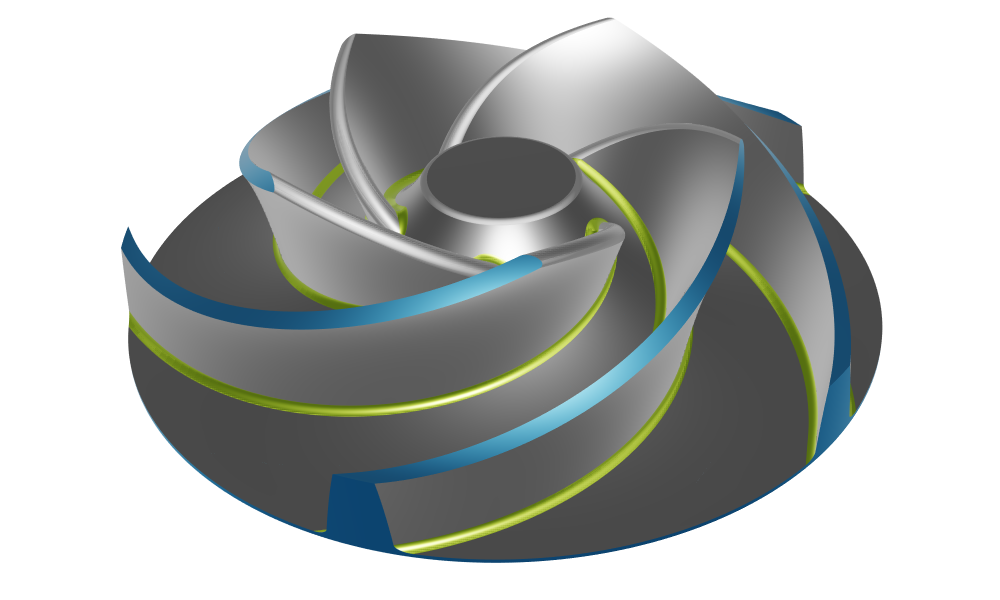
Centrifugal Pump
Centrifugal pump with constant radius fillets
Volutes
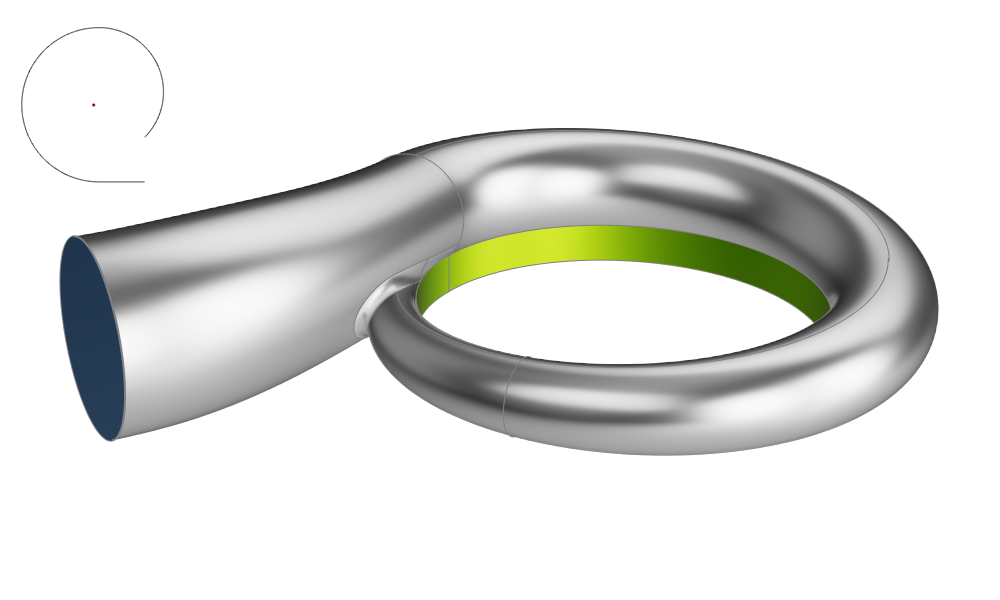
Compressor Volute
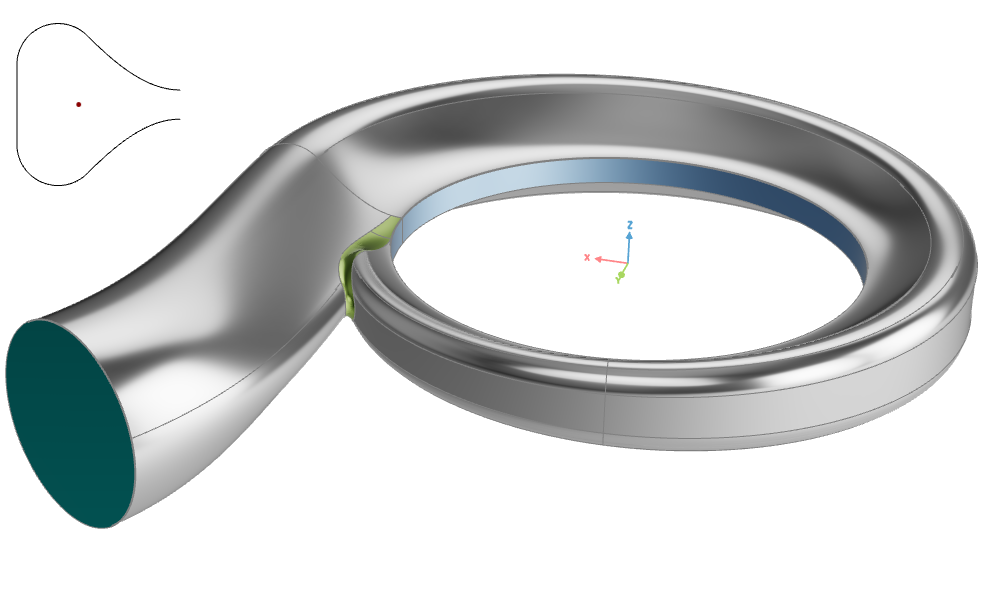
An asymmetric compressor volute with automated Area to Radius (A/R) adjustment based on tutorial profile section 1.
Volute Design
A symmetric volute with automated Area to Radius (A/R) adjustment based on tutorial profile section 3.
Propeller
The following sample models are included in the Propeller Add-On.
Advanced Propeller Workflow
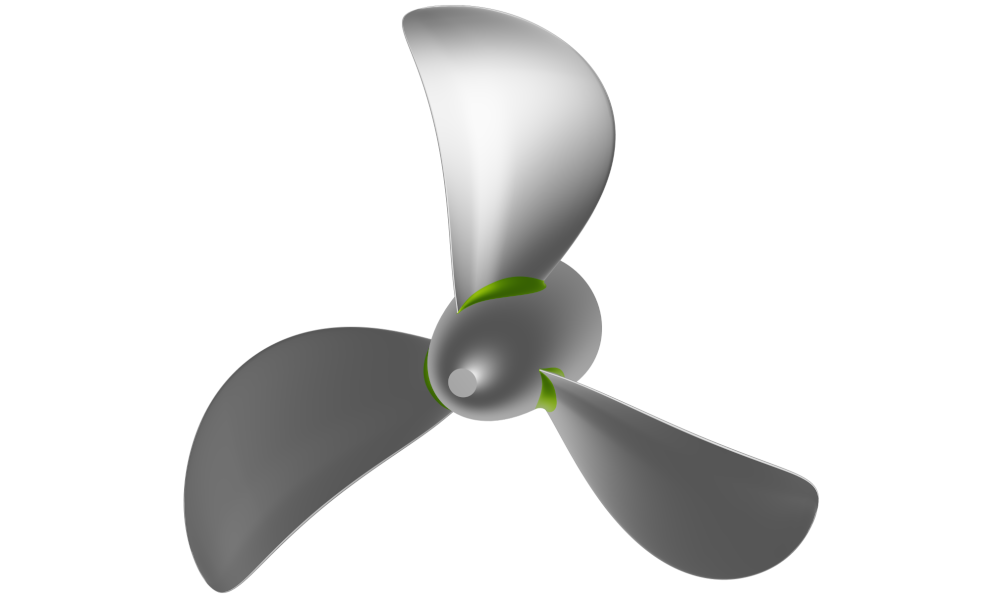
Parametric propeller model from start to finish with option to include a tip rake or highly skewed blades.
Propeller with Imported Profile Data
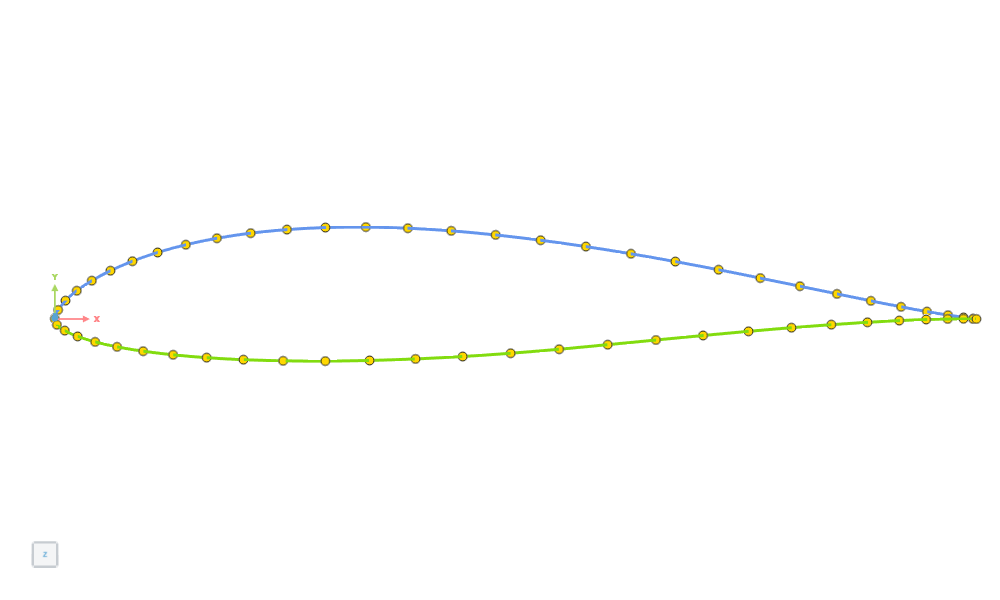
Create a propeller importing a 2D profile from an ASCII file (.dat format) or by importing an existing profile as a Curve.
Propeller with Different Profiles
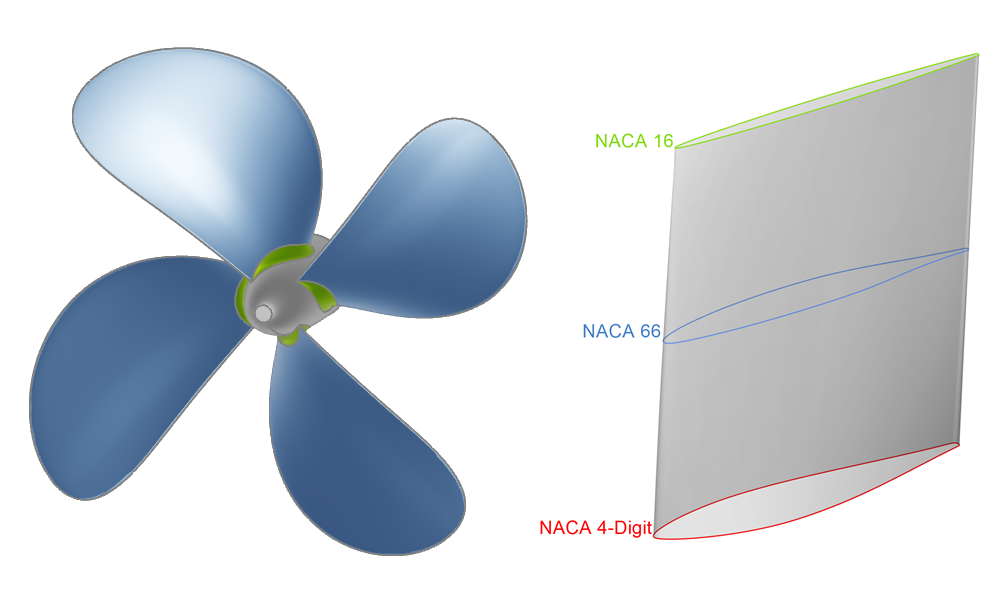
Create a propeller by using different profiles and generating a Profile Surface.
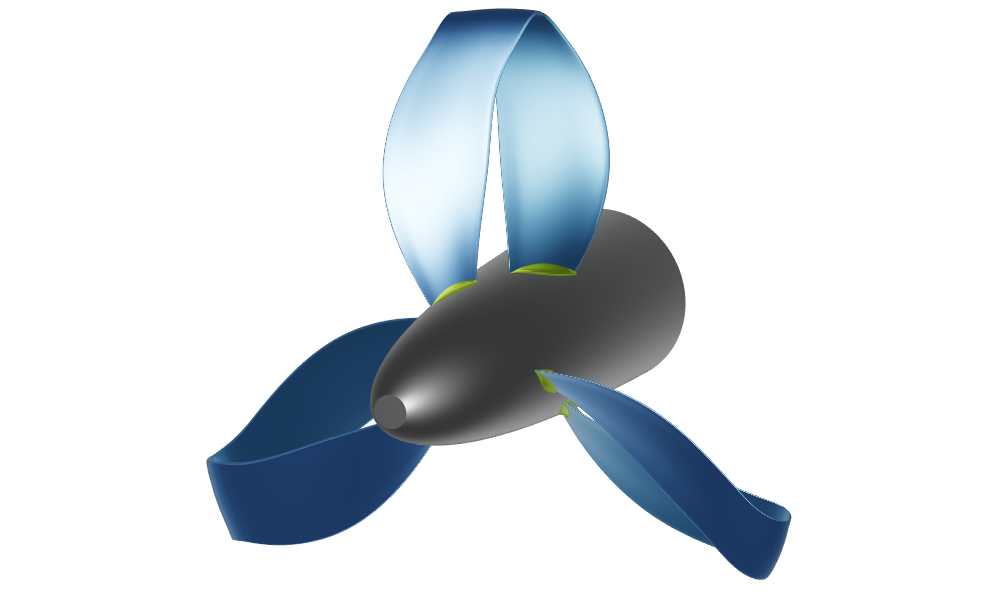
Toroidal Propeller Workflow
Step by step guide to create a fully parametric toroidal propeller in CAESES.
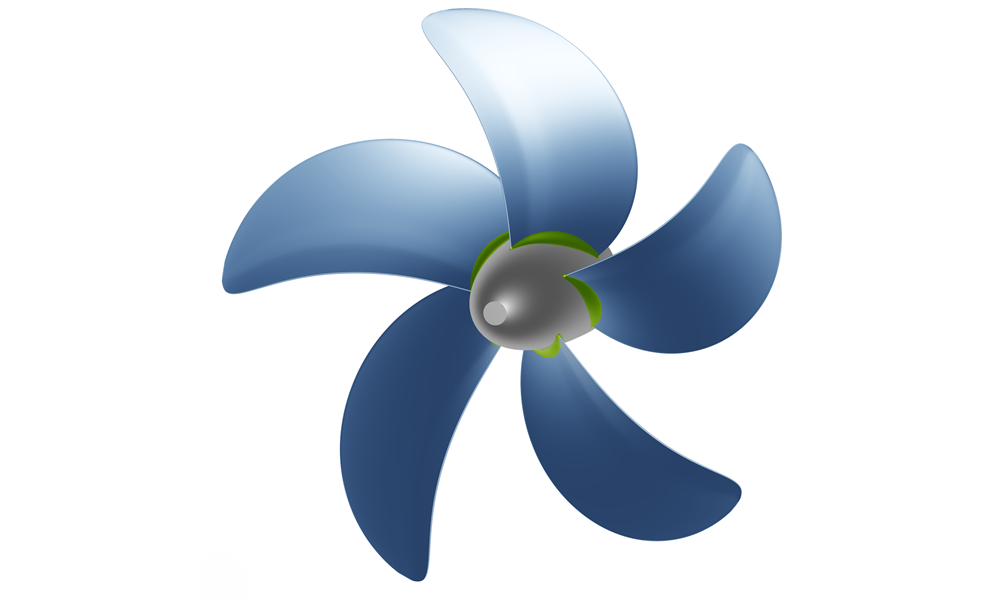
Conventional Propeller
Propeller with typical settings for nominal pitch, rake and skew angles, EAR and number of blades.
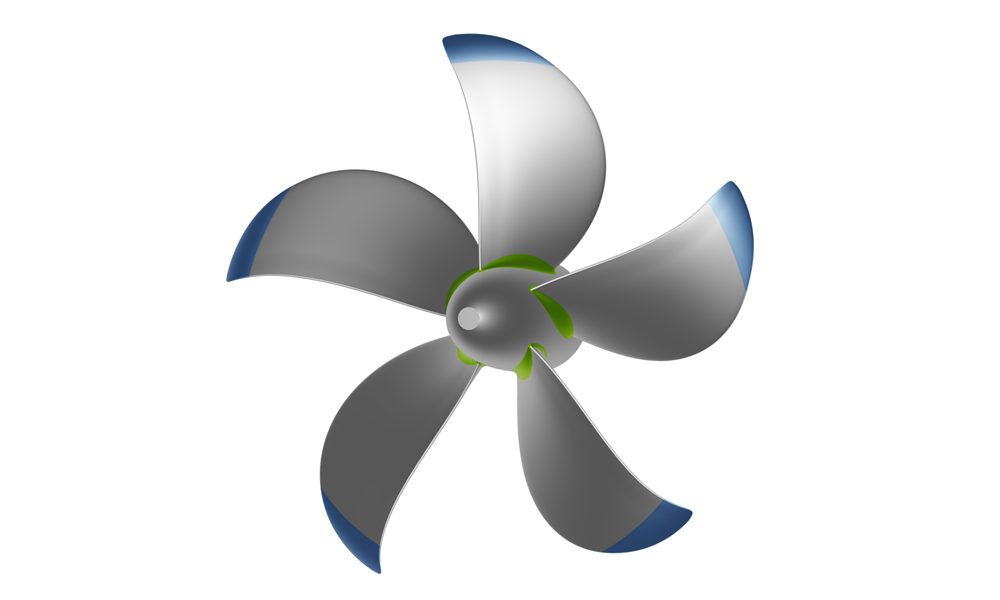
Tip-Rake Propeller
Propeller with NACA 16 profile and control of the Angle of Attack at the tip, that can be bent backward or forwand.
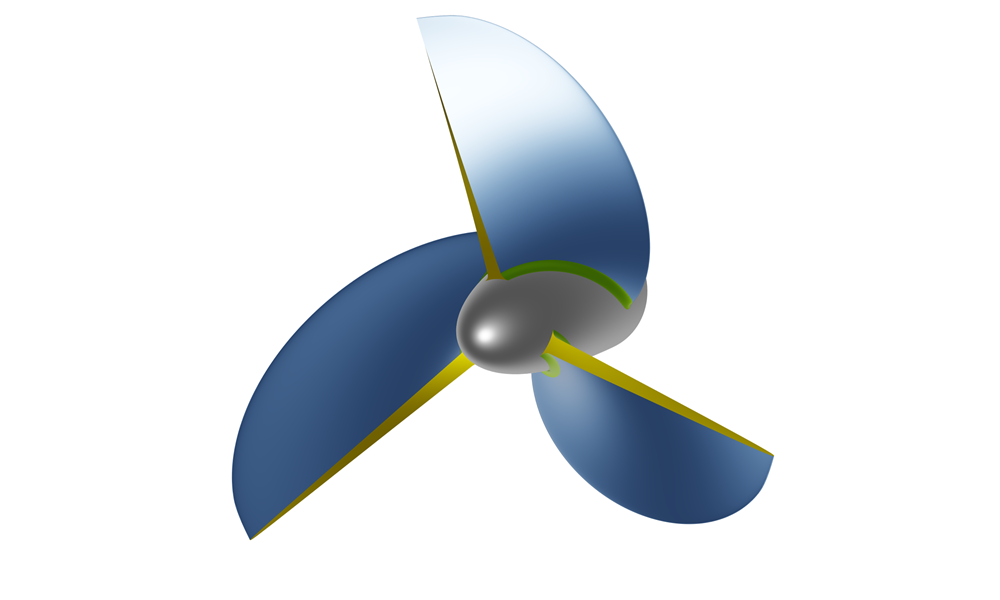
Surface-Piercing Propeller
Propeller with a blunt trailing edge, where the maximum thickness is located, and a sharp leading edge.
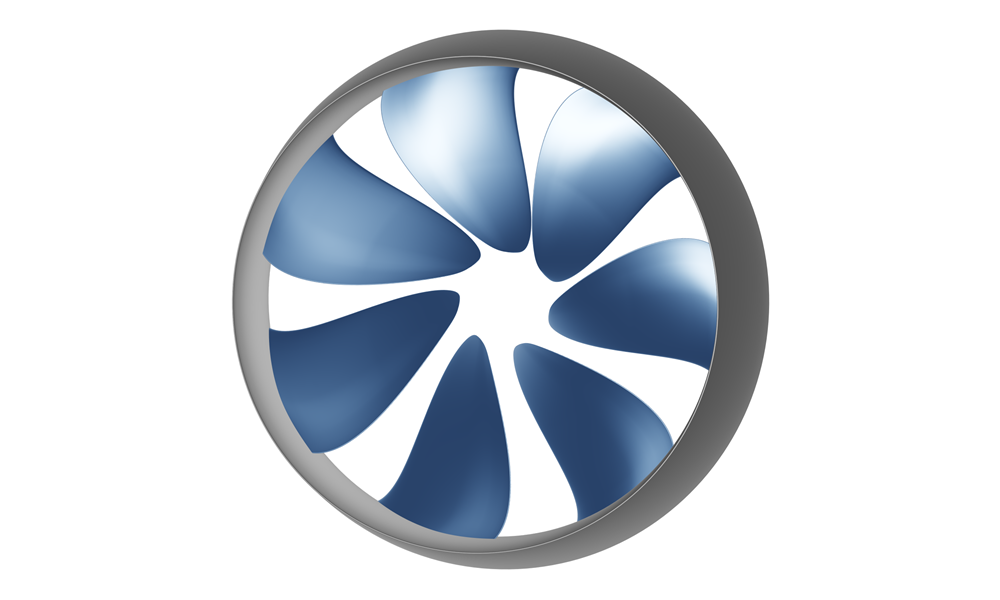
Rim-Driven Thruster
Rim-driven propeller without a shaft and with maximum chord length at the tip. NACA-4-digit profile used for the duct.
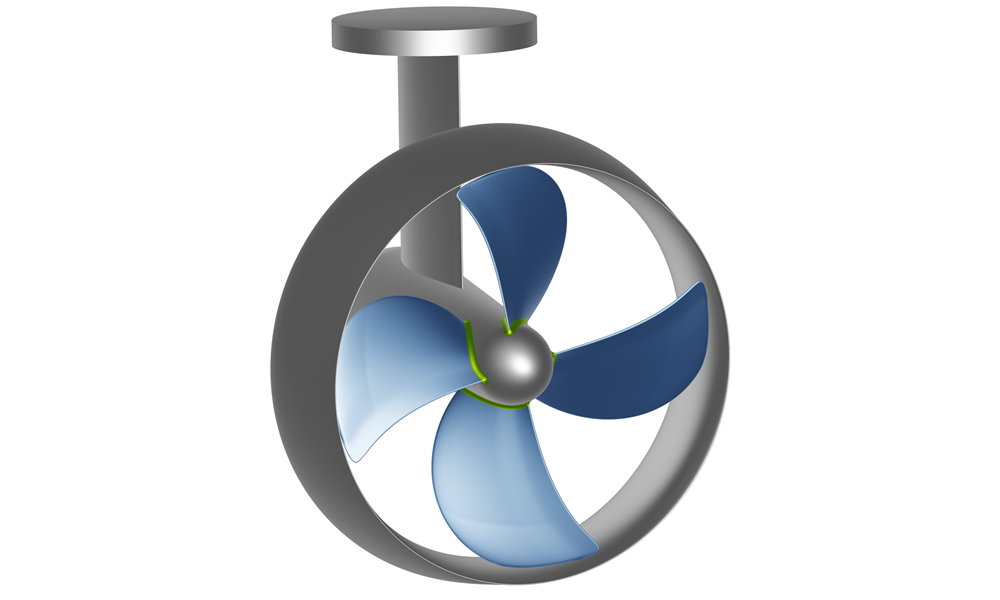
Pod Azimuth Propeller
Propeller with streamlined casing. NACA 4-digit profile for the duct.
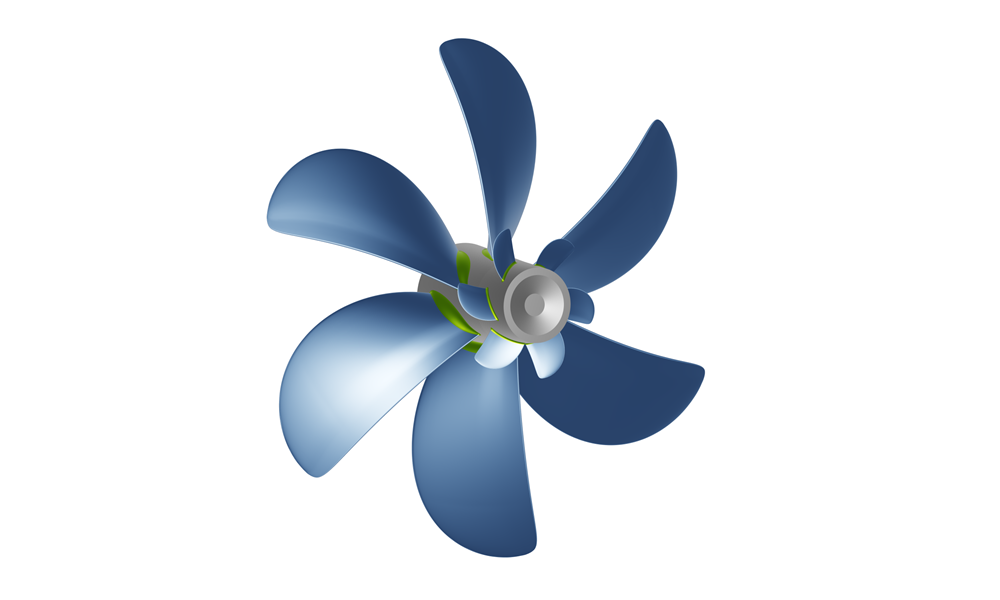
Propeller with Hub Vortex Fins
NACA 66 a = 0.8 mod profile used for the propeller and hub vortex fins.
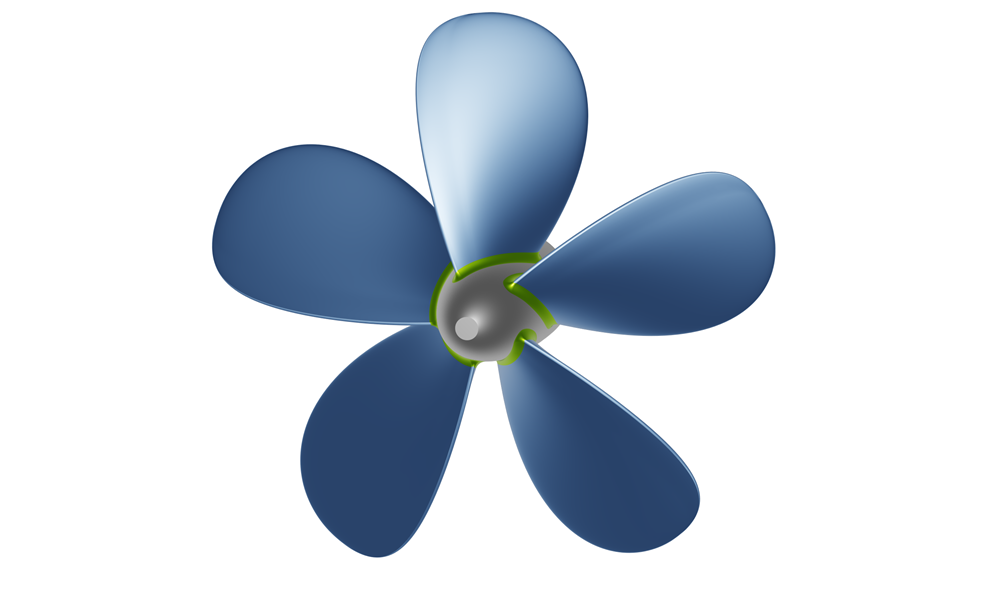
Ice-Class Propeller
Long, thick blade sections with a low skew angle and backward rake.
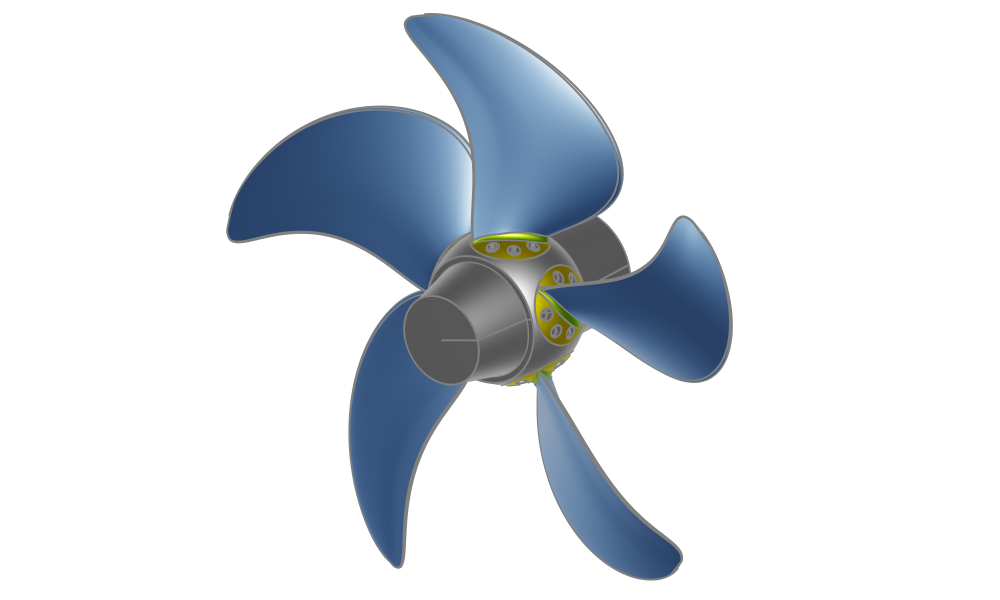
Controllable Pitch Propeller
Pitch of the propeller can be adjusted via a mechanism that rotates the blade.
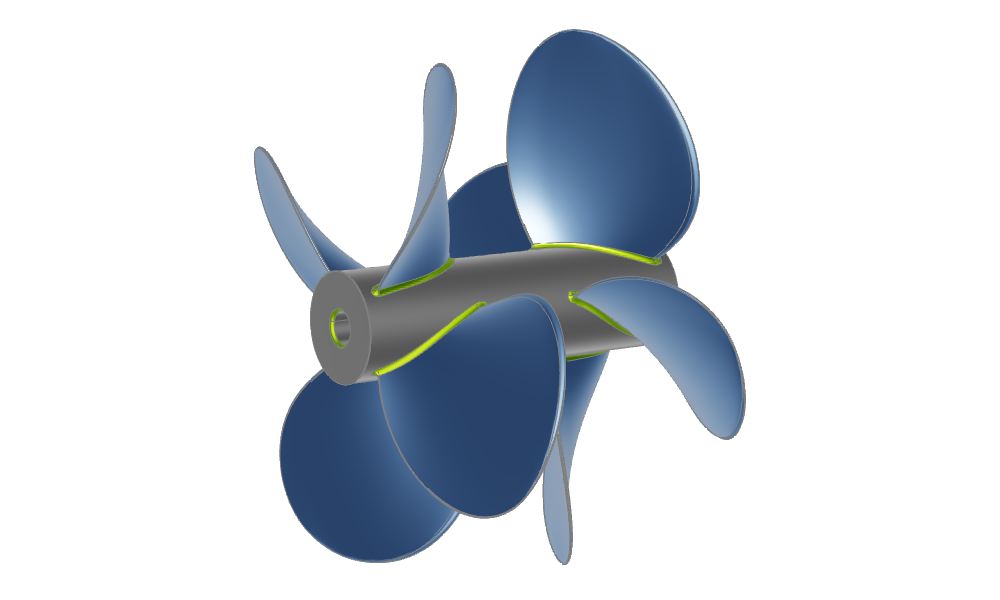
Contra Rotating Propeller
Consists of two propellers arranged in series along the shaft line, rotating in opposite directions.
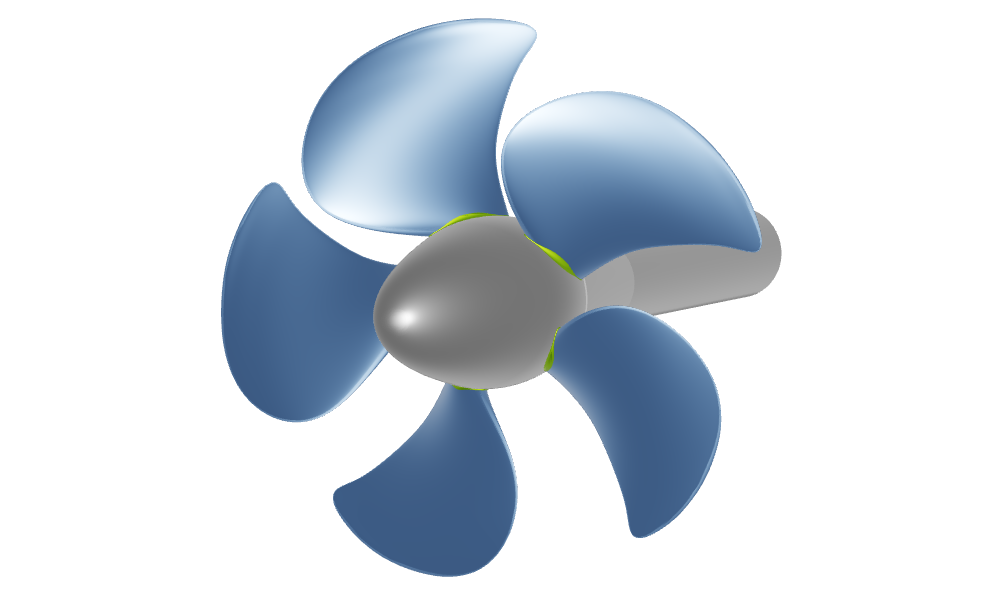
Potsdam Propeller Test Case
Fully-parametric PPTC propeller that can be easily modified and extended. Included original imported PPTC geometry.
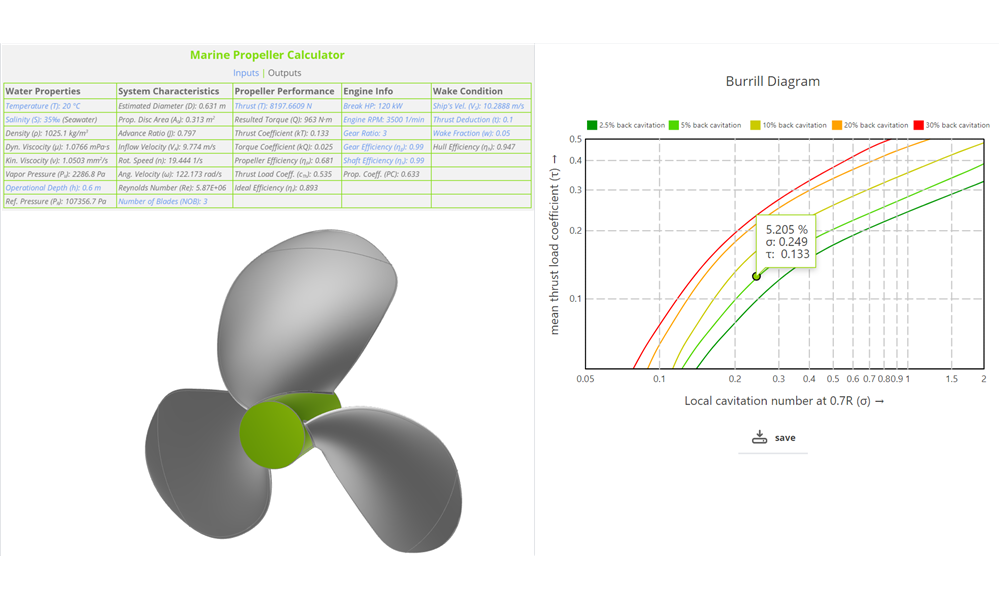
Propeller Analysis Tools
Learn more about the cavitation prediction, minimum thickness, slip percentage and expanded area ratio and propeller property calculations as well as analysis tools.
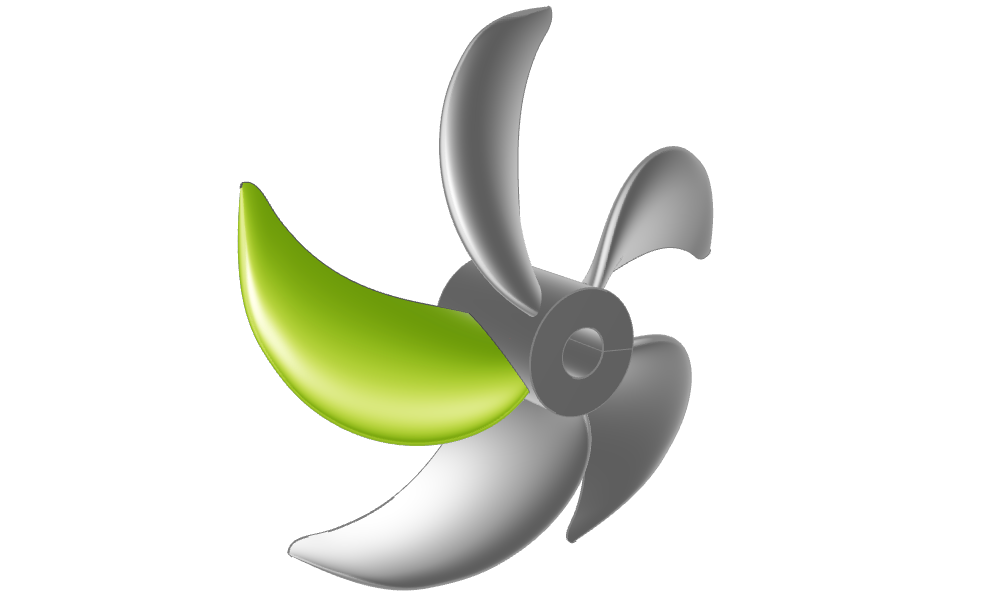
Generic Blade
Used to export PFF files (Propeller Free Format). Open trailing edge and open tip.
Maritime
Ship Hulls
The following sample models are included in the Maritime Add-On.
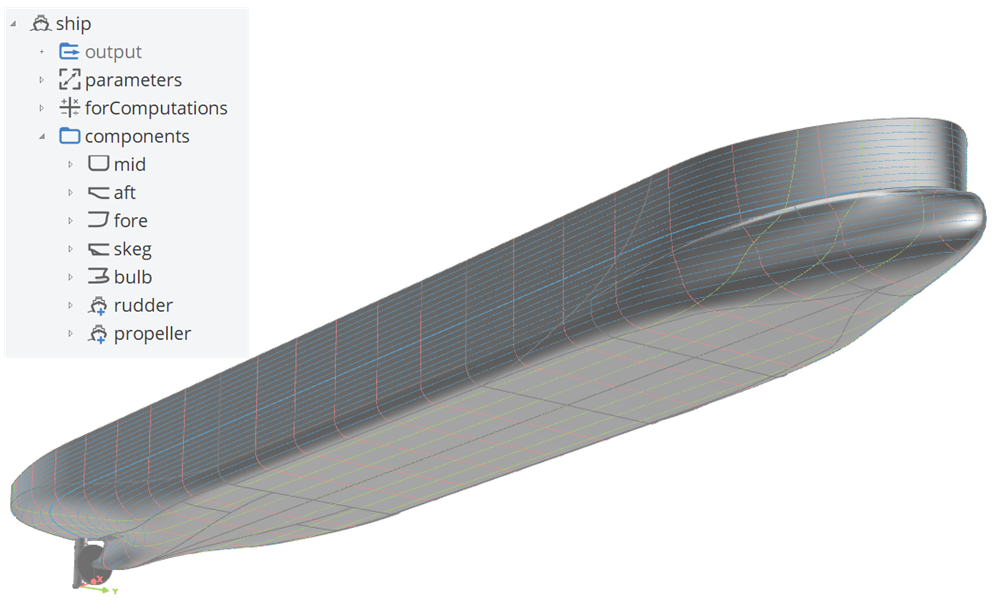
Component-Based Ship
A component-based ship, generated with the ship modeling workflow including a single skeg and bulb.
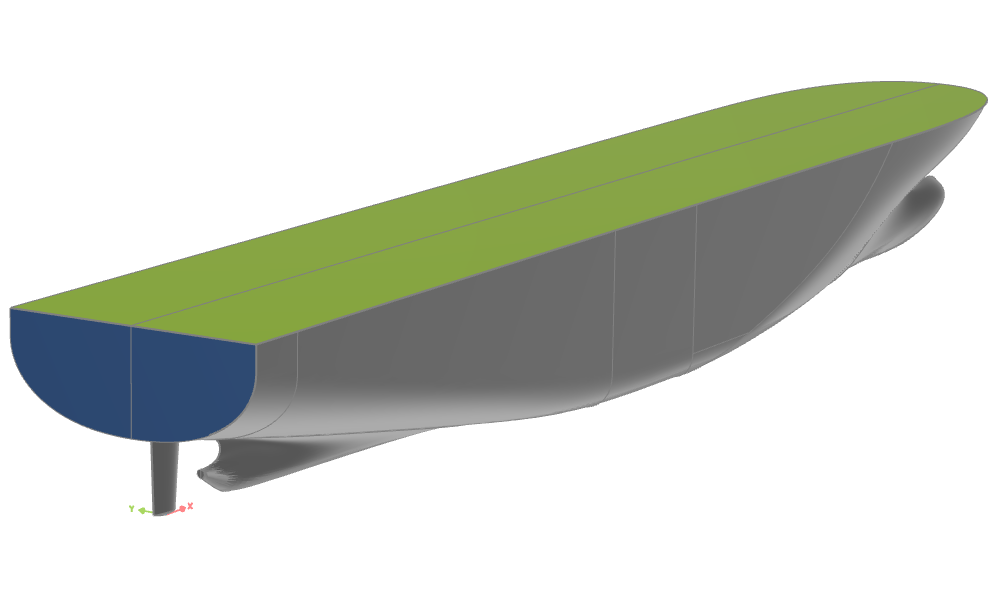
Planar Transom and Deck
Transom and deck surface modeling
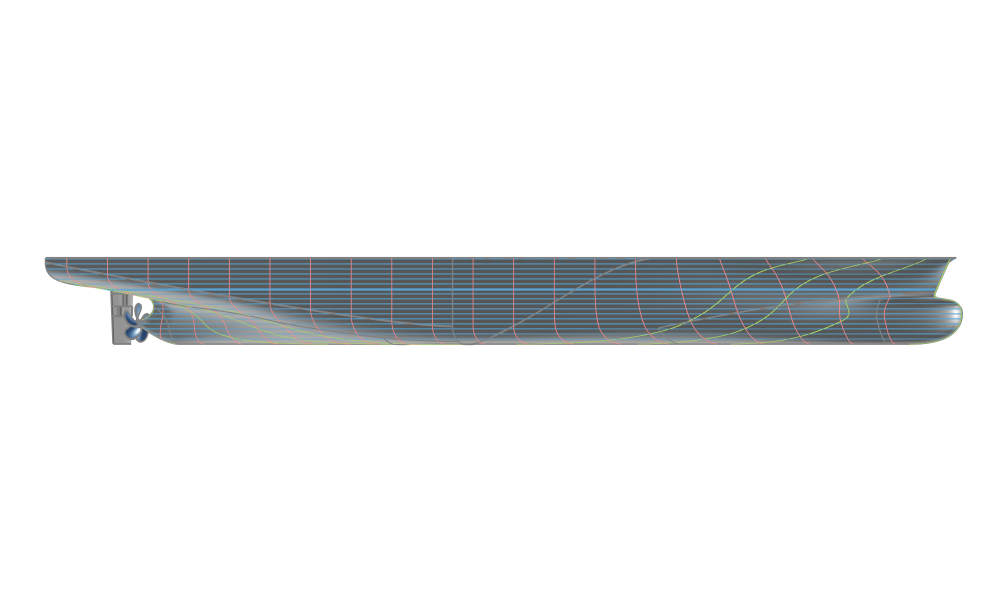
Container Ship (KCS Variant)
A fully-parametric version of a container ship (derived from the KCS), including the propeller and rudder, which can be modeled using the Ship Modeling Workflow.
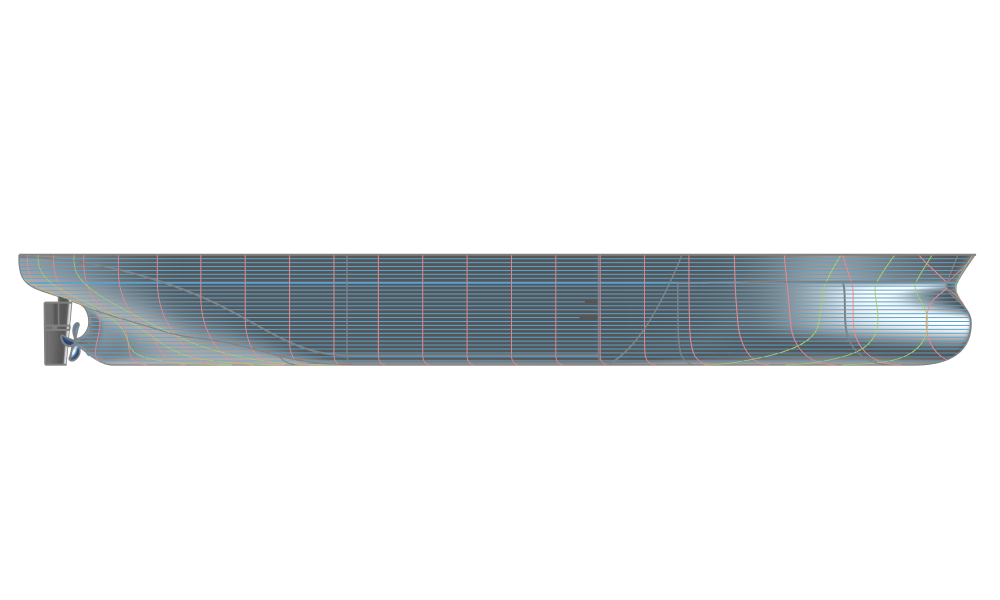
Very Large Crude Carrier (KVLCC2 Variant)
A fully-parametric version of a very large crude carrier (derived from the KVLCC2), including the propeller and rudder, which can be modeled using the Ship Modeling Workflow.
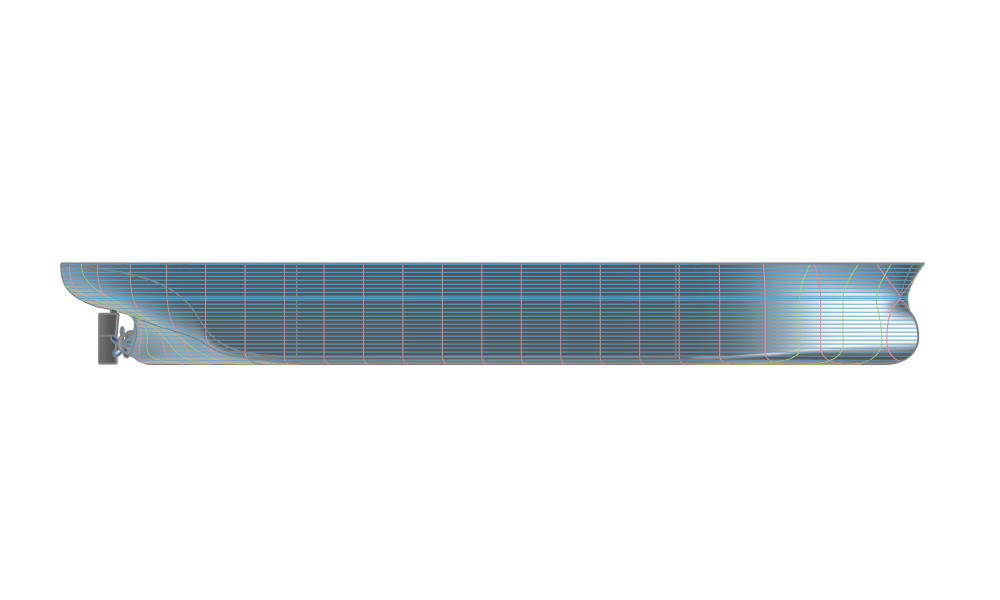
Bulk Carrier (JBC Variant)
A fully-parametric bulk carrier (derived from the JBC), including the propeller, rudder, and stern duct, which can be modeled using the Ship Modeling Workflow.
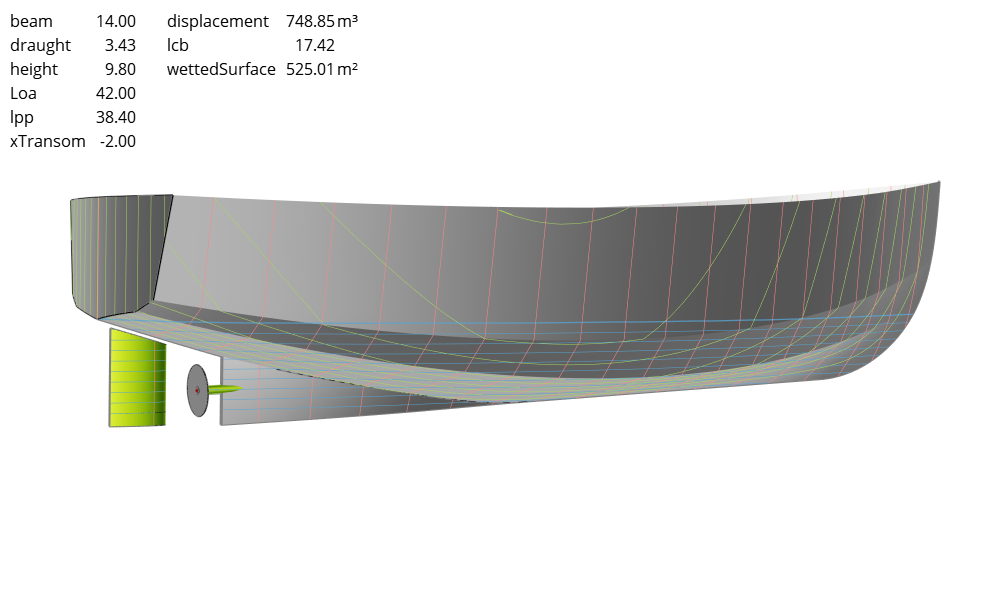
Fishing Vessel
A scalable parametric model of a hard chine fishing vessel for designs ranging from about 20 to 60 m in length.
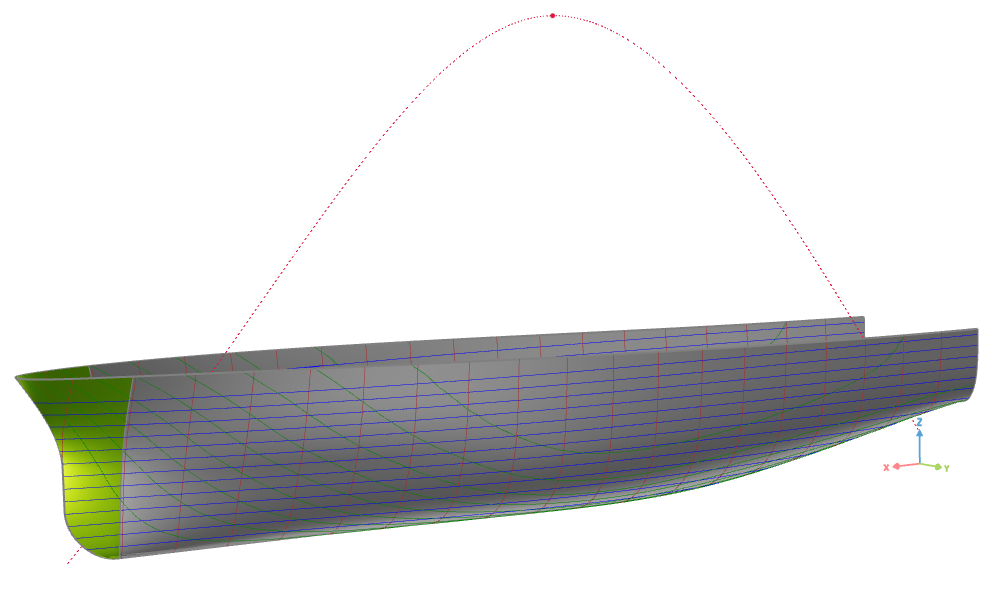
Basic Ship Hull
A simple fully-parametric ship hull, modeled with the use of longitudinal curves and metasurfaces.
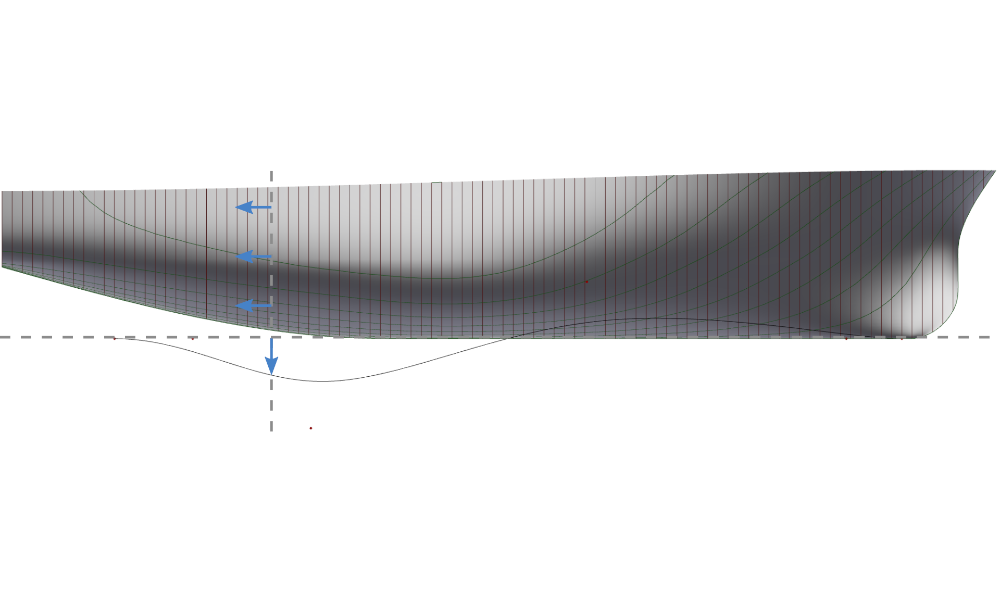
Hull Variation with Delta Shift
Morphing of existing hull using a delta shift
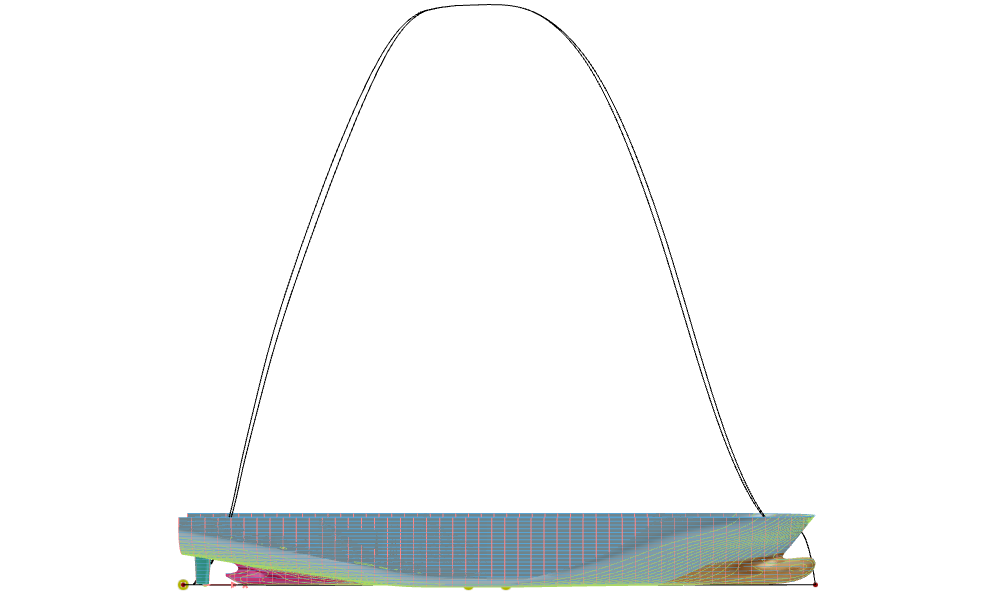
Generalized Lackenby Transformation
A Lackenby transformation to modify the hull form of a ship systematically by adjusting its sectional area curve
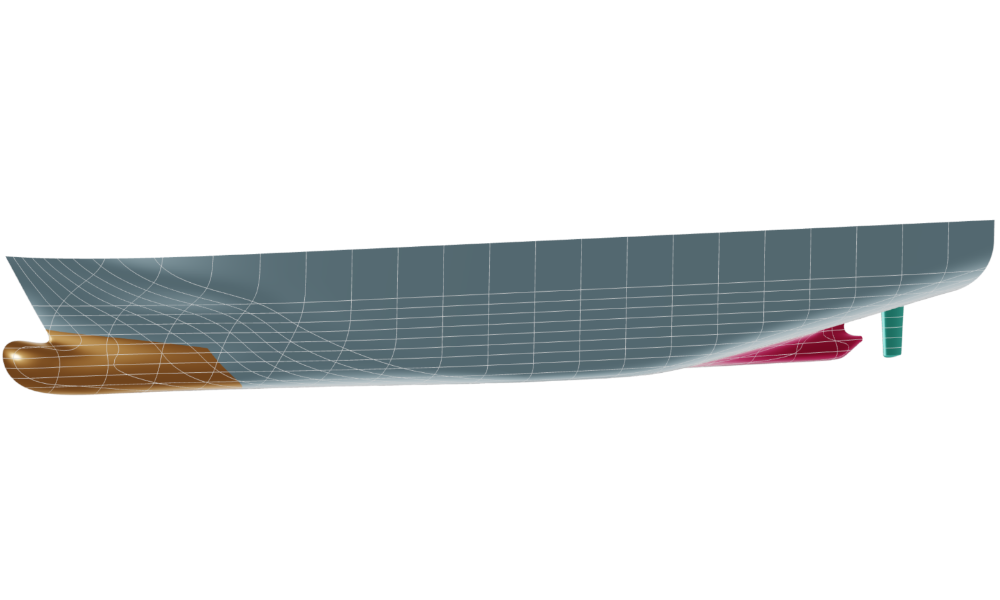
Deformation of an Imported Ship Hull
Morphing of various parts of an imported ship hull
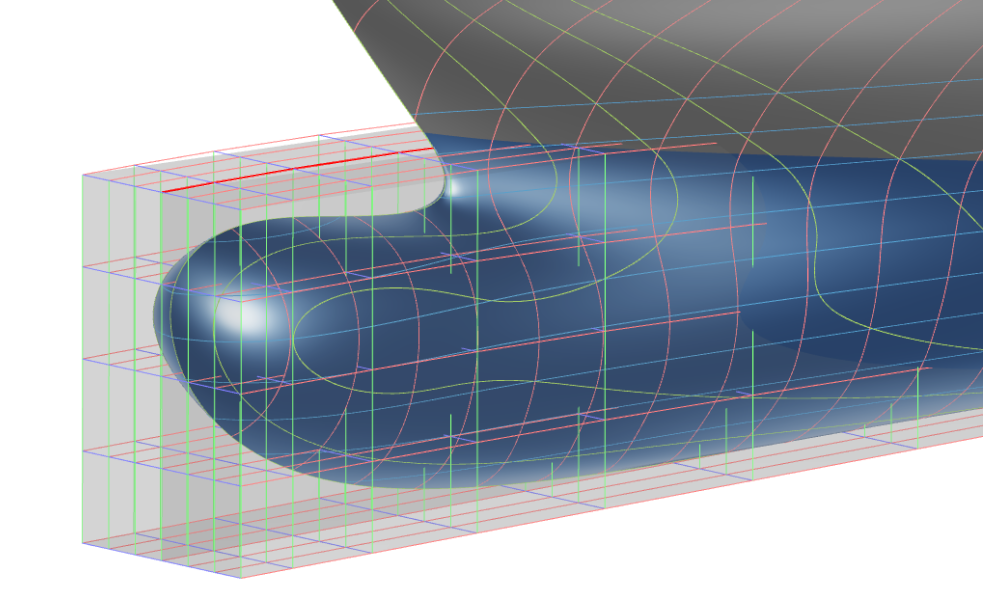
Free-Form Deformation of a Bulb
Free-Form Deformation used to modify a bulbous bow
Boat Hulls
The following sample models are included in the Maritime Add-On.
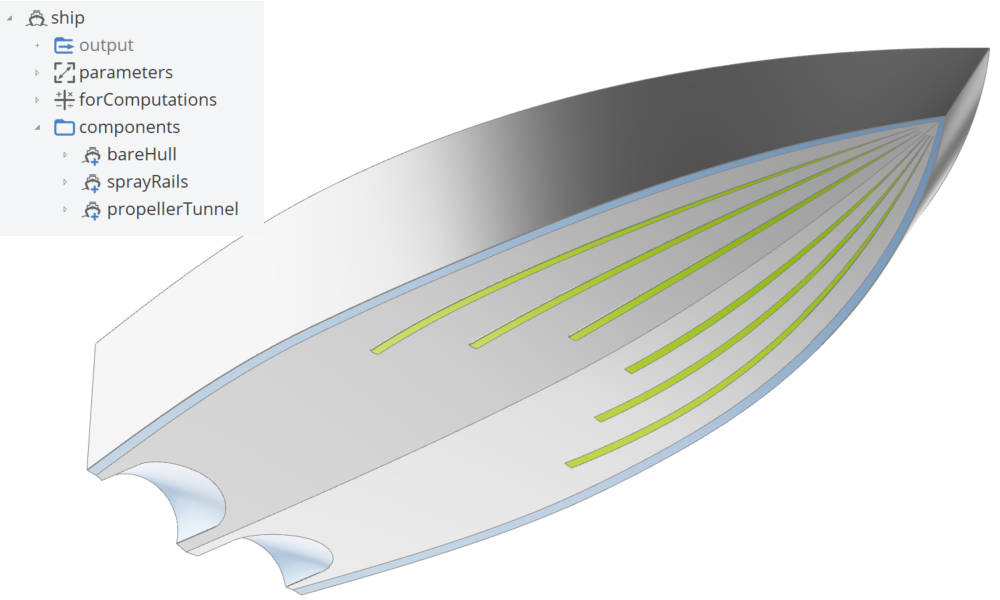
Hard Chine Boat Workflow
A component-based hard chine boat, generated with the hard chine ship modeling workflow including spray rails and propeller tunnels.
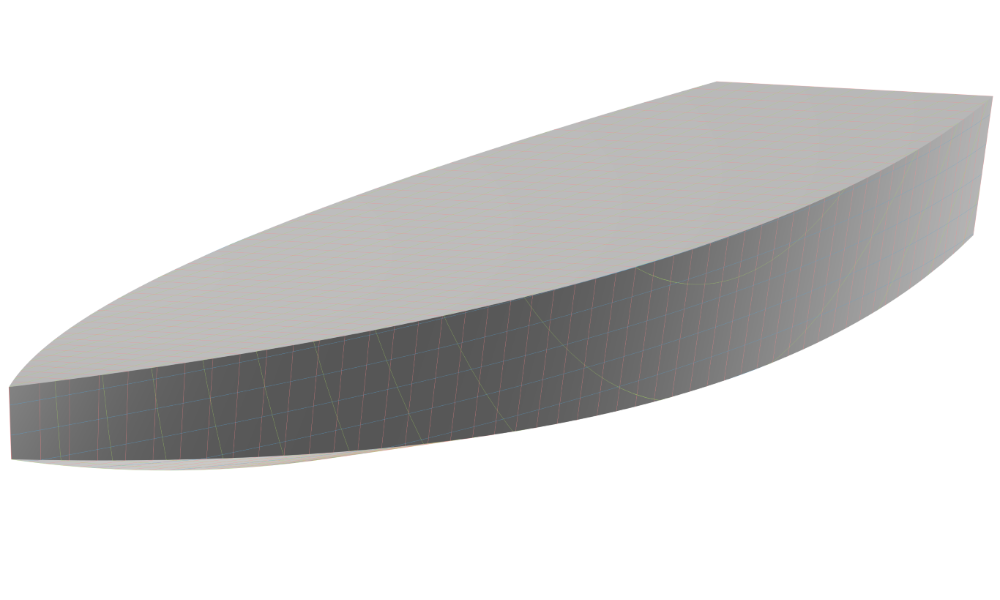
Hard Chine Boat (from Scratch)
A fully-parametric hard chine boat, built from scratch, with custom functions.
Hydrostatics
The following sample model is included in the Maritime Add-On.
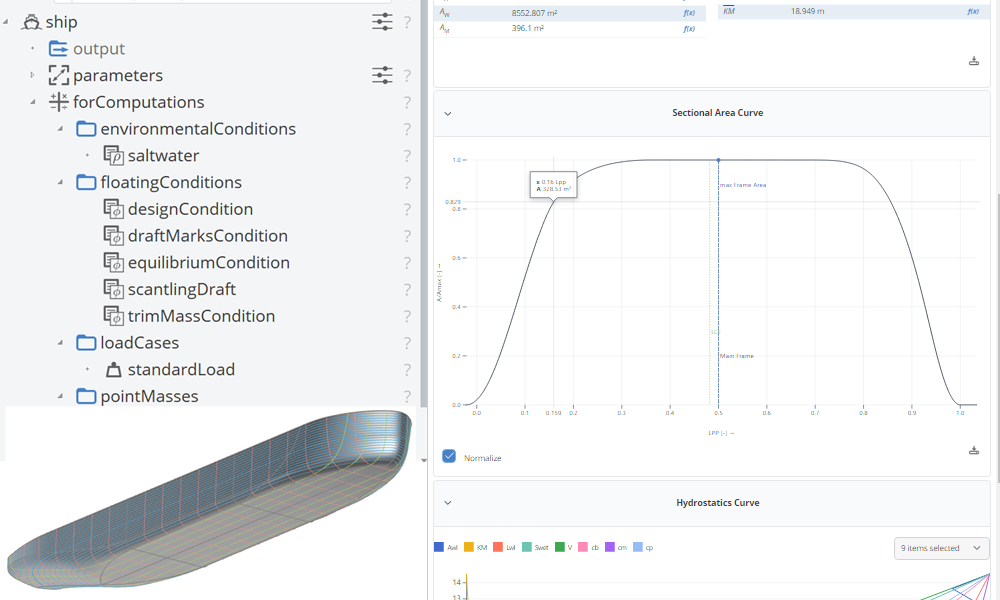
Hydrostatics
Learn how to calculate a ship's hydrostatic characteristics.
Powertrain
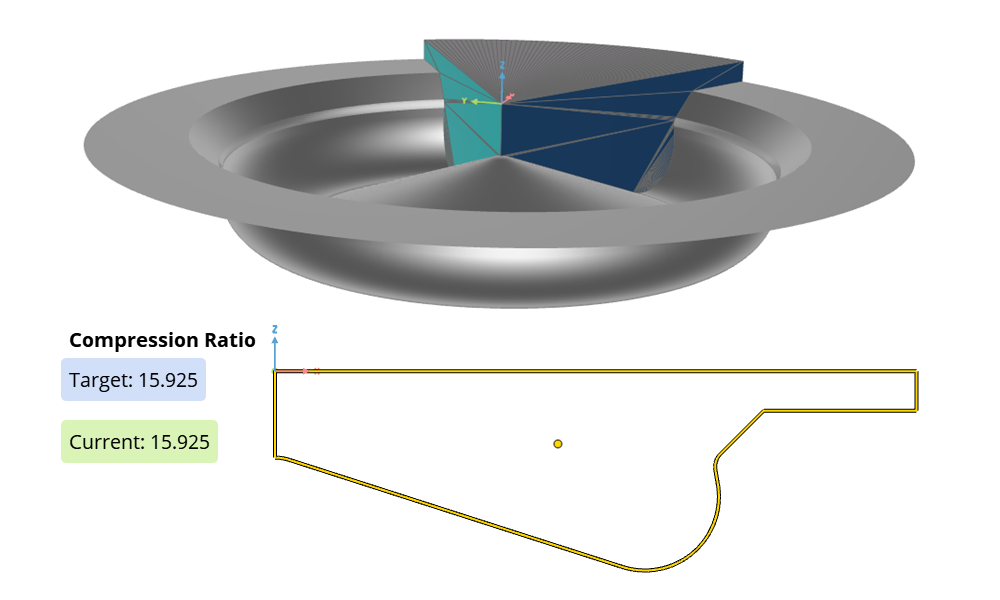
Piston Bowl Modeling
Axis-symmetric piston bowl, with automated compression ratio adjustment.
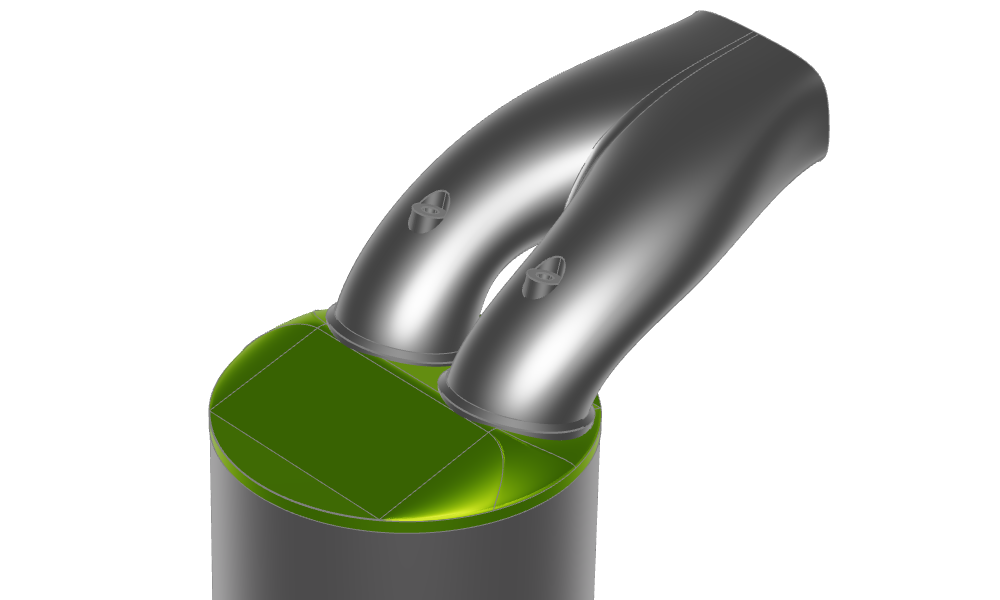
Intake Port Modeling
Symmetric intake port with cylinder head and valves.
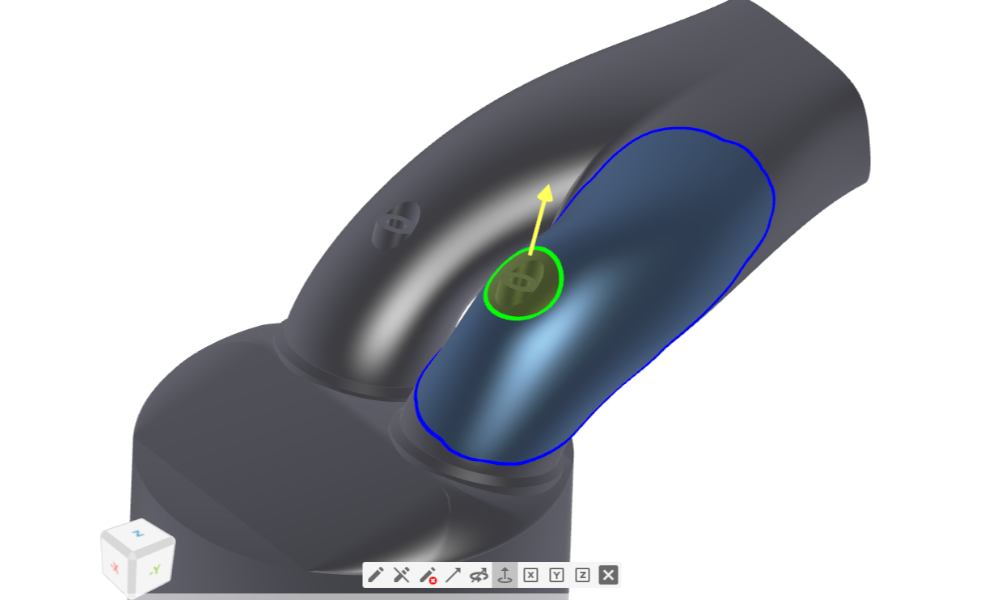
Morphing of an Intake Port
Free form editing tool used on imported intake port in STL format.
Ducts
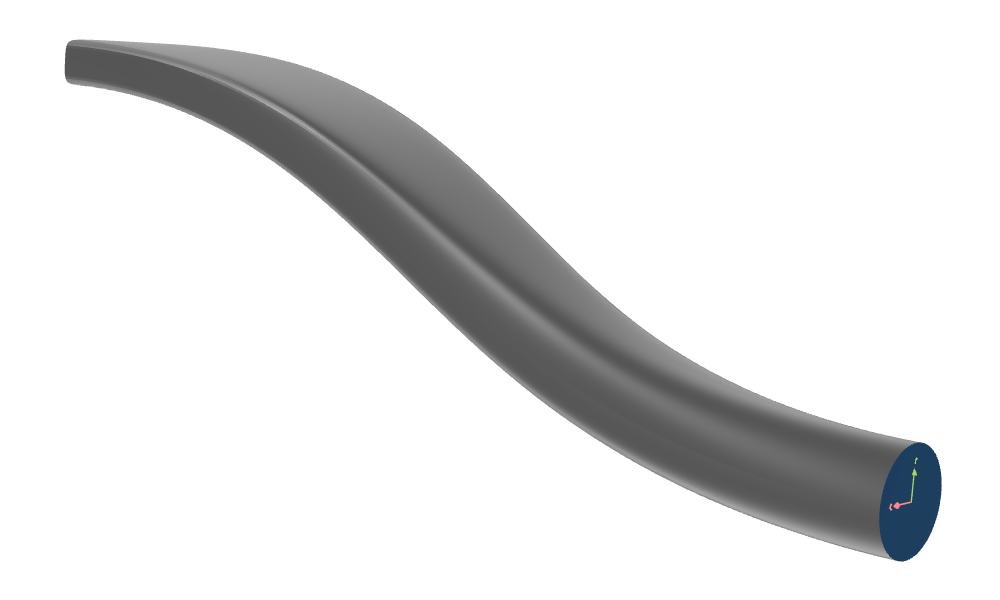
S-Duct
S-shaped duct modeled with Meta Surface and function control from inlet to outlet
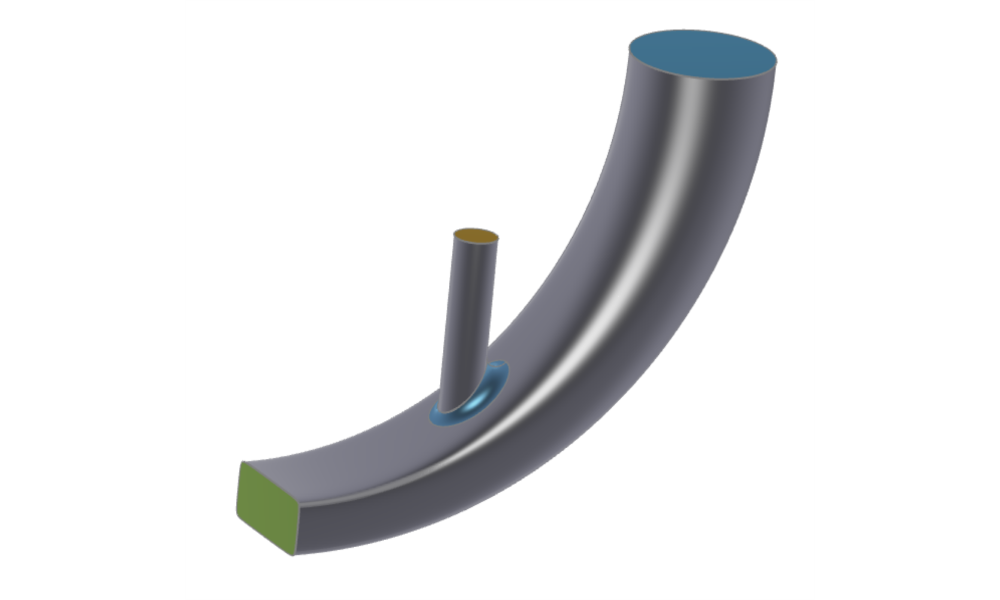
Simple Duct with Intake Cylinder
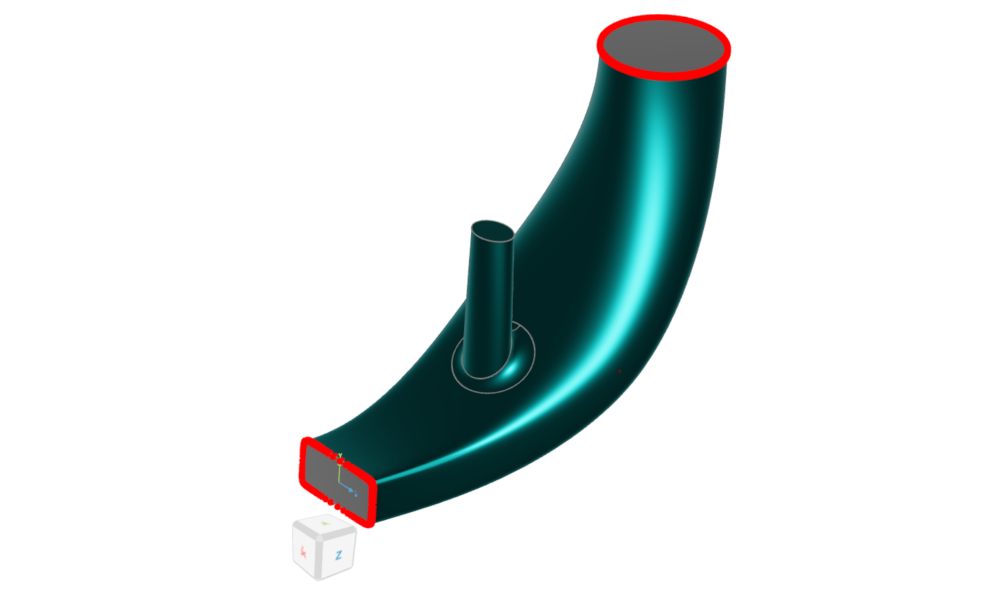
Simple duct sweep surface, which blends the sections from start and end linearly; includes an intake cylinder.
Curved Duct with Meta Surface
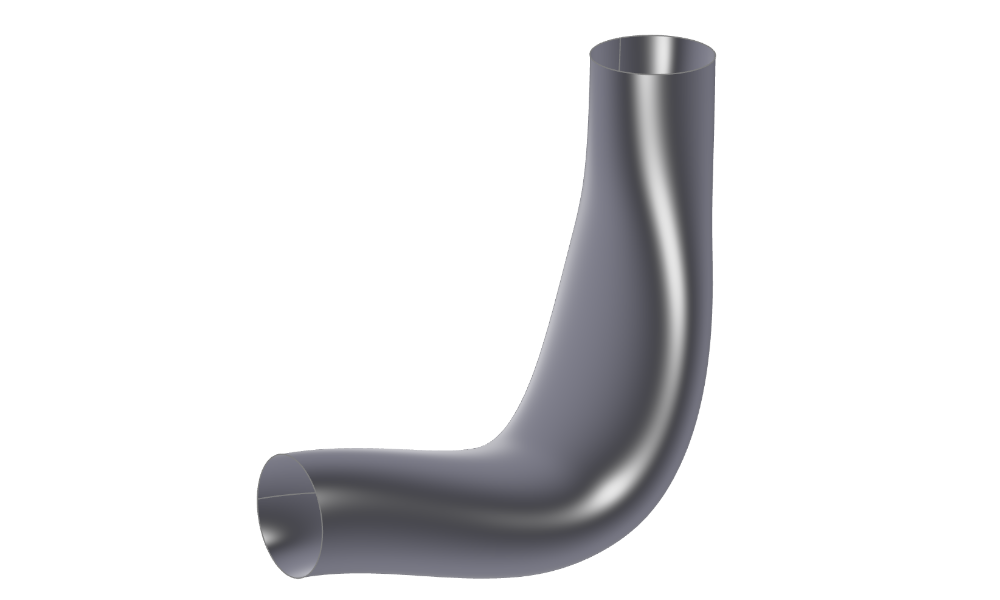
Duct with detailed control of the parameters within the sweep.
Imported Duct with Morphing Setup
Shows how to modify an imported duct geometry by defining point and surface shifts.