What is CAESES?
CAESES is a flexible CAD platform for fast and comprehensive design studies with simulation tools. Integrated capabilities for process automation and shape optimization make it an all-in-one design tool for simulation engineers and all kinds of applications.
CAESES bridges the gap between traditional CAD and simulation. It provides intelligent geometry models for robust variation of the shape, and CFD automation to conduct design explorations and optimization. In particular, the focus of CAESES is the simulation-ready and variable CAD.

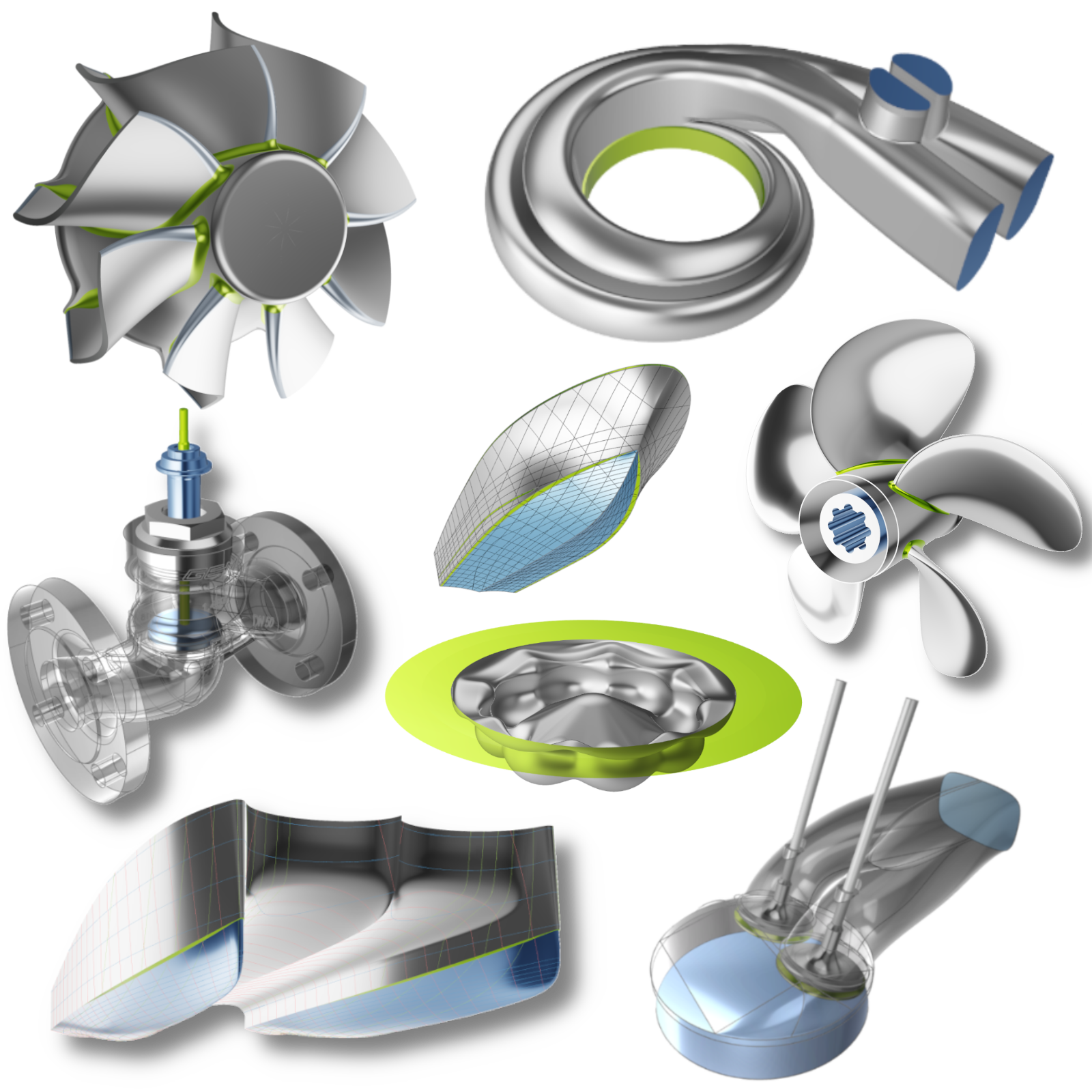
Geometry Modeling
CAESES contains CAD capabilities to set up parametric geometry models that are geared towards simulation, as well as methods to deform existing geometries such as STL data.
Focus
CAESES focuses on automation, and on complex free-form surfaces which are often difficult to parameterize in other CAD systems.
Robust Variant Creation
CAESES is used where automated variant creation is needed, in particular for design studies and optimization runs. The robust variation and geometry generation is a typical bottleneck in traditional CAD systems. These systems, although powerful, are history-based and might fail to regenerate complex geometry in automated processes. Since CAESES is a unique dependency-based modeling system, its geometry models do not break or fail to regenerate.
Geometry Constraints
Engineers can also include geometry constraints in their CAESES models, such as cross-section areas, minimum distances to keep, manufacturing constraints, hard points etc. This makes sure that only feasible designs are generated in automated studies, which saves computational time, for instance.
Geometry Pre-Processing
CAESES offers coloring and naming mechanisms to identify surface patches during automated meshing and analysis runs. Users can create colors with unique names (e.g. inlet, outlet, symmetry) and assign them to surfaces. This information is then maintained through automated studies, and can be referenced from external tools to repeat meshing procedures. CAESES geometries are clean and closed, so that there is no need for additional geometry repair etc., which makes it directly ready for automated runs.
Software Connection and Automation
Users can connect and automate their external meshing and analysis software. There are connectors available in CAESES to quickly plug-in any tool that runs in batch mode. Note that CAESES itself has no volume meshing, CFD or general simulation capabilities.
Optimization
CAESES contains capabilities to run geometry studies and design explorations as well as formal shape optimization. These methods are fully integrated in the user interface of CAESES and allow users to vary the design variables of a CAESES geometry model. In addition, any float values of the setup including the ones from the meshing and analysis setups for external software can be controlled manually and automatically. Constrained single- and multi-objective problems can be solved in CAESES, by means of combining sampling methods with response-surface based strategies, for instance.
Variant Management
There is a full variant management system in CAESES that takes care of the variants data. Users can browse through the generated variants and explore details of it, such as geometry changes and even simulation results.
Charts and Reports
Charts, diagrams, tables and PDF reports are also available in CAESES for optimization runs.
Features
This online help comes with a separate section for so-called features. Features are commands and functions that are wrapped into a single object. Such a piece of code is defined in so-called feature definitions, which is the programming environment of CAESES. By means of an intuitive programming language, you can create your own functions, curve and surface types, proprietary import and export routines, and much more. These programming capabilities are powerful for comprehensive customization, and for realizing specialized tasks that are not readily offered as a one-click functionality in CAESES.
Batch Mode
CAESES can also be run in batch mode without the graphical user interface, to generate design variants in the background. In this situation, CAESES can be considered as a geometry engine for other tools. With this batch mode, CAESES can be integrated into any workflow without any substantial effort.
Integrations
There are also plug-ins, apps and integrations available to run CAESES from within the user interface of commercial software packages. At the moment, plug-ins for the following tools are available:
Finally, there is a tight integration with the CFD package SHIPFLOW. For more information about all these integrations, see the tutorials. Please get in touch with us if you have further questions.
Industry Applications
CAESES is used across a wide range of engineering disciplines where automated shape optimization and simulation-ready geometry are critical:
- Propeller Design — Fully parametric marine propeller design for conventional, tip-rake, toroidal, and rim-driven thruster geometries. Supports propeller optimization for efficiency, cavitation, and noise targets. See the propeller design tutorials to get started.
- Ship Hull Design — Parametric ship hull modeling using component-based or morphing-based workflows. Covers hydrostatic calculations, CFD-ready geometry export, and integration with naval architecture tools. See the component-based ship tutorial.
- Turbomachinery CAD — Blade design for pumps, fans, compressors, and turbines using the radial and axial turbomachine workflows. Includes volute design and full solid geometry generation.
- Powertrain & Aerospace — Parametric modeling for intake ports, piston bowls, ducts, and other complex free-form surfaces used in powertrain and aerospace applications.