Result Files
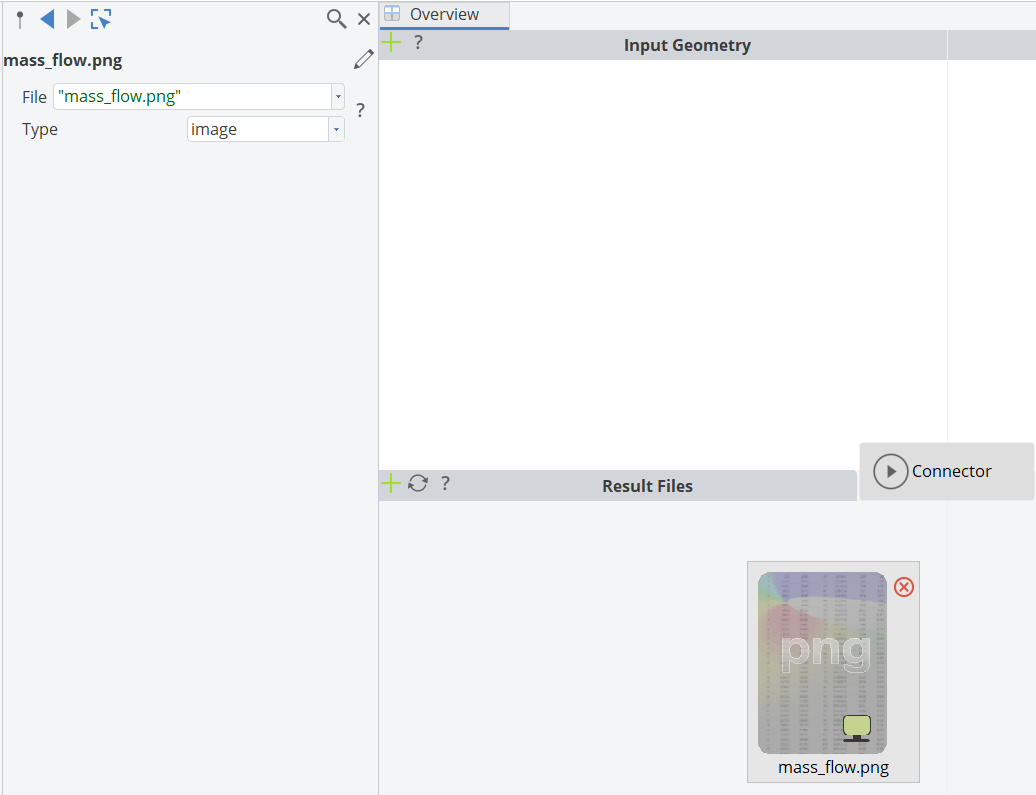
This is the area where you tell CAESES which files you want to load in and use for assessment within the user interface of CAESES.
Creation
Click on the plus icon in the upper left corner of the area to add a new entry. Choose the file format, or use the automatic detection which works well for e.g. table data or pictures.
Supported File Formats
CAESES supports
- standard table data,
- images,
- 3D post-processing data (VTK, Ensight, Techplot, Fluent),
- HTML,
- OpenFOAM,
- and geometry formats such as IGES, SAT, STEP and Parasolid.
note
The data of such a file is loaded into CAESES on request, for which you can find a dedicated icon in the design tree (in the object tree) right after a run.