Documentation
CAESES is an object-oriented framework where each object has a certain type, and where a lot of commands are triggered in the background. When using CAESES, it is absolutely helpful to know about commands and types as well as type hierarchy.
Type Documentation
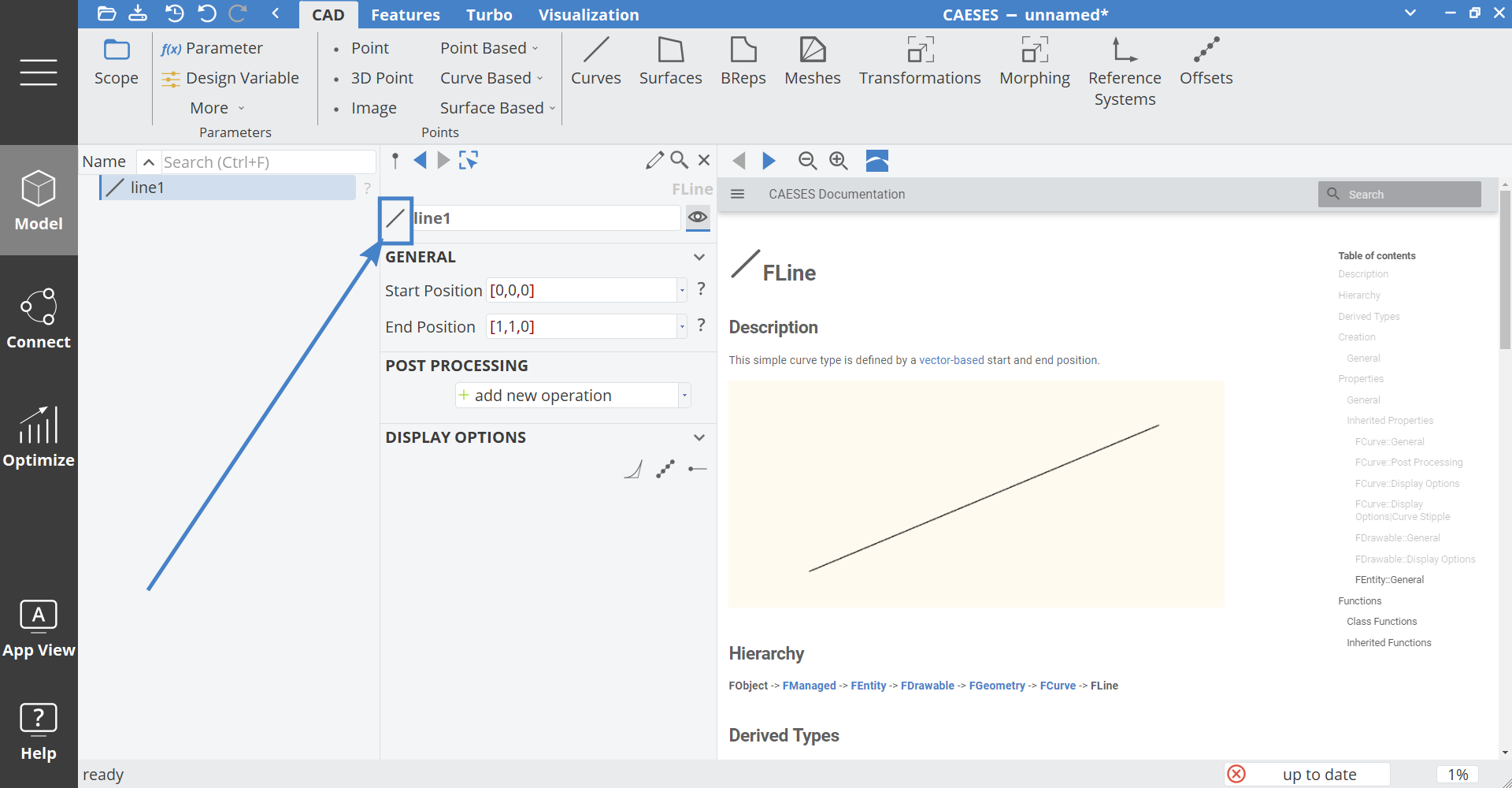
The type documentation can be found in the Help workspace > Types. Each type comes with creation commands and methods to set and get properties. These commands can be used to create complex expressions and to define custom features. For instance, the Line has a command getLength() that you would find in the documentation of type FLine.
Just click on the type icon in the upper left corner of an object in the object editor, which will open the corresponding page in the central window:
Global Commands
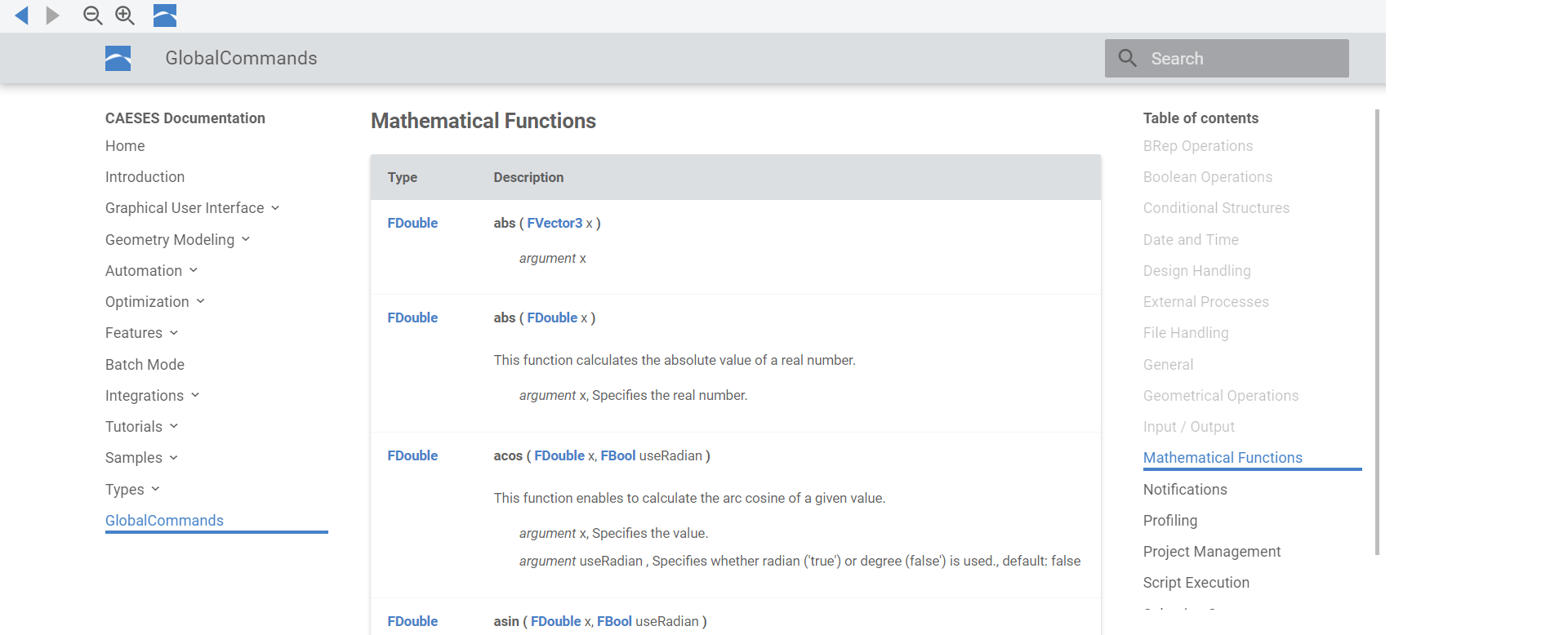
Besides the commands of specific types such as Line, Circle and B-Spline surface, there are global commands that you can use anywhere in CAESES. In particular, you use global commands in feature definitions for creating your own objects and sequences.
Some Comments about Hierarchy
Any type in CAESES belongs to a certain hierarchy. For instance, the type FCircle has a parent type FCurve. While FCircle provides specific Circle commands for setting the radius and the center location, the type FCurve hands over more general curve commands for calculating the position, tangent angles, curvature and so forth. For instance, the B-Spline curve and the Circle have the same parent type FCurve, but the B-Spline curve has no command to set a radius or a center location.
Please see also the introduction section of the chapter Geometry Modeling for more information.