Propeller
The Propeller is an appendage component used in the Ship Modeling Workflow and is accessible via the Maritime tab in the Model workspace. It is part of the modeling workflow for the Component-Based ship type. This component represents the generation of the propeller geometry.
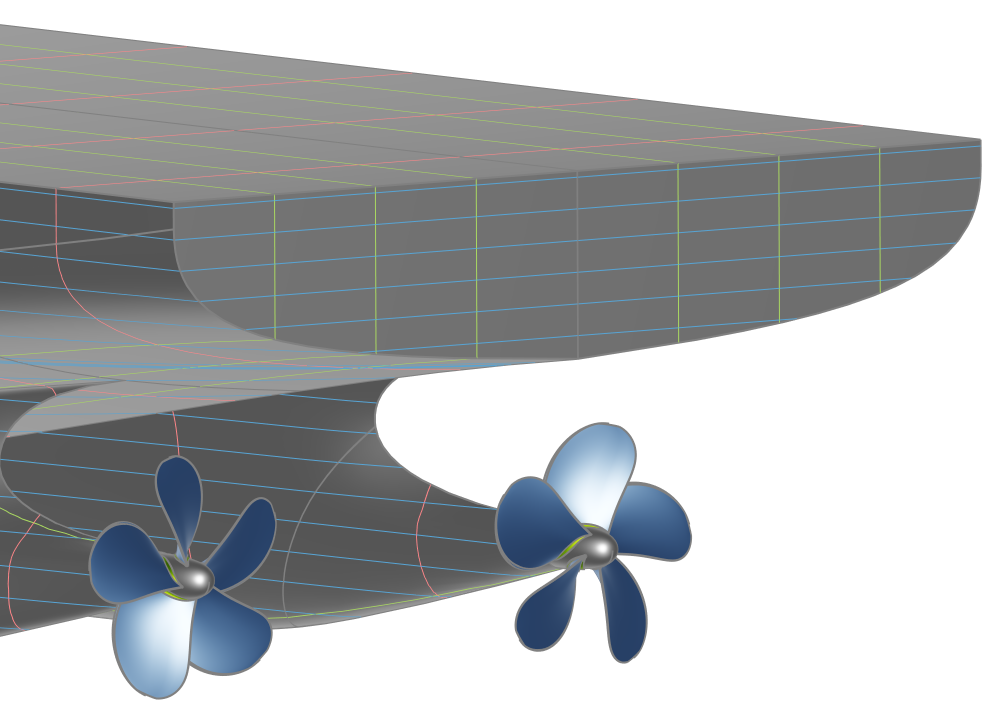
Propeller Types
Two different propeller types can be created using the Propeller component:
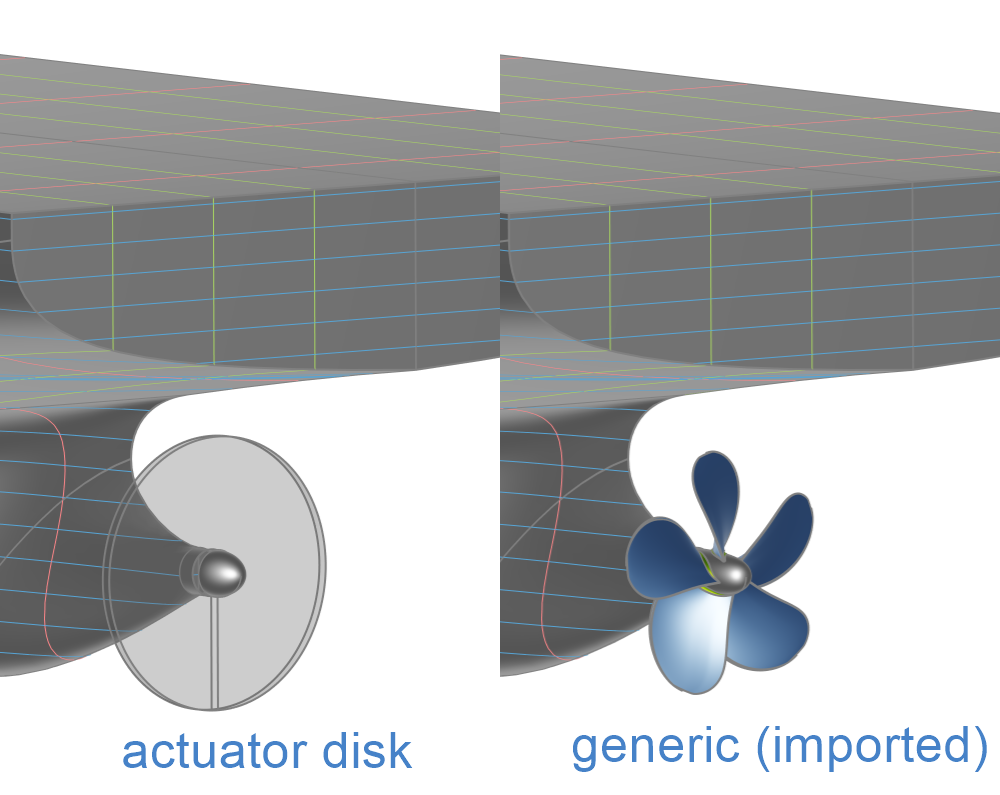
- Actuator Disk: A simplified disk representation of the propeller, typically used for CFD.
- Generic: A custom propeller definition that can be added to the Ship Object.
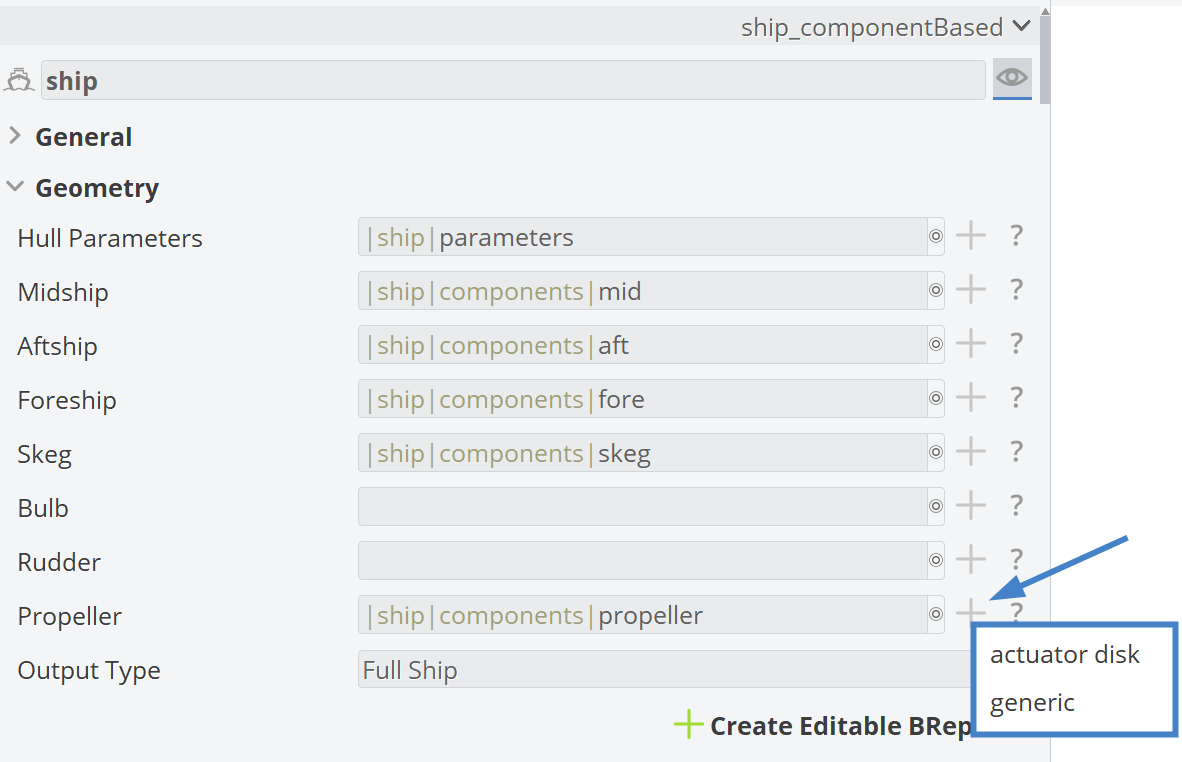
By clicking the plus button for the Propeller component in the Ship Object, the available propeller options are displayed.
A visual comparison between the actuator disk and generic propeller models is shown below.
Inputs taken from the Ship Modeling Workflow
Some ship dimensions, including the main dimensions, are provided to the propeller by the hullParameters component.
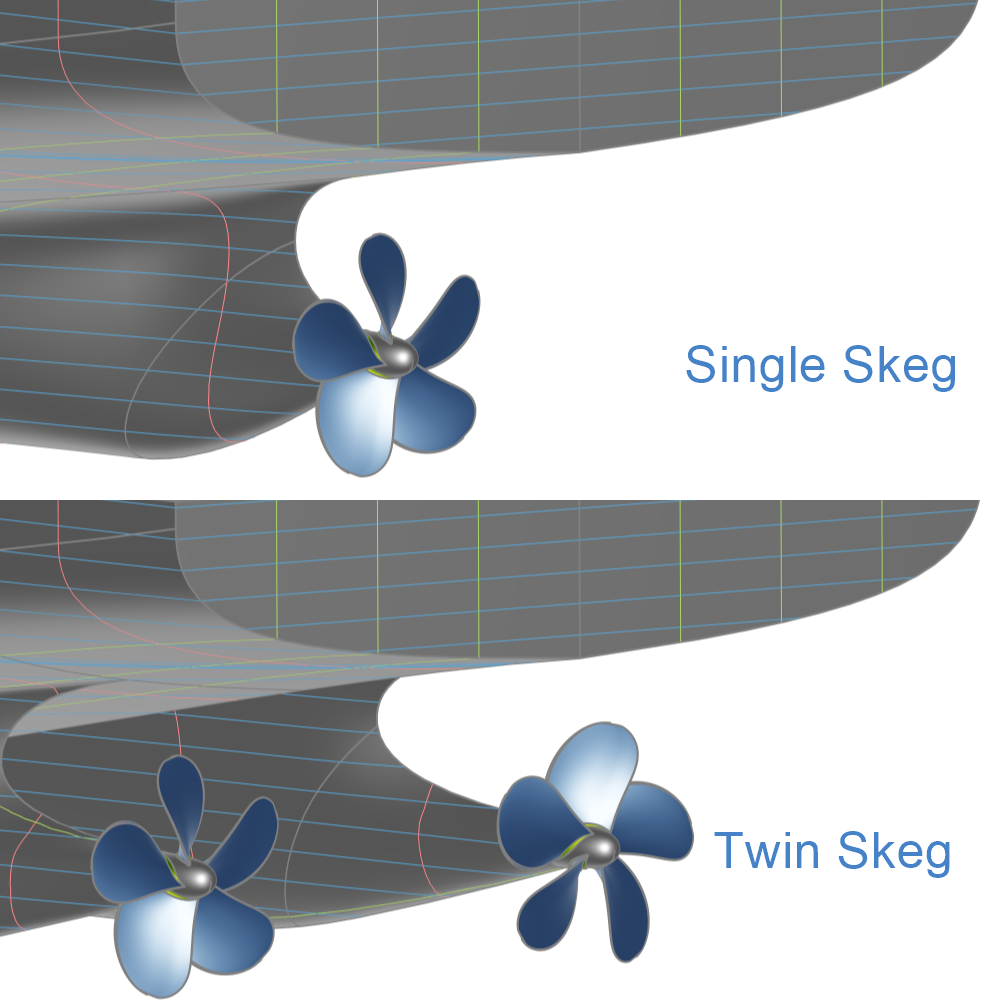
An additional input defines whether the Ship Object uses a single or a twin skeg.
Propellers are placed behind the skegs. Therefore, using a single skeg or a twin skeg affects the propeller positioning in the y-direction.
Actuator Disk
For the actuator disk propeller model, the component is divided into the following main scopes:
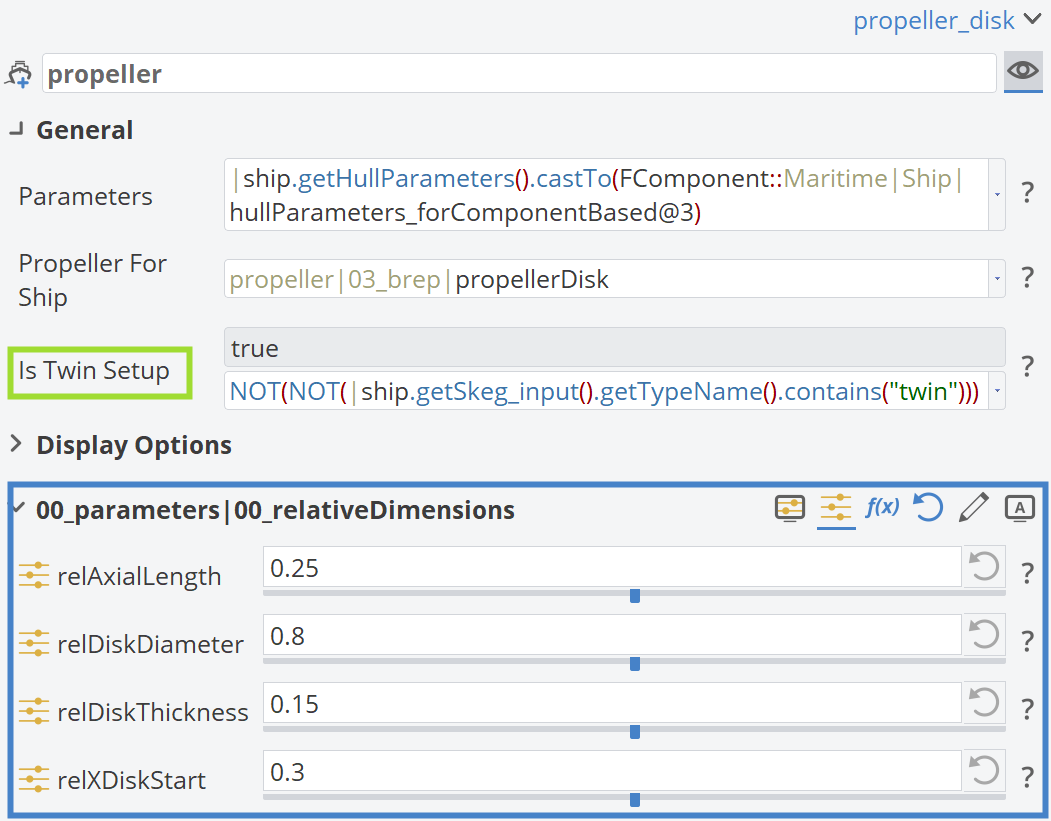
00_parameters: Contains all Design Variables and Parameters that define the disk geometry.01_geometryCurves: Contains all geometry curves required for disk generation.02_surfaces: Contains all surfaces required for disk generation.03_brep: Contains the final BRep and any prior processing steps, such as trimming, if required.
The Design Variables affecting the actuator disk geometry are shown below.
Generic Propeller
For the generic propeller model, the component requires a propeller Input geometry to operate correctly. The Input Orientation can be adjusted to match the imported propeller geometry.
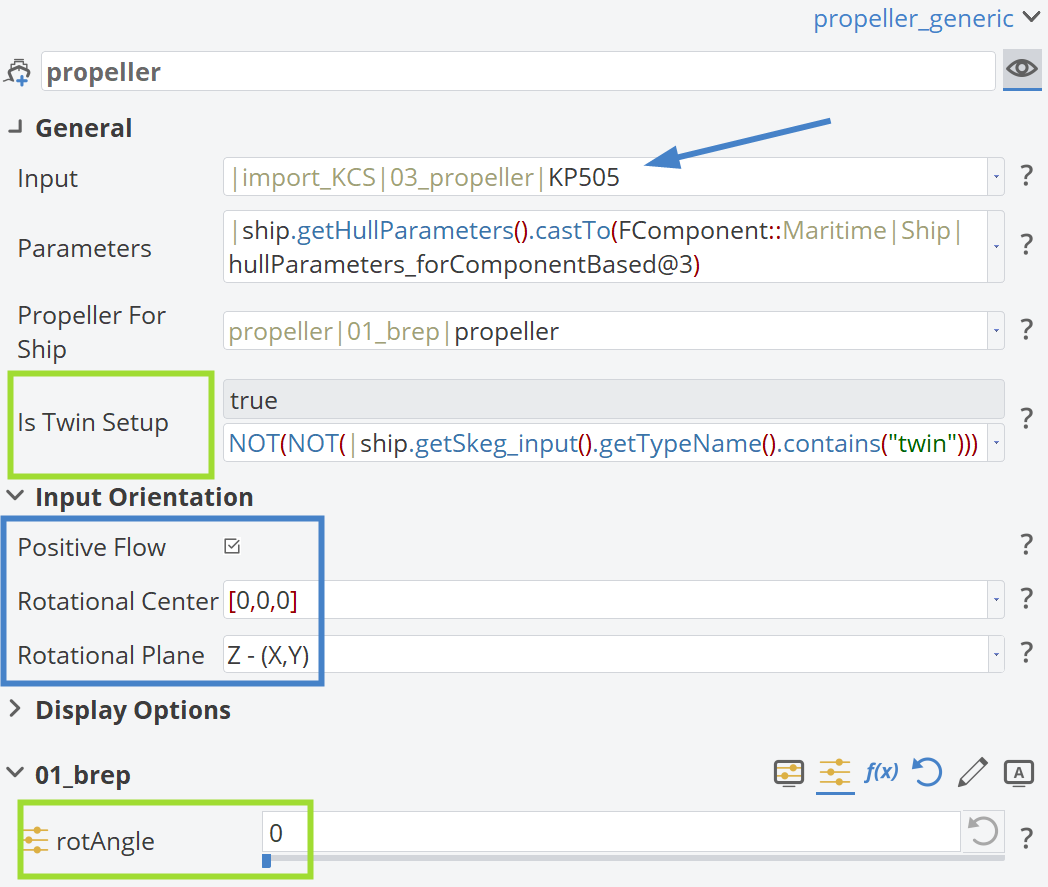
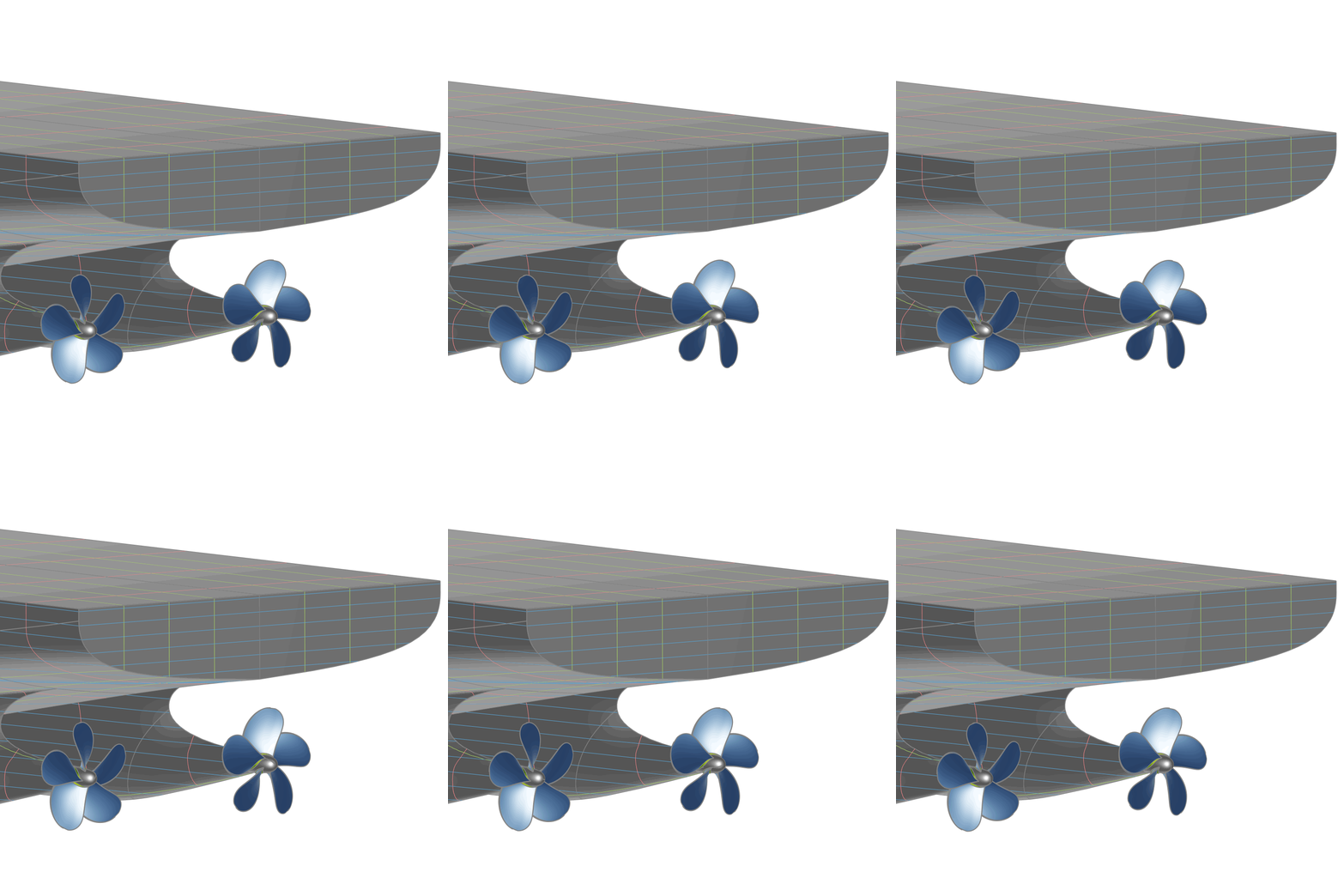
By modifying the rotAngle Design Variable, the propeller can be rotated, enabling the creation of simple animations, as shown below.
BRep
The final BRep for the Propeller component can be found in the corresponding *_brep scope. The scope numbering depends on the selected Propeller component type.