Rudder
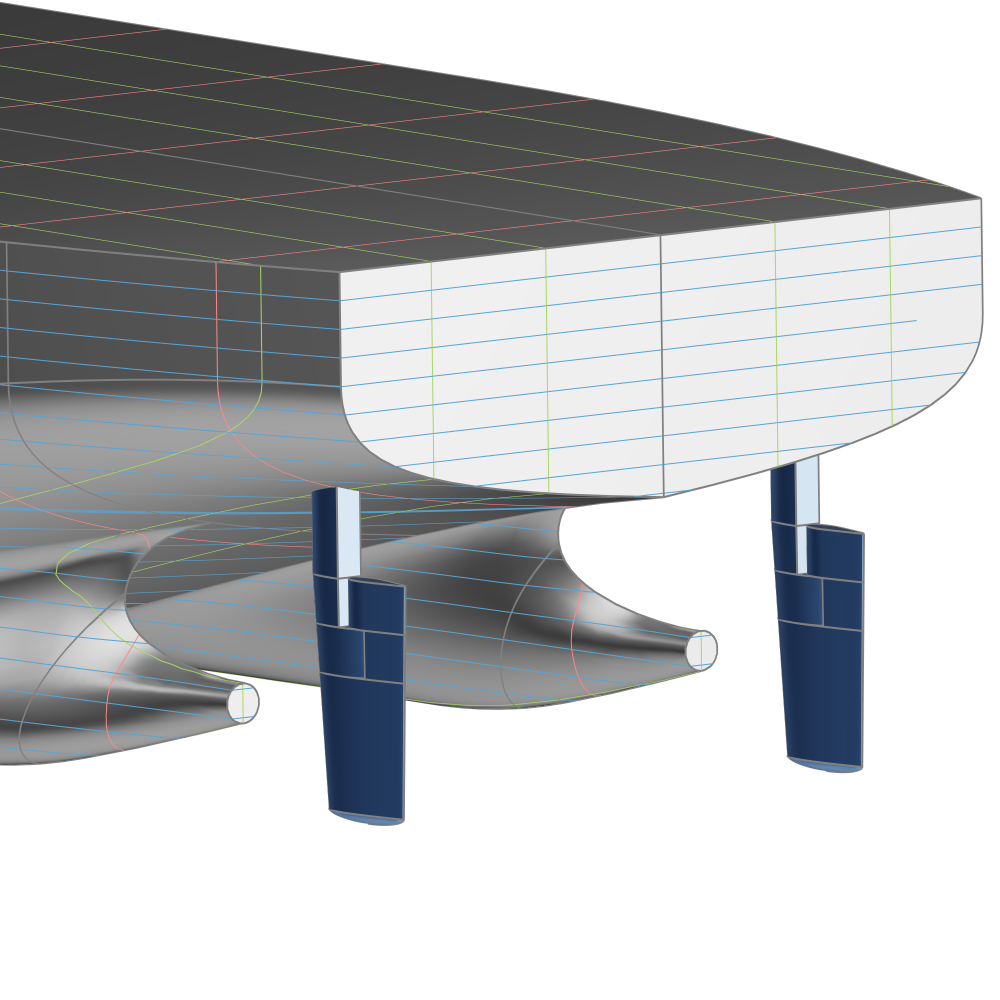
The Rudder is an appendage component used in the Ship Modeling Workflow and is accessible via the Maritime tab in the Model workspace. It is part of the modeling workflow for the Component-Based ship type. This component represents the generation of the rudder geometry.
Rudder Types
Three different rudder types can be created using the Rudder component:
- Full-spade: A rudder without a supporting horn.
- Semi-balanced: A rudder with part of its area located ahead of the stock.
- Generic: A custom rudder definition that can be added to the Ship Object.
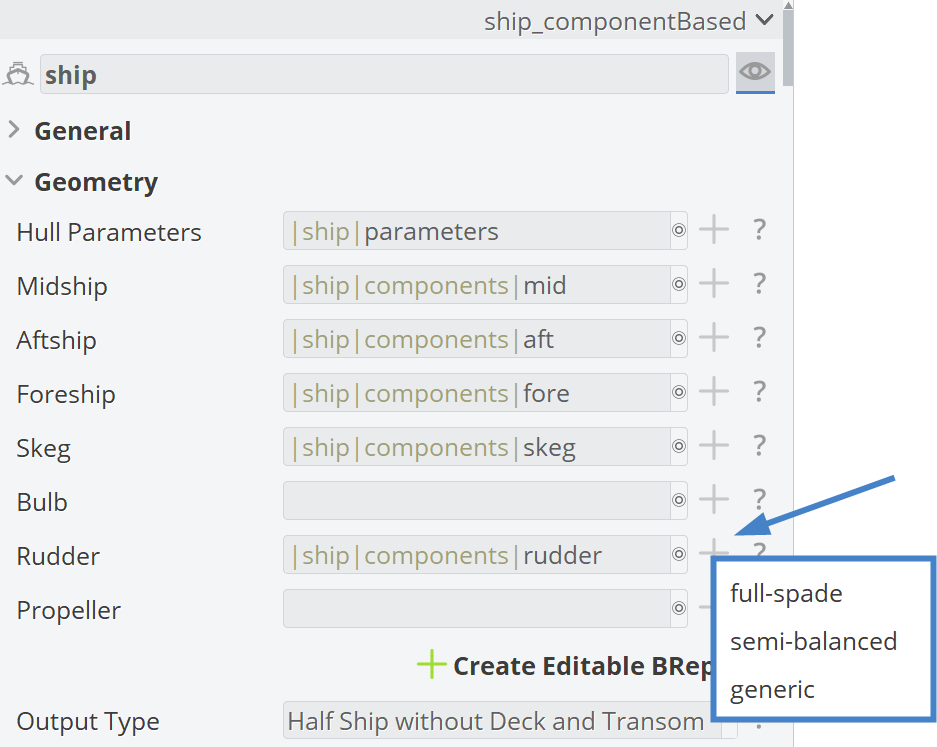
By clicking the plus button for the Rudder component in the Ship Object, the available rudder options are displayed.
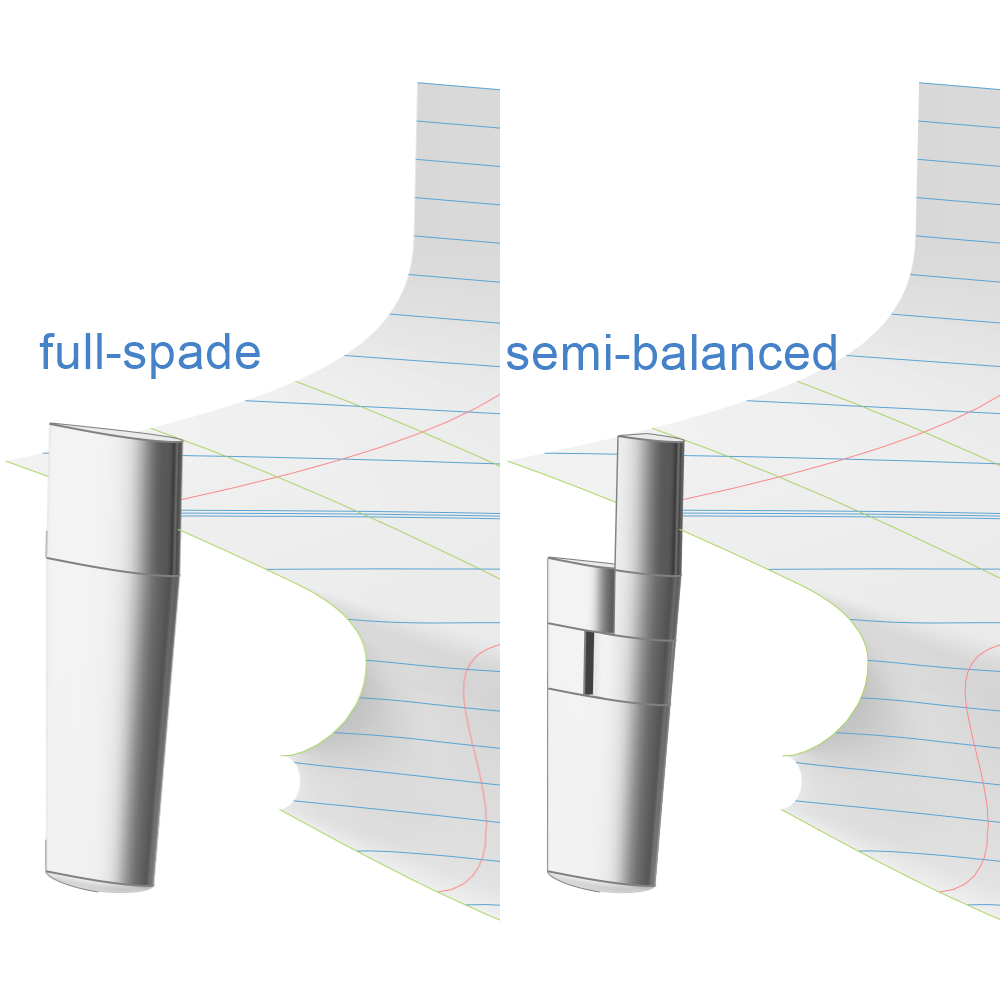
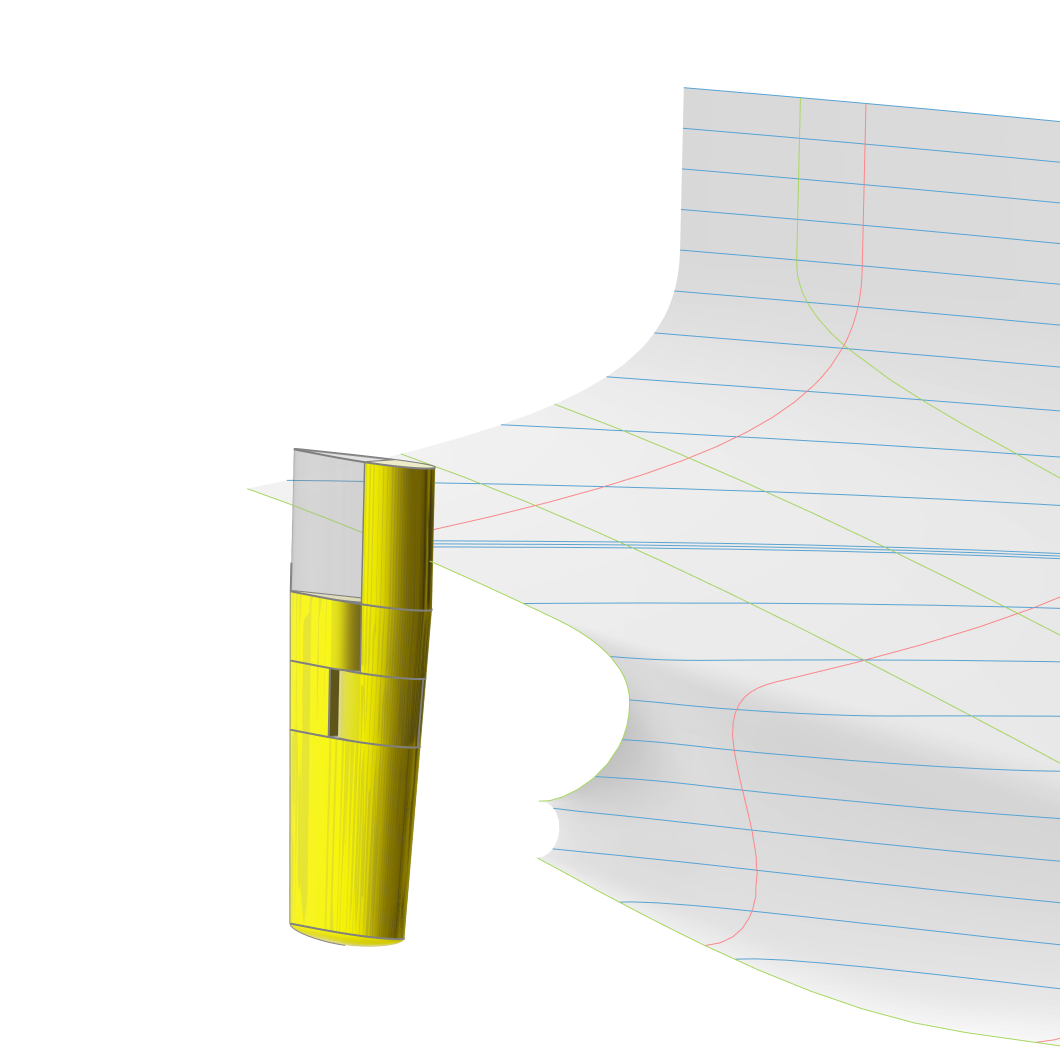
A visual comparison between the full-spade and semi-balanced rudder models is shown below.
Model Structure
For the full-spade and semi-balanced rudder models, the component is divided into the following main scopes:
00_parameters: Contains all Design Variables and Parameters that define the geometry of the rudder.01_geometryCurves: Contains all geometry curves required for rudder generation.02_surfaces: Contains all surfaces required for rudder generation.03_brep: Contains the final BRep and any prior processing steps, such as trimming, if required.
All design variables are located in the scope where they are first used. Their names are chosen to be descriptive of their functionality and the bounds are tested for robustness of the model. The Ship Modeling Workflow allows to change any values, object types or the overall model structure for maximum flexibility.
The semi-balanced rudder uses the same basis and parameterization as the full-spade rudder, with additional design variables and trimming applied in the 03_brep scope. The figure below illustrates how the same rudder basis is used for both the full-spade and semi-balanced configurations.
Inputs taken from the Ship Modeling Workflow
Some ship dimensions, including the main dimensions, are provided to the rudder by the hullParameters component.
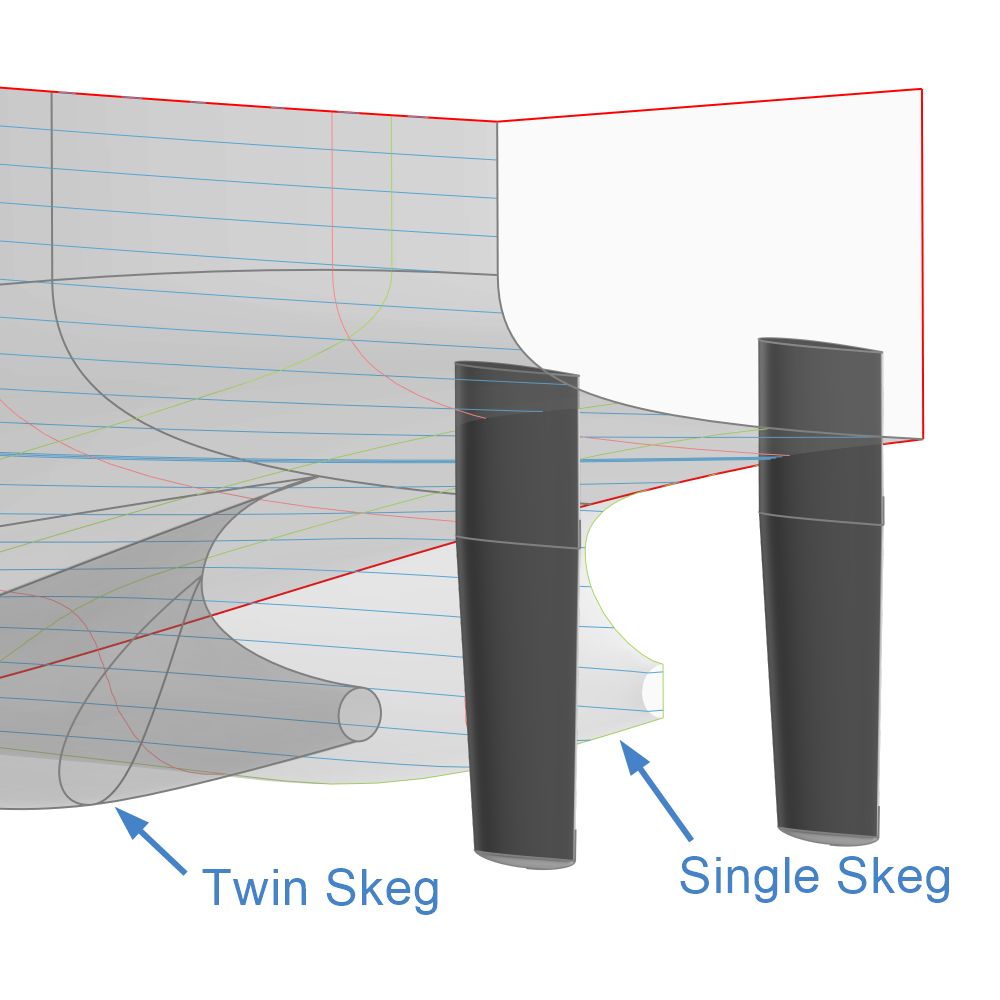
The second input defines whether the Ship Object uses a single or a twin skeg.
Rudders are typically placed behind the skegs. Therefore, using a single skeg or a twin skeg affects the rudder positioning in the y-direction, as shown below.
Parameters
The 00_parameters scope is divided into four sub-scopes:
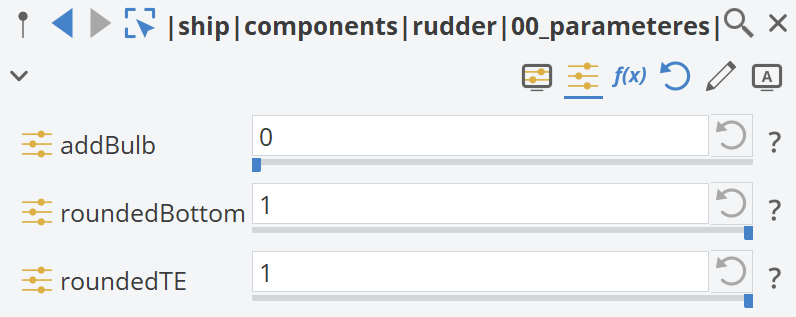
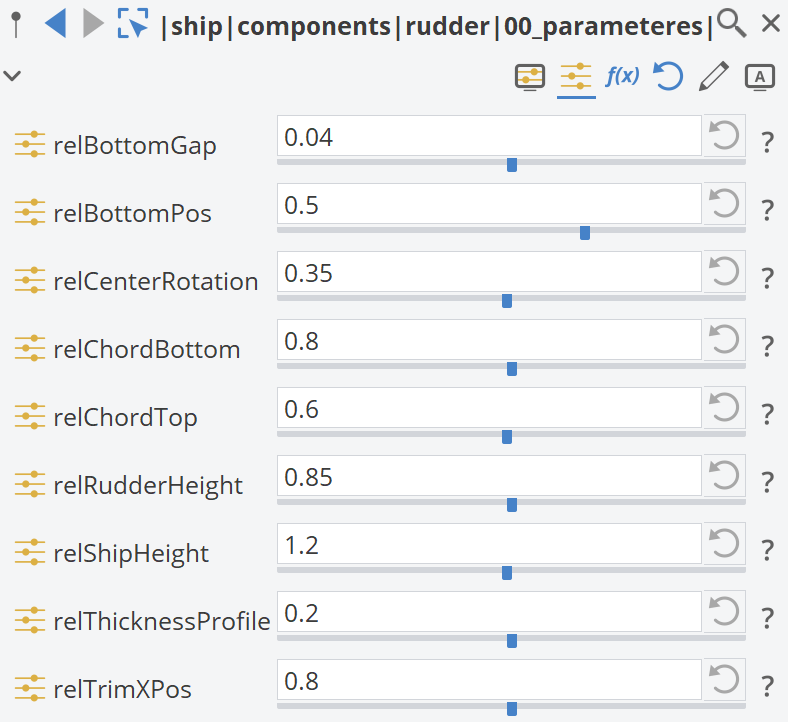
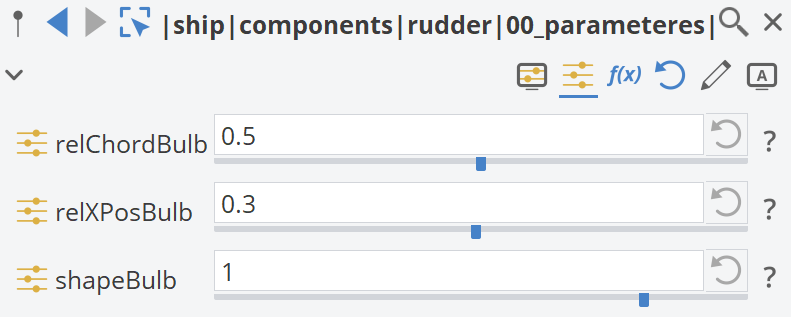
00_booleanDimensions: Boolean variables with values 1 (true) and 0 (false).01_relativeDimensions: Relative variables controlling the geometry of the rudder.02_bulbDimensions: Bulb variables affecting the bulb geometry, if enabled.03_derivedDimensions: Derived variables based on the relative dimensions.
The Design Variables defined within these sub-scopes control the geometry of the Rudder component and are shown below.
Geometry Curves
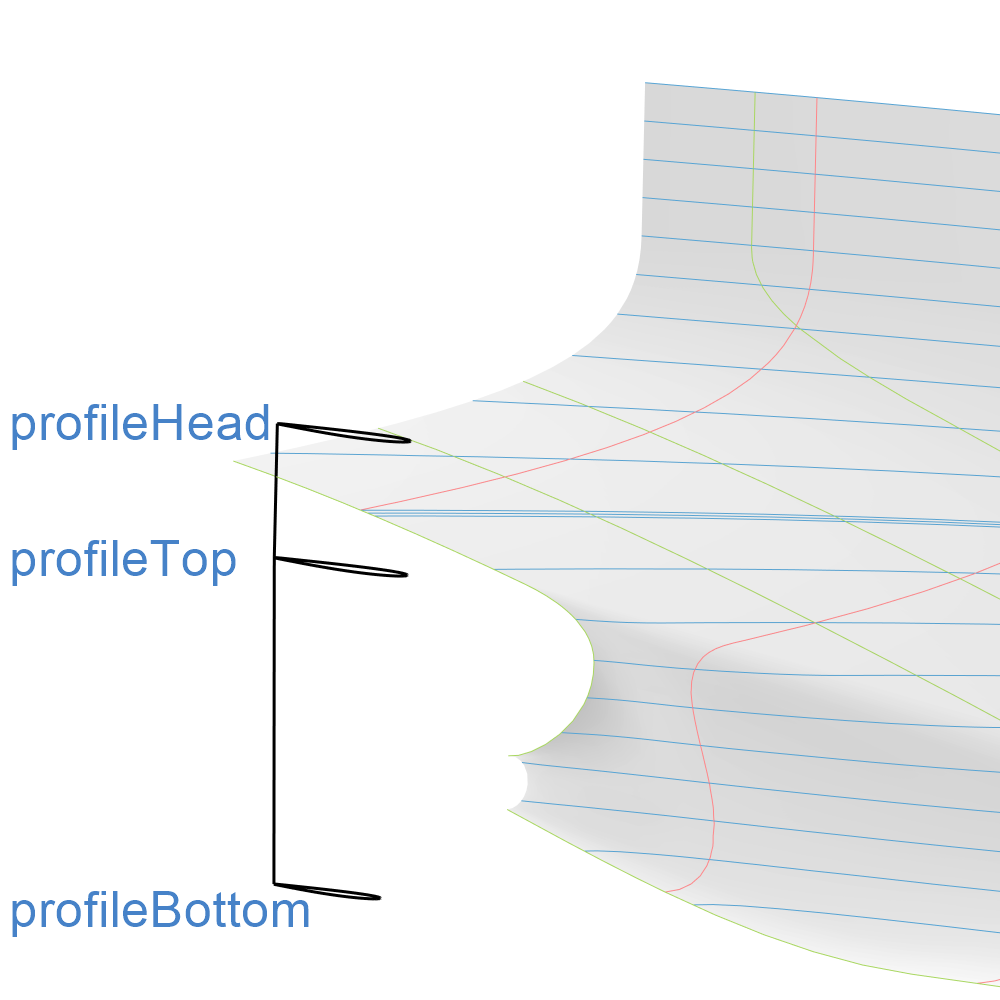
The Design Variables from the previous scope are used to generate the Geometry Curves for the Rudder BRep, as shown below.
Surfaces
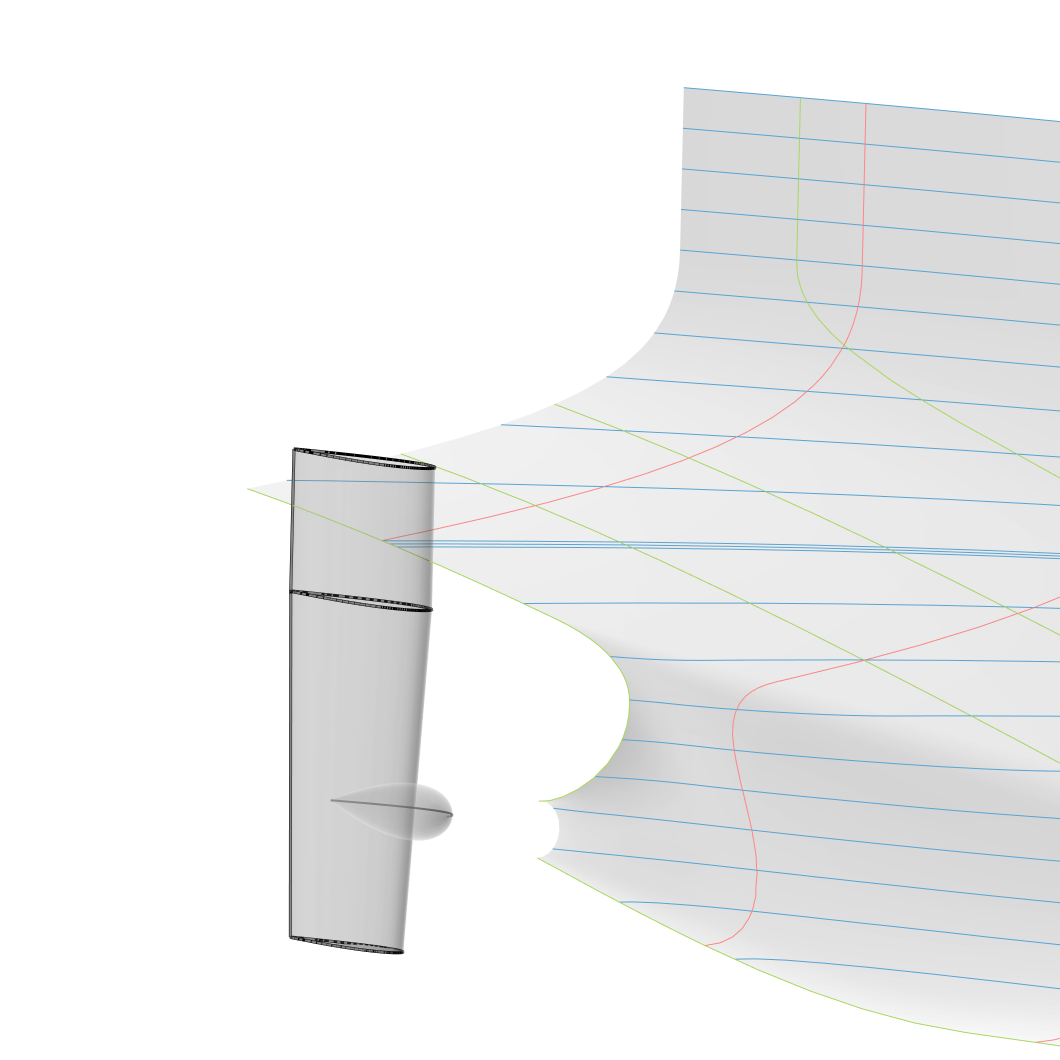
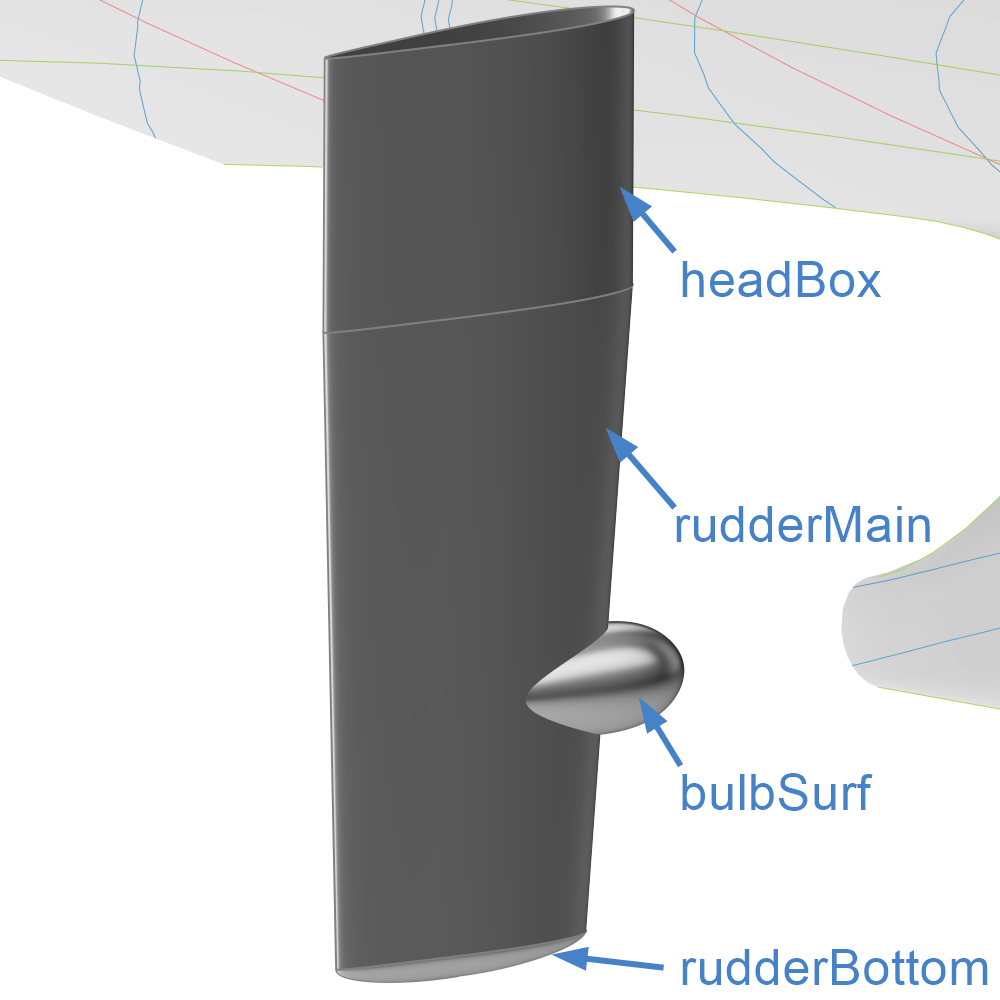
The Geometry Curves from the previous scope are used to generate the Surfaces for the Rudder BRep, as shown below.
BRep
The final BRep for the Rudder component can be found in the 03_brep scope. It is generated from the surfaces defined in the previous scope.
Semi-Balanced Rudder
If the semi-balanced rudder type is selected in this scope, a set of sub-scopes is generated:
00_parameters01_basePart02_rudderPart03_skegPart04_headboxPart
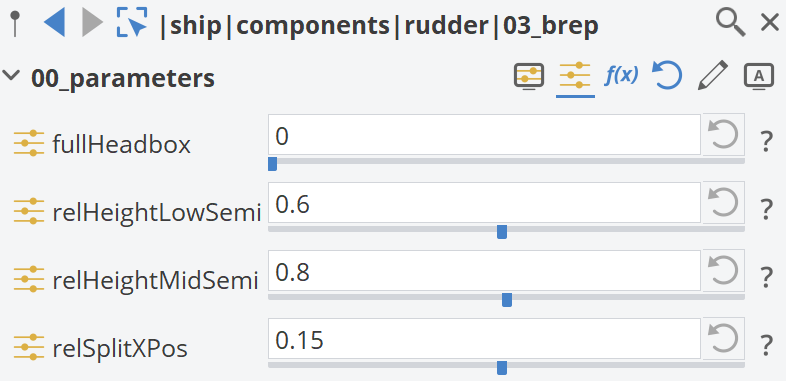
Within the 00_parameters sub-scope, an additional set of Design Variables is generated, as shown below.
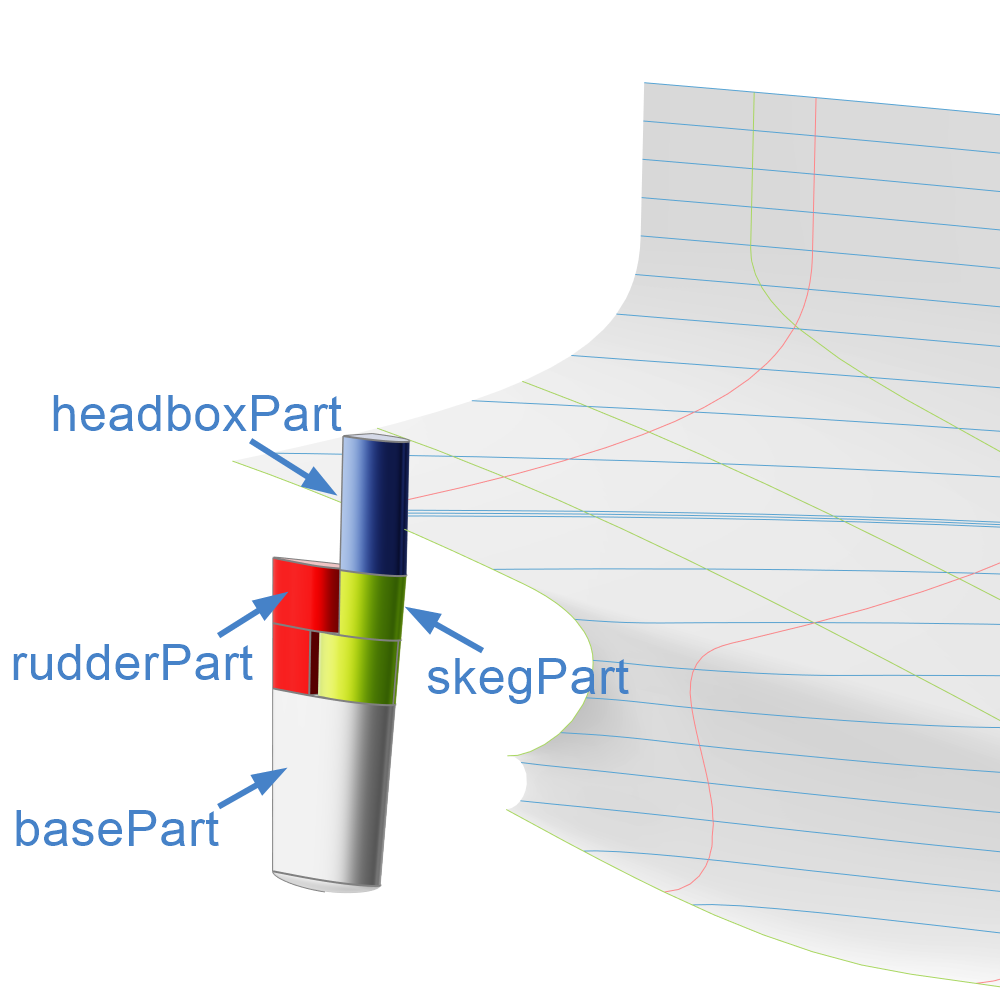
The following image shows the intermediate BReps generated in each sub-scope, which are combined to obtain the final semi-balanced Rudder BRep.