Single Skeg
When using the Ship Modelling Workflow creating the hull out of Components a skeg has to be added for quite a few projects. This is envisioned in the workflow offering a single skeg, which is covered in this page, and twin skeg options.
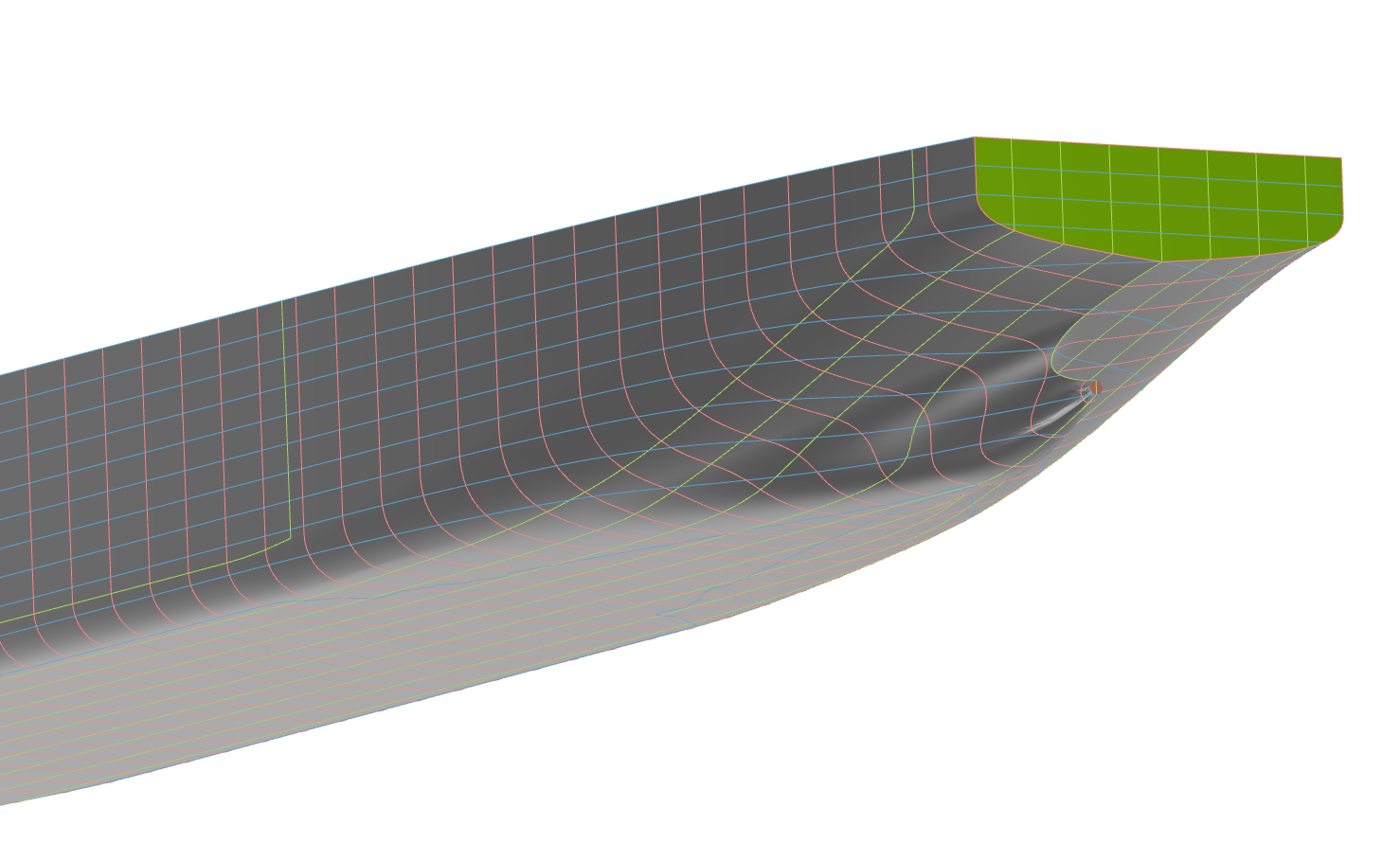
Workflow
For this guide it is assumed that the main Parameters for the Bare Hull have been set and the bare hull created out of Aftship, Midship and Foreship. Remaining options are the skeg and bulb.
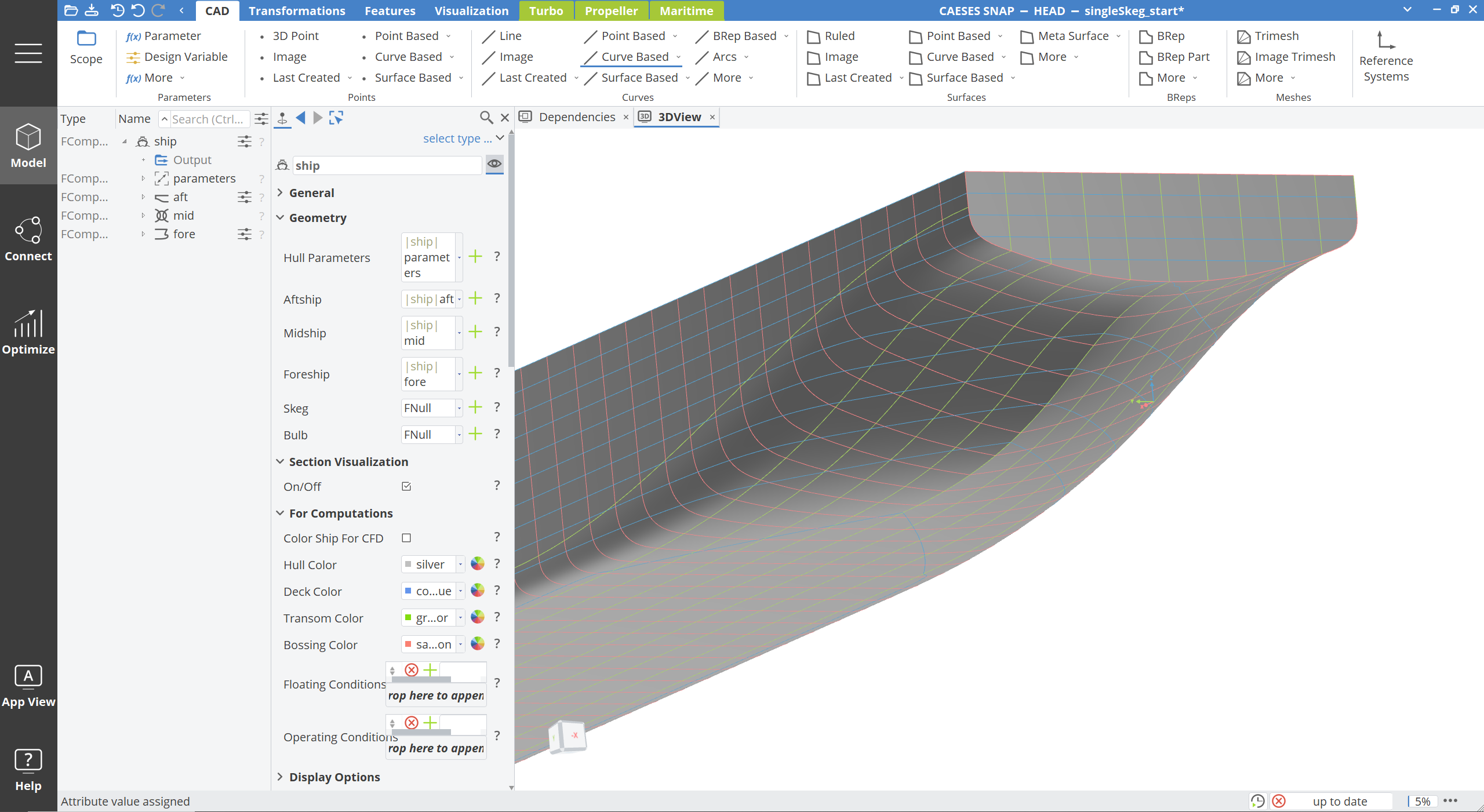
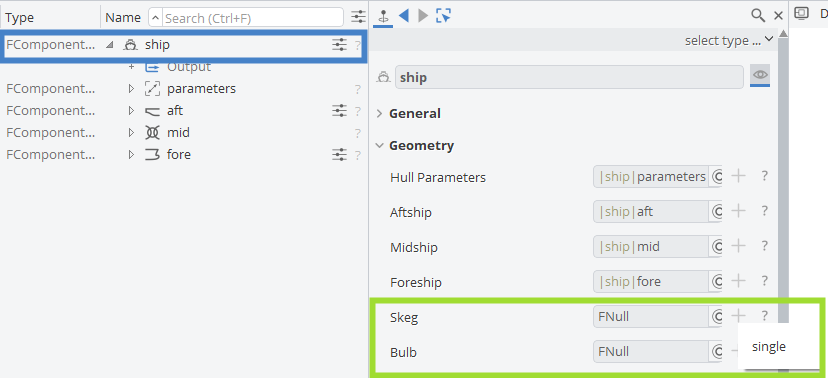
To create a single skeg select "new" (green cross) in Model > CAD > "|ship" with the option single:
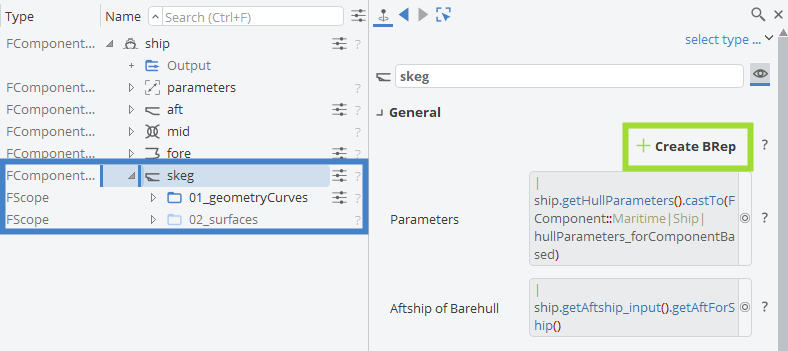
This will invoke the Skeg Component of the Ship Component (Model > CAD > "|ship|skeg") and create the defining curves for the skeg Meta Surface:
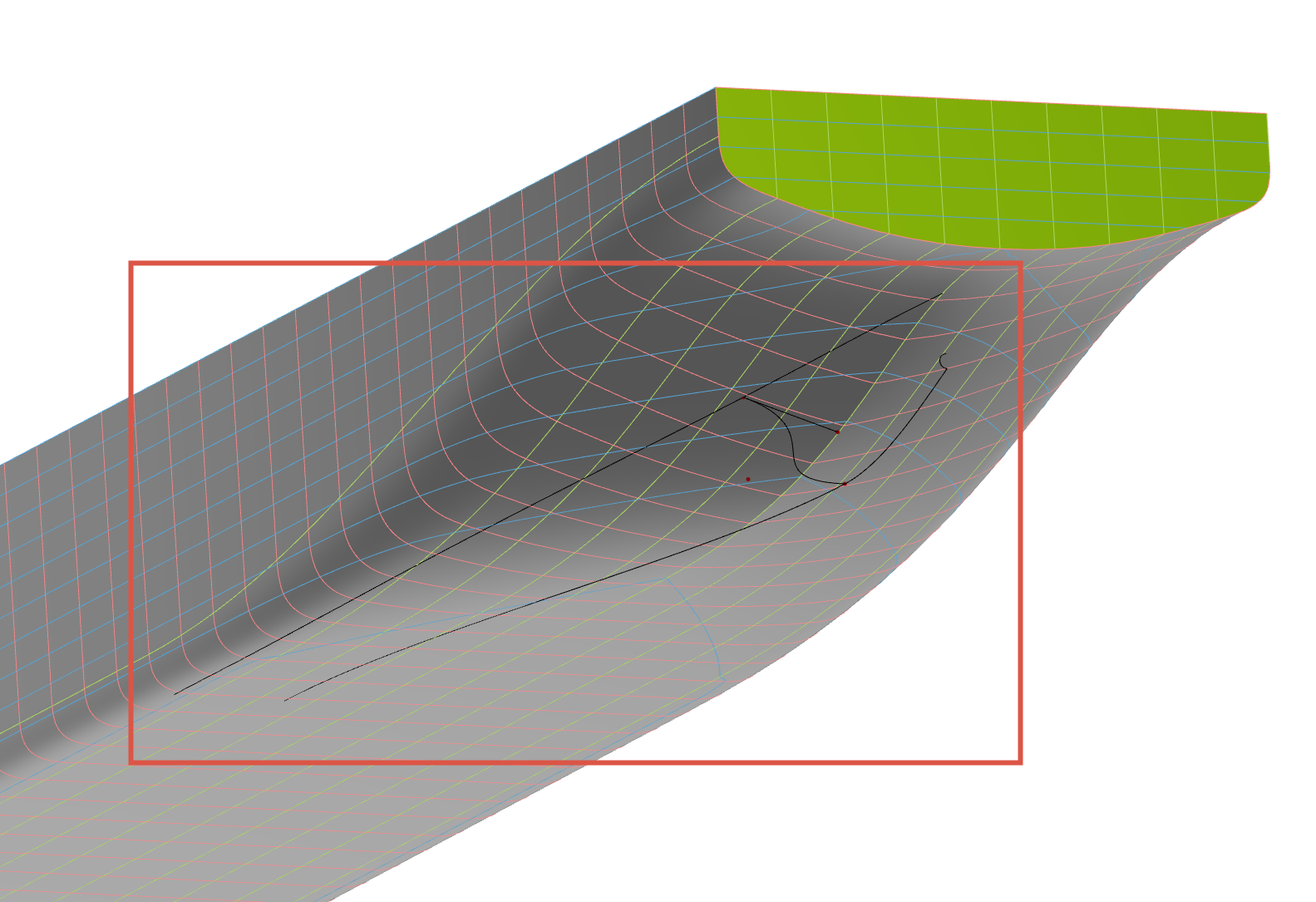
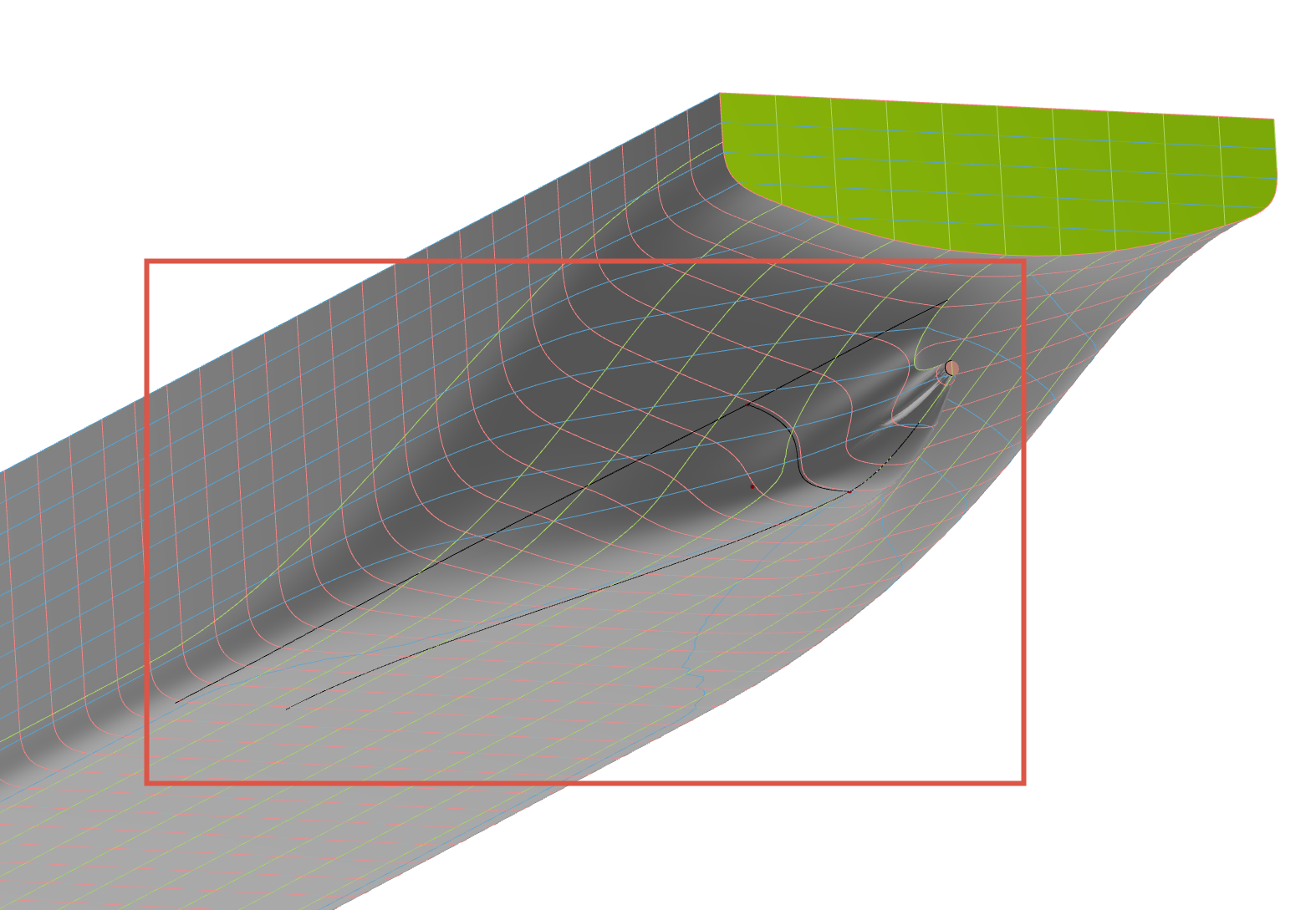
At this stage it is recommended to check if the curves fulfil the expectations and, if not, adjust the skegs Parameters accordingly (see further down). To generate the Meta Surface forming the skeg and join with the hull select Model > CAD > "|ship|skeg" and invoke the CreateBRep functionality:
to finalize the hull with skeg.
Parameters
The Ship Component holds a range of Parameters to define the main particulars and general shape of the vessel. The detailing is furthered by additional Parameters contained in the individual Sub-Components, e.g. in Model > CAD > "|ship|skeg":
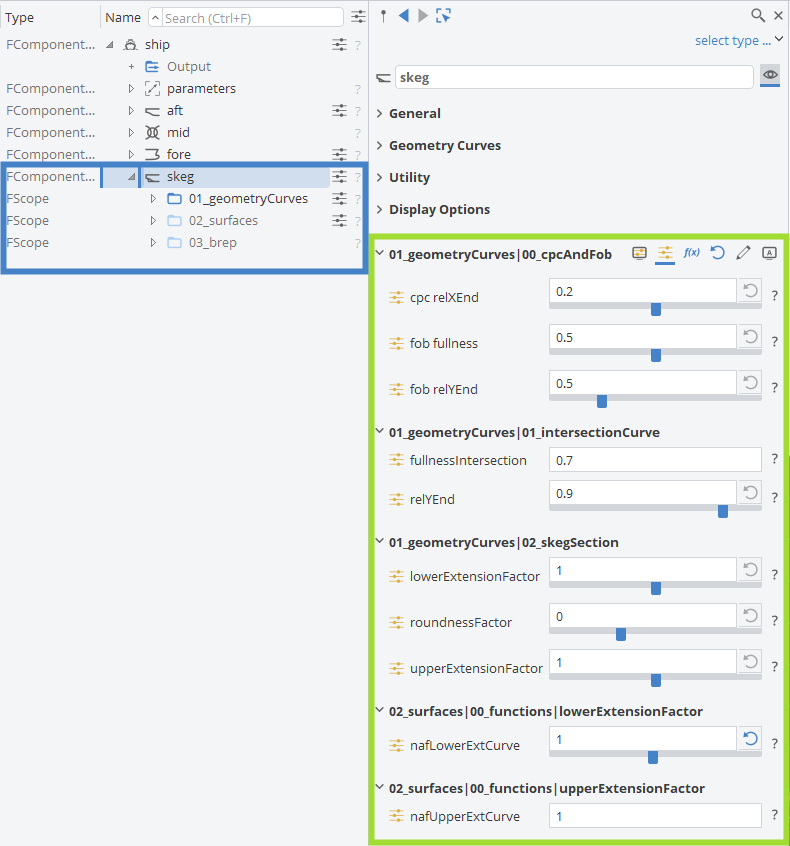
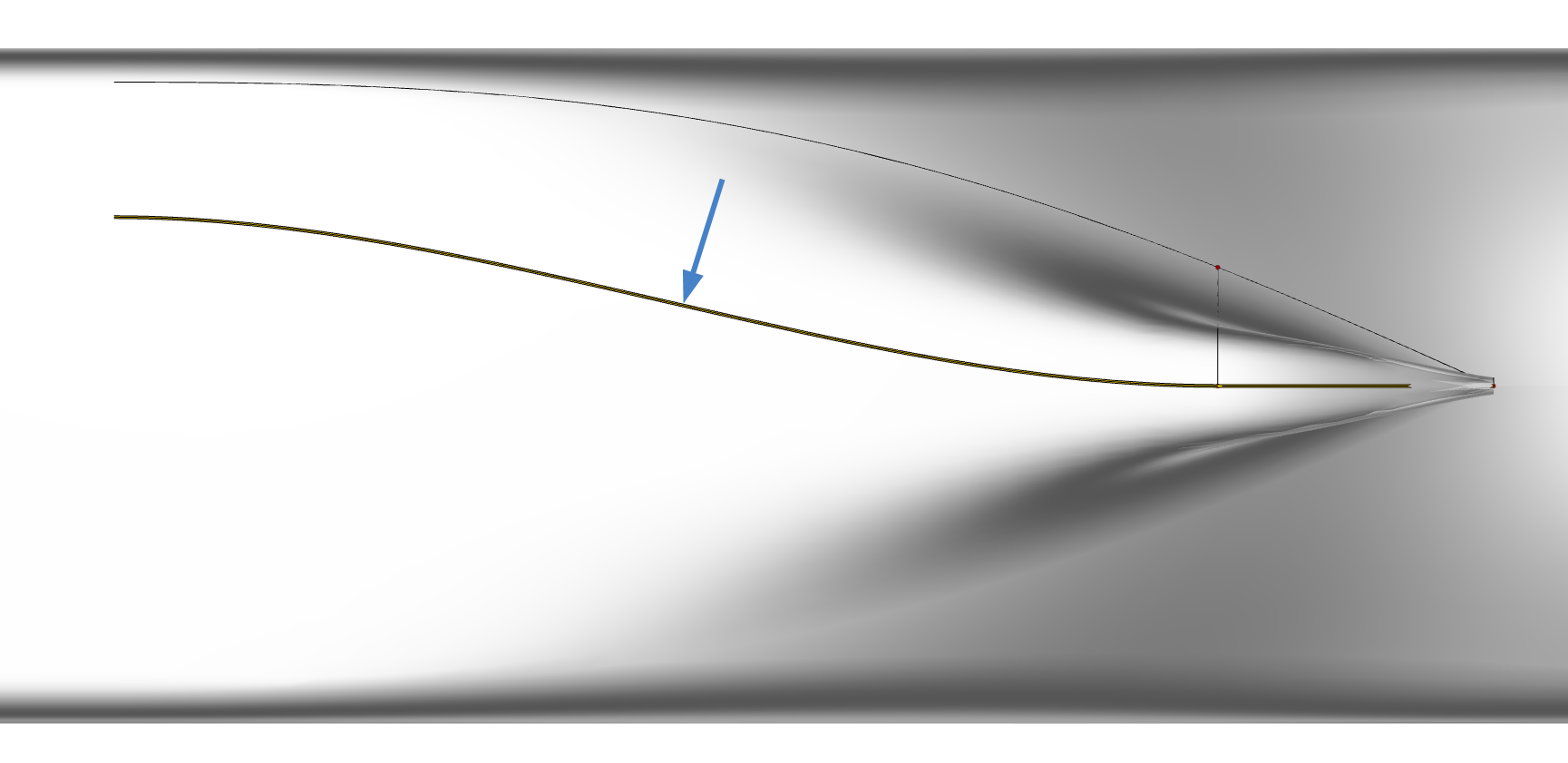
The Parameters in Model > CAD > "|ship|skeg|01_geometryCurves|00_cpcAndFob" cover the behavior of the defining curve of the Flat of Bottom:
The Parameters in Model > CAD > "|ship|skeg|01_geometryCurves|01_intersectionCurve" cover the behavior of the upper intersection curve of the skeg without fairing into the hull. This defines the width of the skeg:
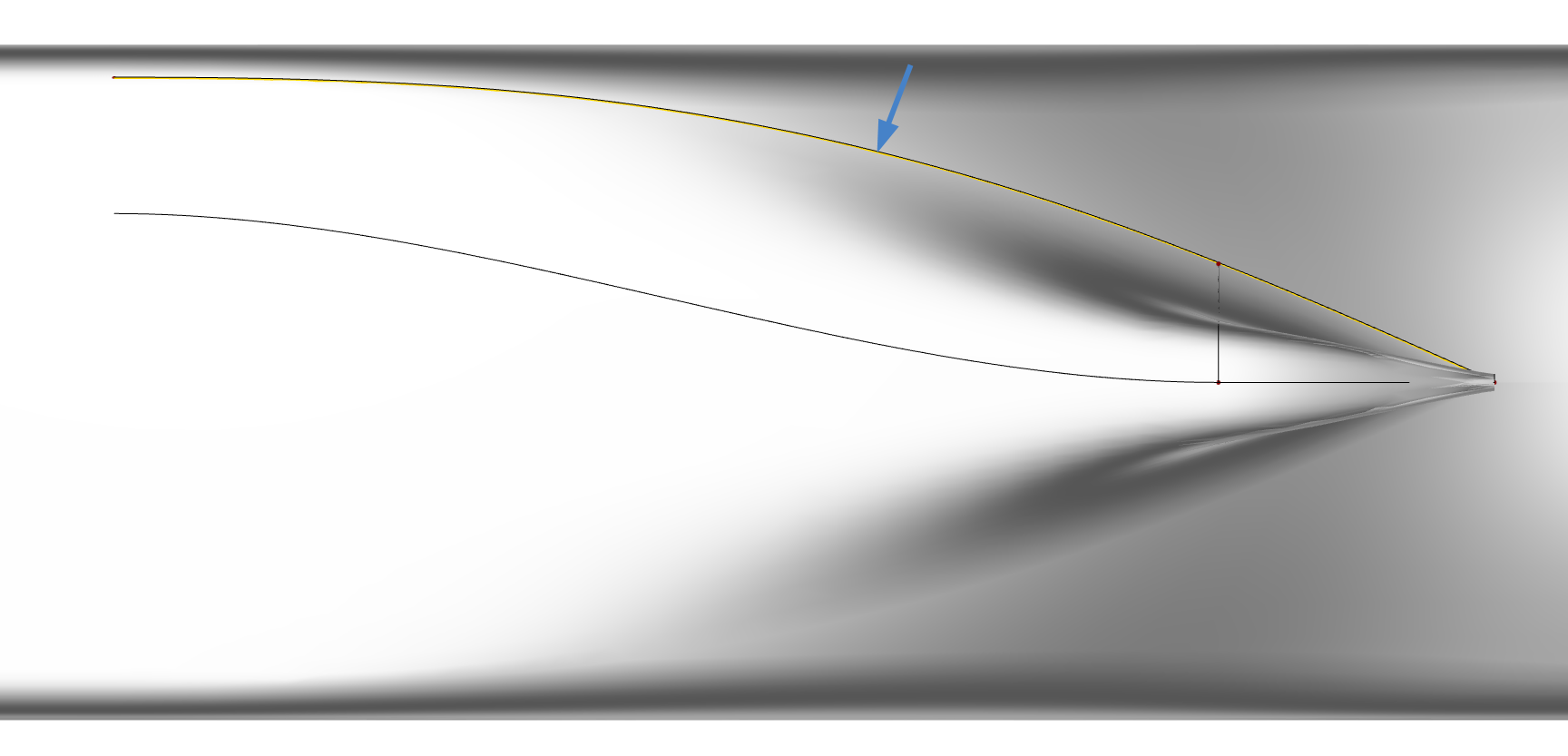
Last, but not least, the section shape of the skeg is defined by the Parameters in Model > CAD > "|ship|skeg|01_geometryCurves|02_skegSection":
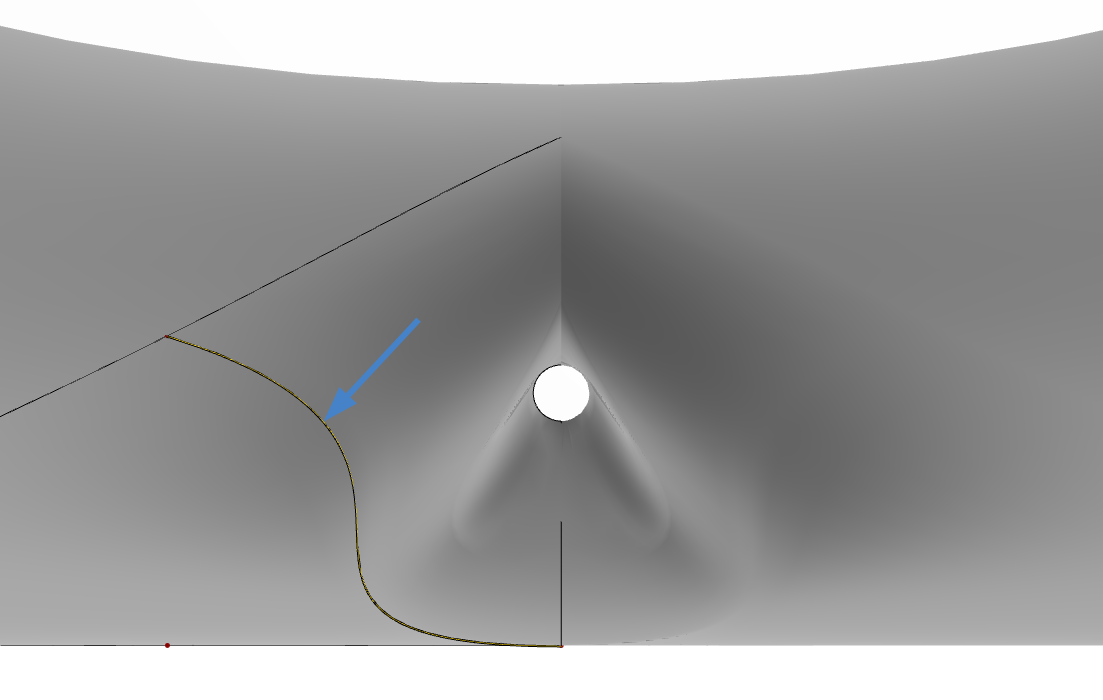
The model is quite robust and allows a lot of flexibility to create a wide range of different hull shapes. While this allows great freedom to define the shapes of different vessel types it carries the inherent risk of generating implausible shapes by unfeasible combinations of Parameters. It is therefore advised to check the range of shapes generated e.g. by a Sobol prior to running any optimization and adjust the parameter boundaries to create only meaningful shapes for the vessel in question.