Maritime Software Connections
For Ship Hulls
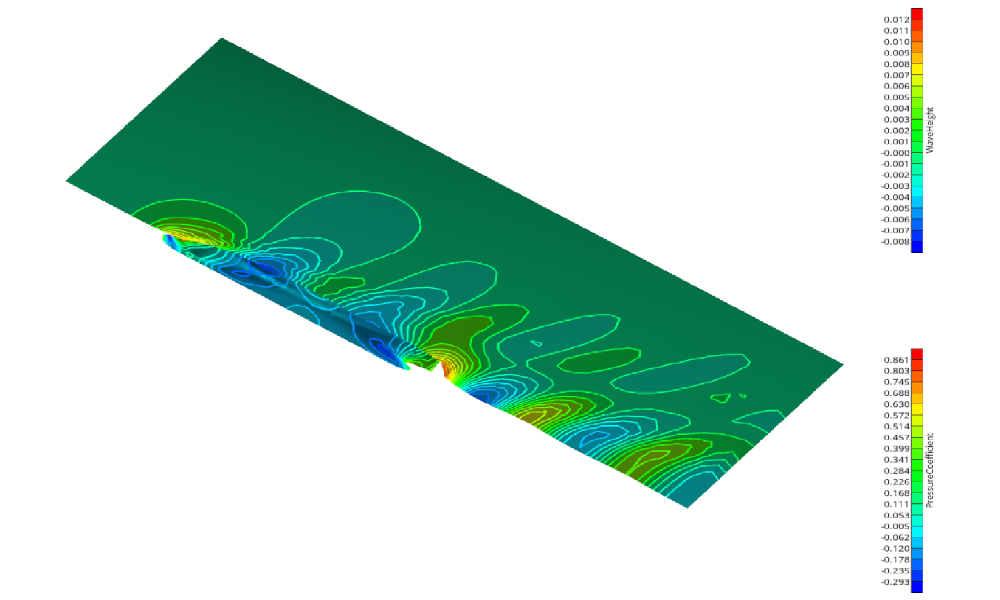
Shipflow Connection
A step-by-step shipflow connection setup.
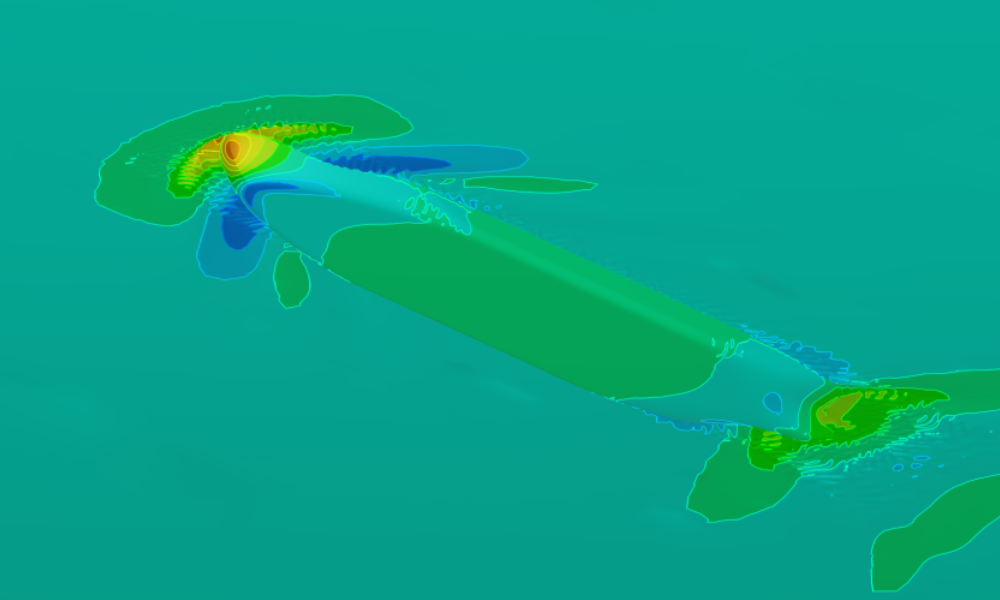
openFOAM Connection
Shows how to setup the pre-configured OpenFOAM connector for a ship based on the ship modeling workflow.
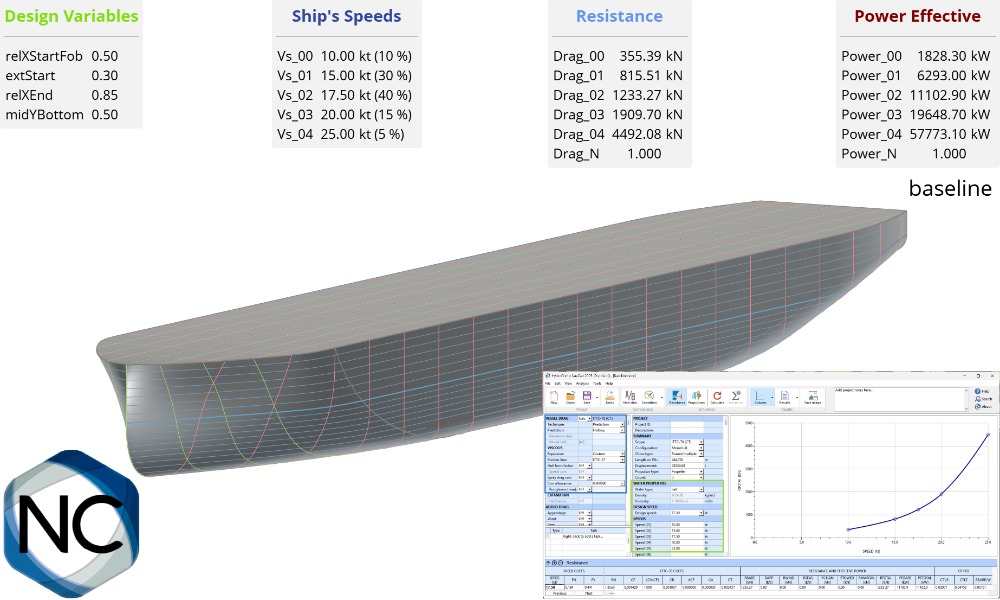
NavCad Connection
Learn how to connect NavCad with CAESES for hydrodynamic and propulsion system optimizations.
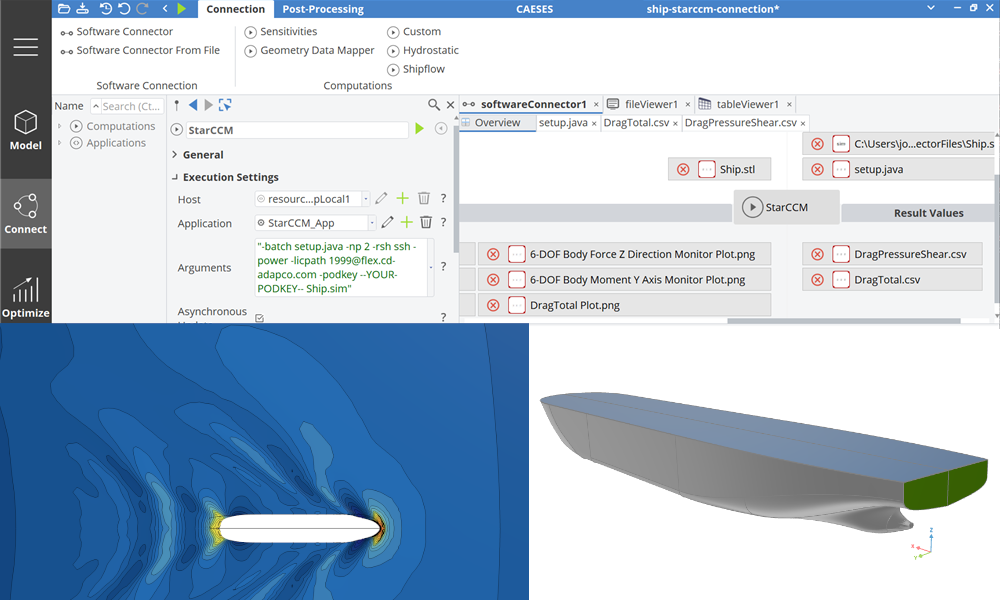
Maritime StarCCM+ Connection
Shows how to setup the pre-configured StarCCM+ connector for a ship based on the ship modeling workflow.
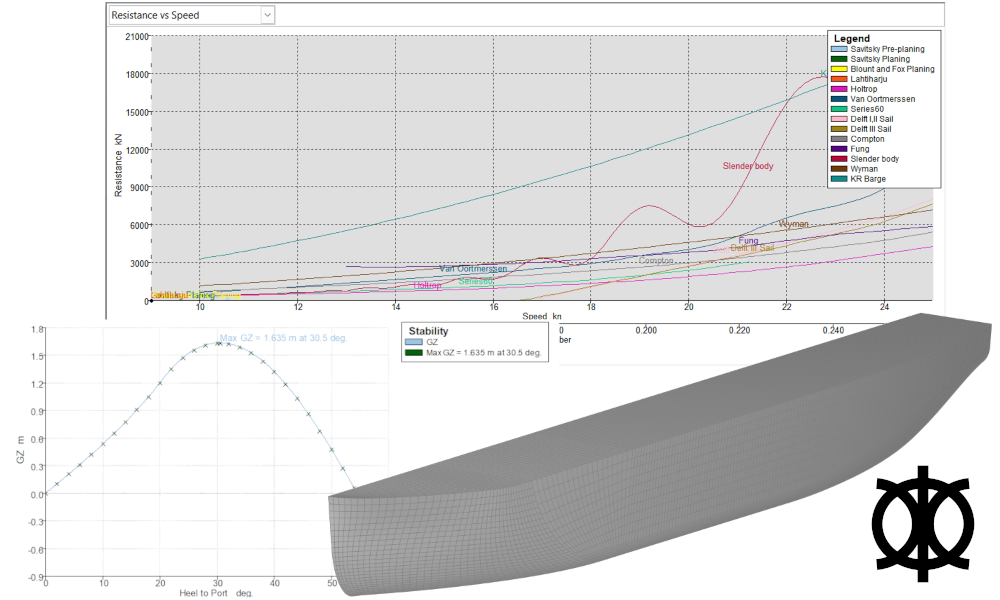
Maxsurf Connection
Connect Mawsurf for stability and resistance calculations.
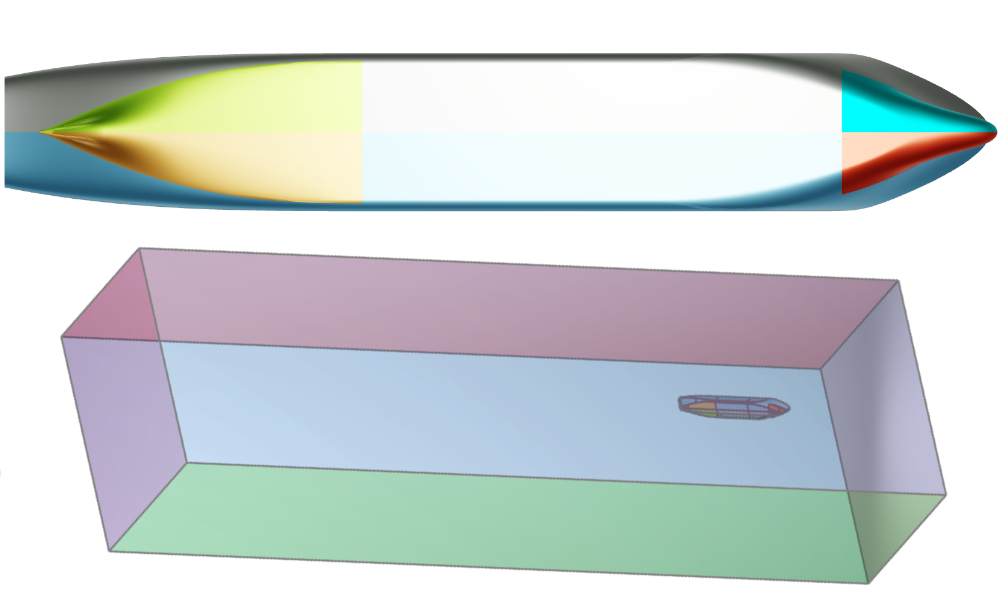
Fine Marine Pre-Processing
Boundary conditions setup by assigning colors in CAESES, for HEXPRESS mesh generation with a colored STL as export format.
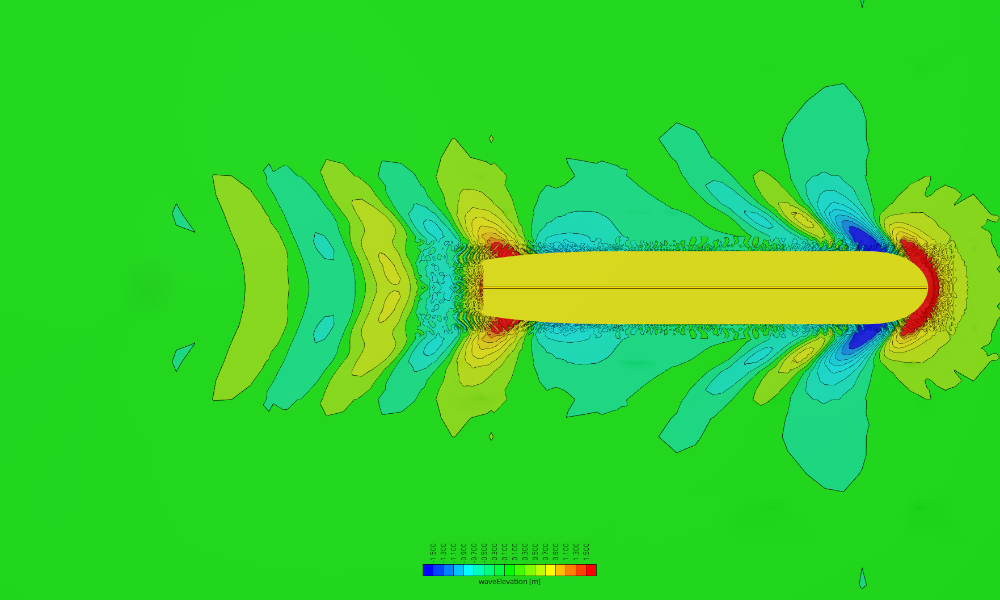
Naval CFD Post-Processing
Setup of a Reynolds-transformation of integral values as well as preparation of visualizations.
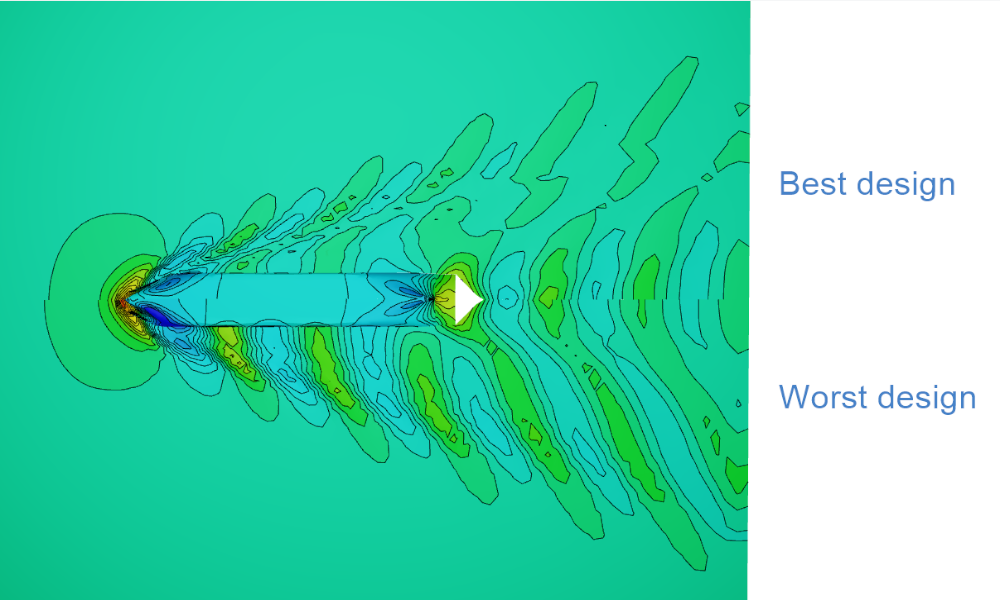
CFD Results Comparison
How to compare CFD results in the 3D view using the default ship from the Ship Modeling Workflow, evaluated using a simple SHIPFLOW setup.